Talking points · Notebook
Notebook agenda overlay for OBS & Streamlabs
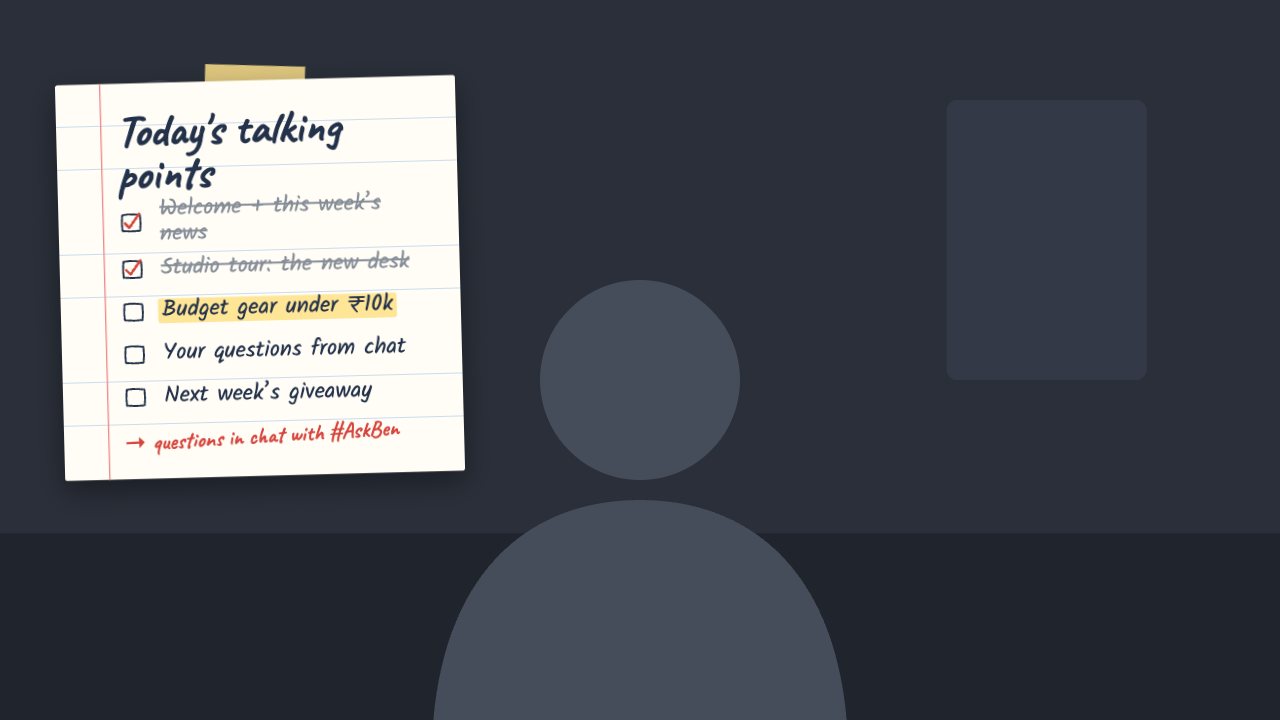
A taped-on notebook page with a hand-written agenda. Tick points off live; the next one is highlighted.
Included in Creator and up
- Editable settings
- 6
- Live controls
- 5
- Resolution
- 1080p & 4K
- Background
- Transparent
About this agenda
Notebook shows your agenda on lined paper with a strip of tape and a red margin. Done items get a tick; the next one gets a highlighter.
Tick through points from the remote as the show moves on.
What you can customise
Text & content
- Title
- Points
- Points done
- Footer note
Colours & fonts
- Pen colour
- Highlighter
Live controls on your phone
Every button works from the studio, the phone remote or a producer link — and every screen updates together.
- Show
- Hide
- Tick next point
- Undo
- Start over