Skip to content
CrispOverlays
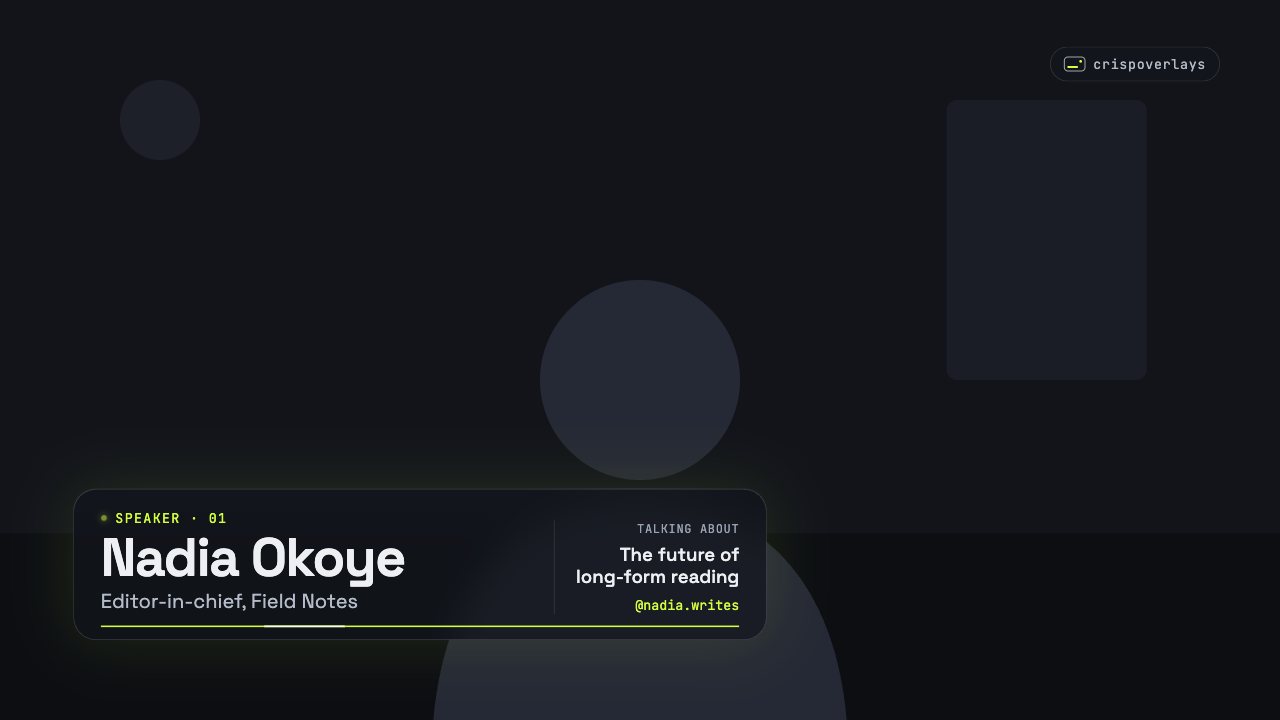
Signature lower third overlay for OBS and Streamlabs — Lower third · Signature
Lower third · Signature

Signature lower third overlay for OBS & Streamlabs

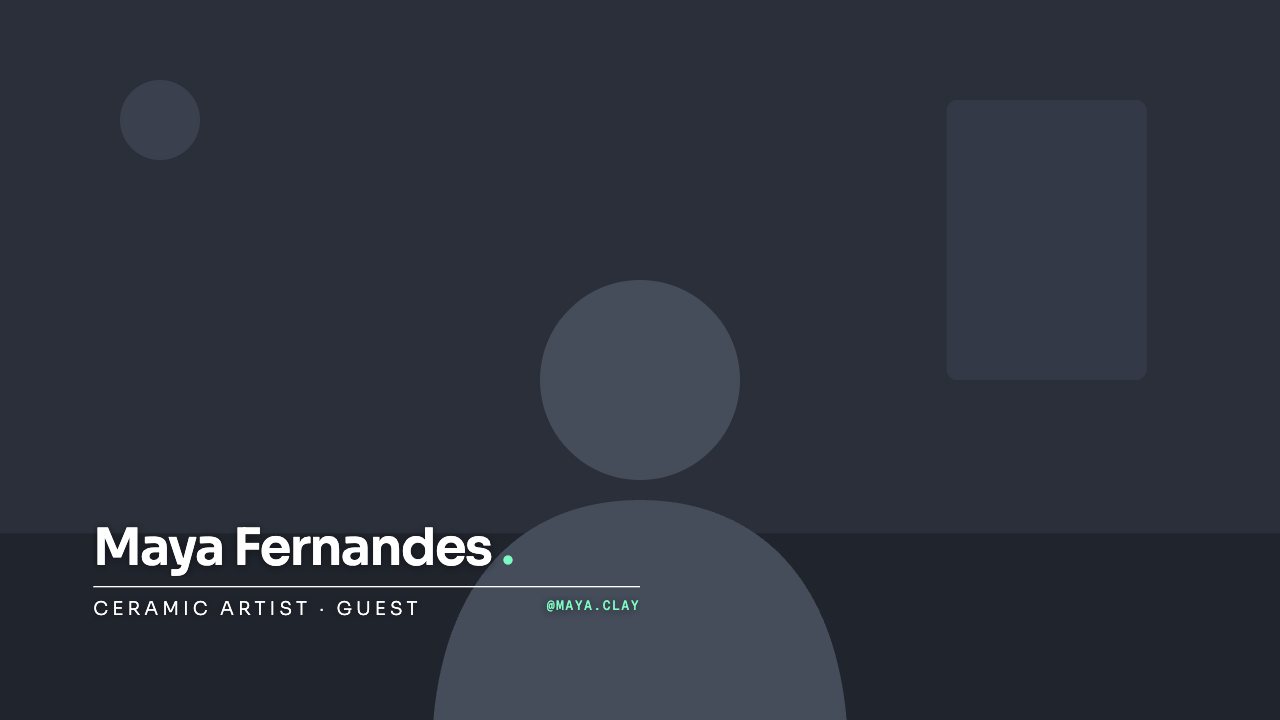
A handwritten script lower third with an animated swash under your name. Warm and personal — great for cooking, lifestyle and church streams.

Free on every plan

Editable settings
4
Live controls
2
Resolution
1080p & 4K
Background
Transparent

About this lower third

Signature writes your name in a flowing script with a hand-drawn swash, then fades in two roles beneath it.

It brings warmth to cooking shows, lifestyle channels, weddings and worship services.

CrispOverlays lower thirds are animated, transparent and editable while you’re live. Type a new guest name on your phone and it slides onto your stream in OBS, Streamlabs, vMix or XSplit a moment later — no refreshing browser sources, no exporting video files.

What you can customise

Text & content

  • Name
  • Role
  • Second role

Colours & fonts

  • Accent

Signature lower third: questions

How do I add the Signature lower third to OBS?

Click “Use this overlay” and sign in — it’s added to your first stream. Copy your stream’s browser source URL. In OBS Studio or Streamlabs, add a Browser source, paste the URL and set 1920 × 1080. Edit the overlay in CrispOverlays or on your phone — changes appear live.

Can I change the Signature lower third while I’m live?

Yes. All 4 settings — name, role, second role and more — update on stream the moment you change them, from your computer or phone.

Is the Signature lower third free?

Yes — it’s included on the Free plan, with a small CrispOverlays watermark. Paid plans remove the watermark and unlock colours and fonts.

Can it use my brand colours?

Yes. Switch it to “My brand” and its 1 brand colour follow your brand kit. Switch back any time to the original colours.

How do I add a lower third in OBS?

Pick a lower third in CrispOverlays, copy your stream’s browser source URL and add it in OBS as a Browser source at 1920 × 1080. Edit the name and title in CrispOverlays and it updates live.

Can I change the name during a live stream?

Yes. Every lower third is edited live — from the studio on your computer or the remote on your phone — and the change appears on stream instantly.

Put the Signature lower third on your stream

Free plan · No download · Works in any app with a browser source.

Create your first overlay — free