Lower thirds for OBS, Streamlabs and live streams
A lower third is the name strap that sits in the bottom third of the screen — the guest’s name, their title, the topic you’re discussing. It’s the single graphic that makes a stream look like television.
CrispOverlays lower thirds are animated, transparent and editable while you’re live. Type a new guest name on your phone and it slides onto your stream in OBS, Streamlabs, vMix or XSplit a moment later — no refreshing browser sources, no exporting video files.
Lower third designs
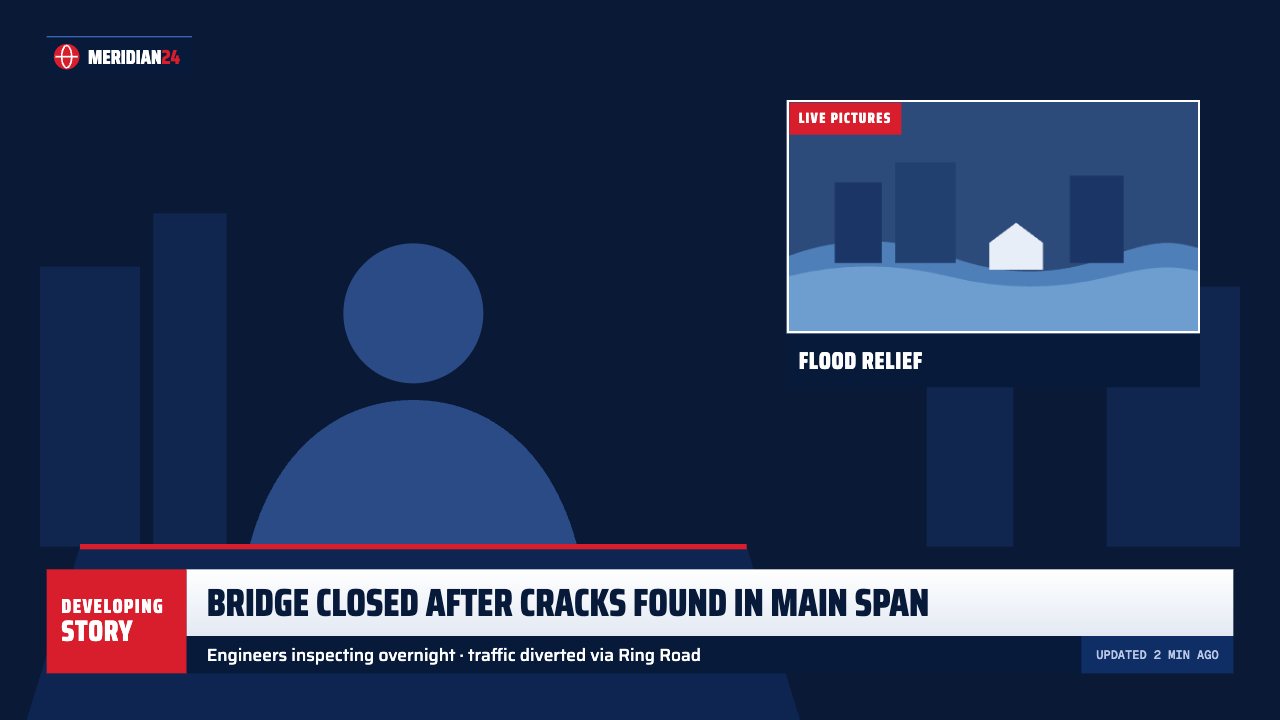
Headline super lower third
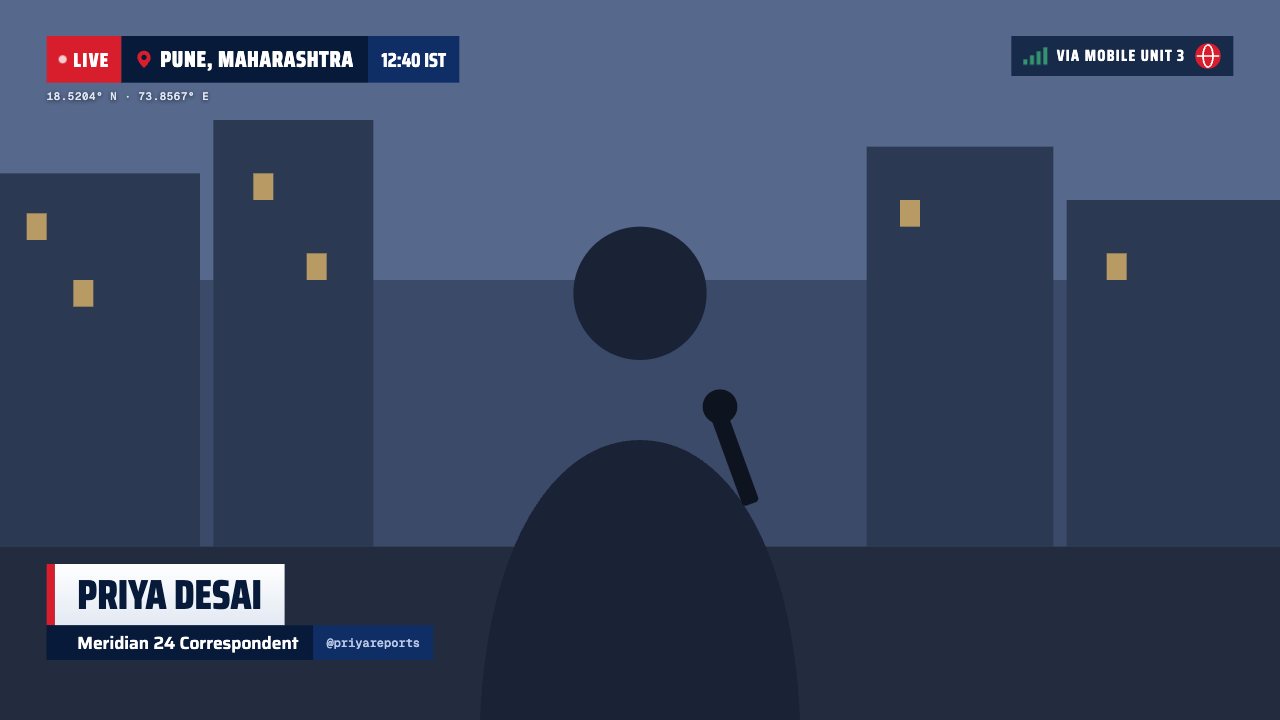
Live on location lower third
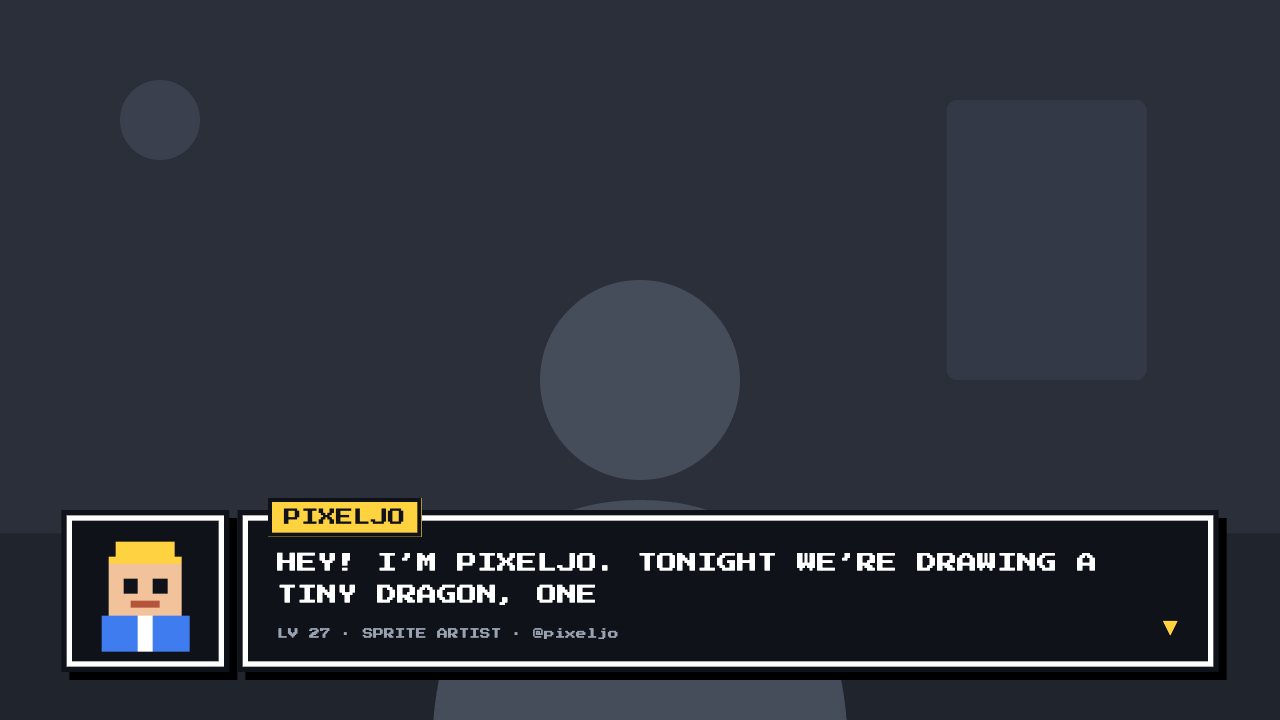
8-bit lower third
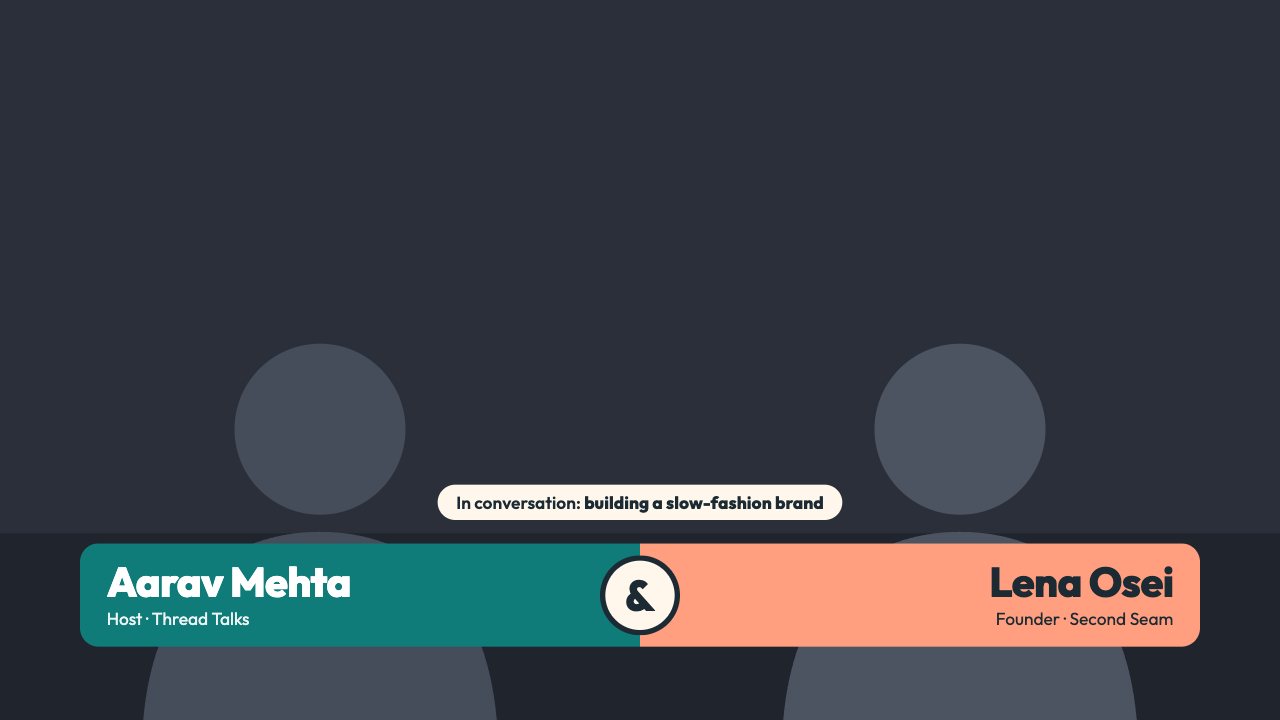
Duo Split lower third
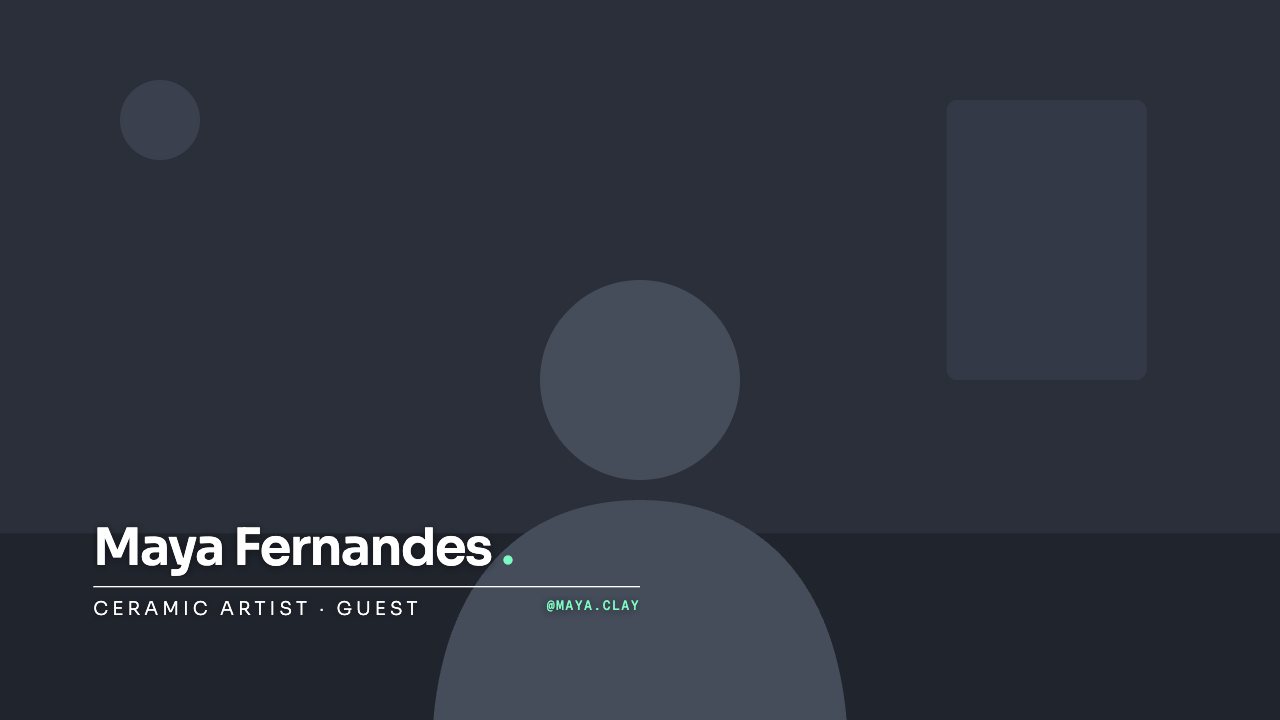
Hairline lower third
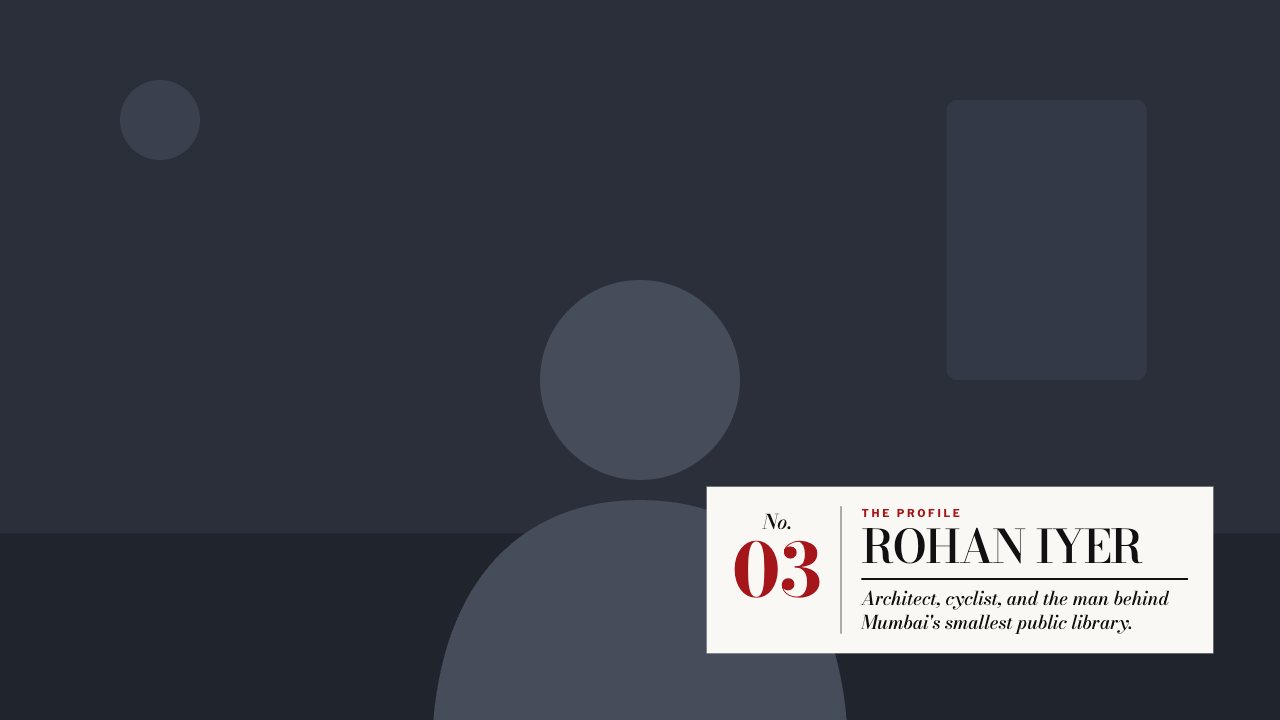
Magazine lower third
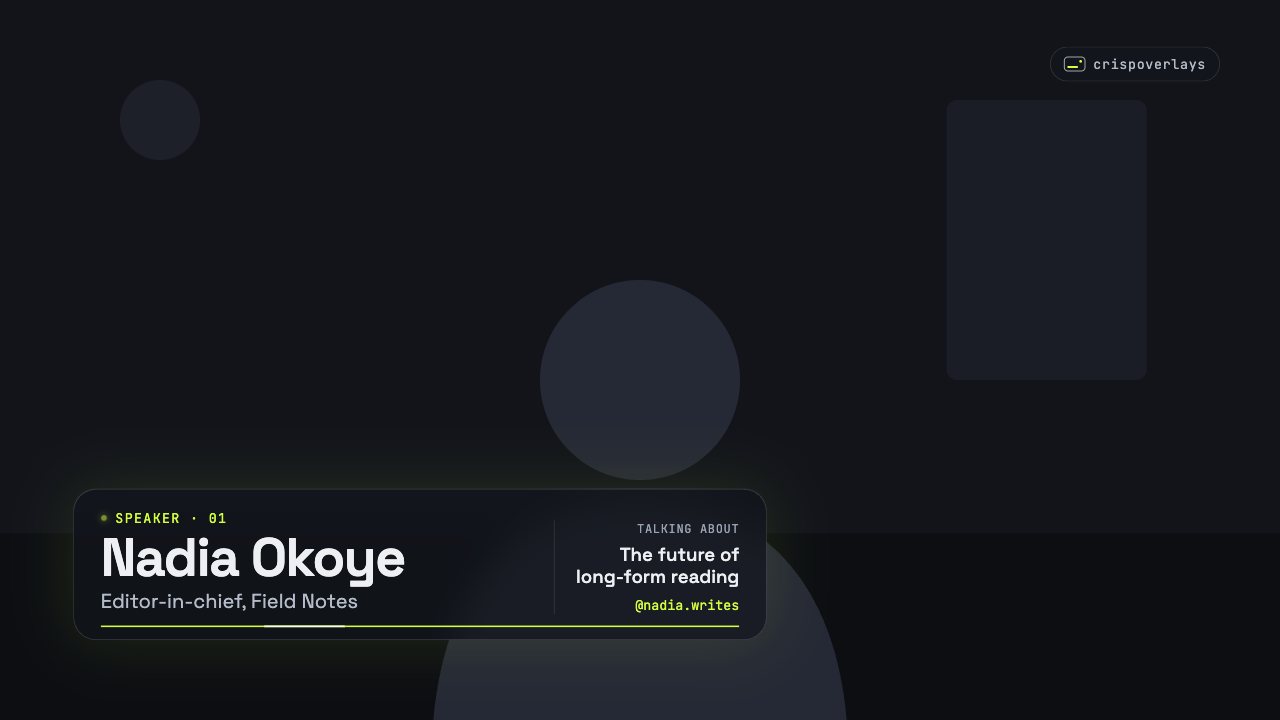
Nightglass lower third
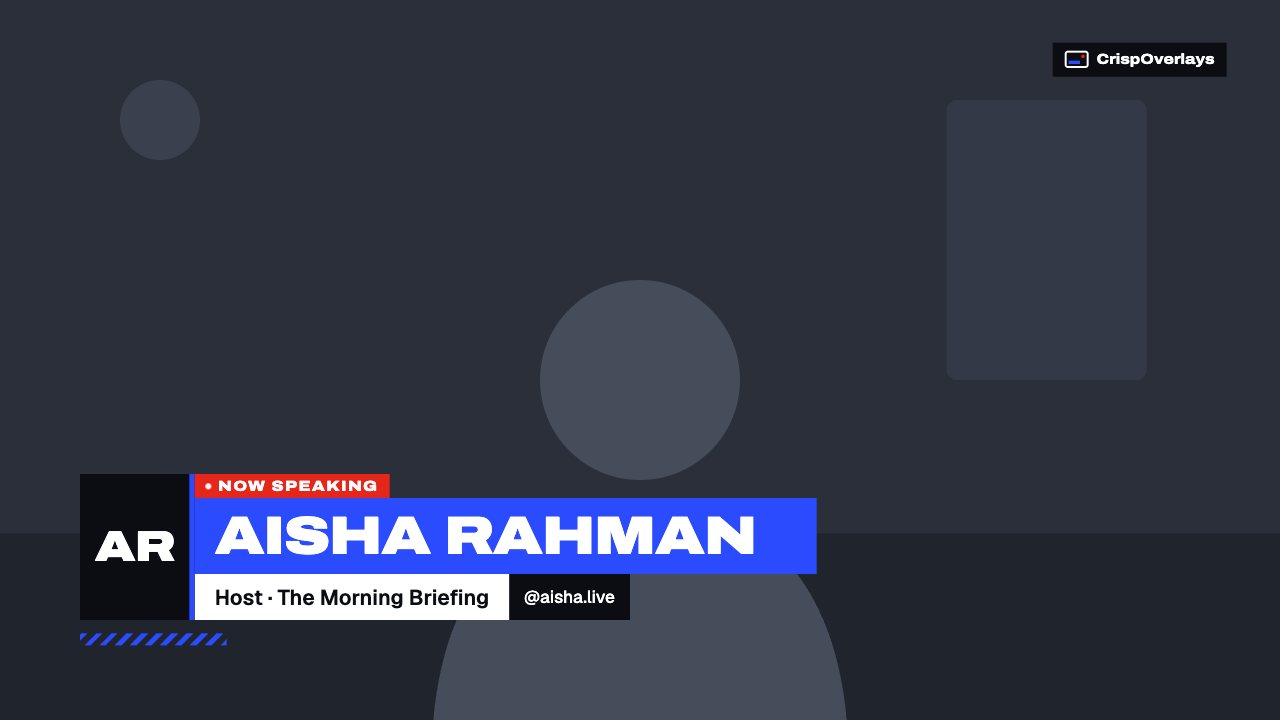
Pulse lower third

Signature lower third
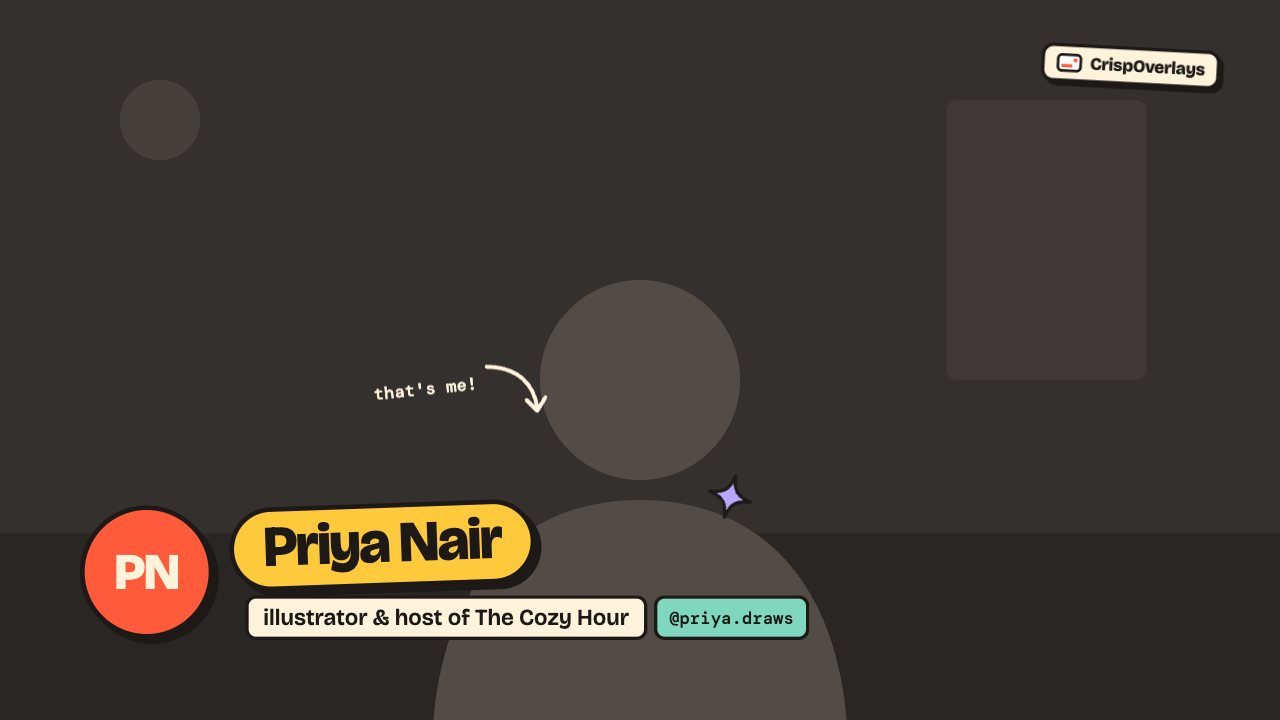
Sticker lower third
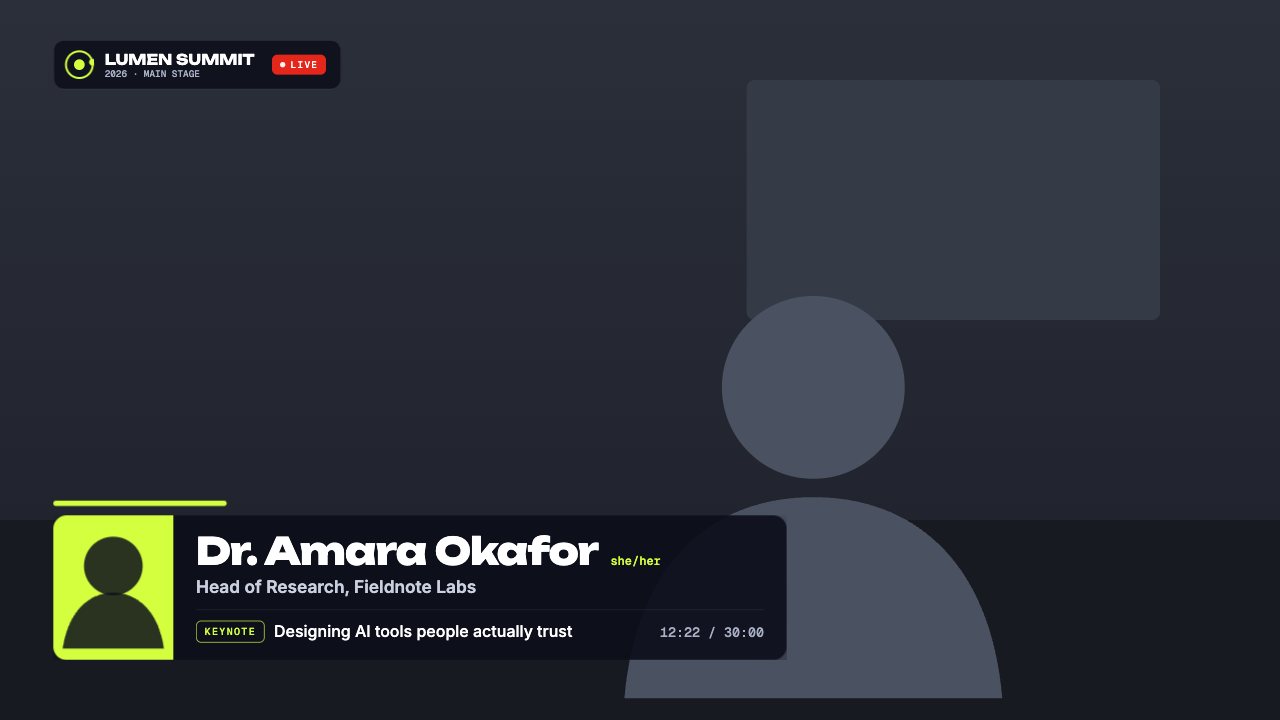
Conference speaker lower third
Popular for
Lower thirds: questions
How do I add a lower third in OBS?
Pick a lower third in CrispOverlays, copy your stream’s browser source URL and add it in OBS as a Browser source at 1920 × 1080. Edit the name and title in CrispOverlays and it updates live.
Can I change the name during a live stream?
Yes. Every lower third is edited live — from the studio on your computer or the remote on your phone — and the change appears on stream instantly.
Can I show and hide a lower third on cue?
Yes. Use the Show / Hide button, a keyboard shortcut, or the remote. The lower third animates in and out every time.
Are these lower thirds free?
5 of 11 lower thirds are free on every plan. The rest are included in Creator or Studio.
Do these lower thirds work with OBS and Streamlabs?
Yes. They work in OBS Studio, Streamlabs Desktop, XSplit, vMix, Twitch Studio, Meld Studio, PRISM Live Studio and any app with a browser source.
More overlay types
- News tickers
- Breaking news banners
- Stream alerts
- Webcam frames
- BRB screens
- Countdown timers
- Clocks & dates
- Live bugs
- Goal bars
- Chat boxes
- Recent events lists
- Now playing overlays
- Sponsor slots
- Polls
- Q&A cards
- Captions
- Market tickers
- Weather widgets
- Social overlays
- Podcast layouts
- Spin wheels
- Giveaways
- Subathon timers
- Hype meters
- Leaderboards
- Counters
- Credits rolls
- Schedules & ending screens
- Agendas & talking points
- Title cards
- Stinger transitions
- Celebration overlays
- Interactive overlays
- Stream layouts
- News graphics
- About me overlays
- Quiz overlays
- Holiday overlays
Go live with graphics that keep up with you
Free plan · No download · Works in any app with a browser source.
Create your first overlay — free