Skip to content
CrispOverlays
Conference speaker lower third overlay for OBS and Streamlabs — Speaker lower third · Conference
Lower third · Conference speaker

Conference speaker lower third overlay for OBS & Streamlabs

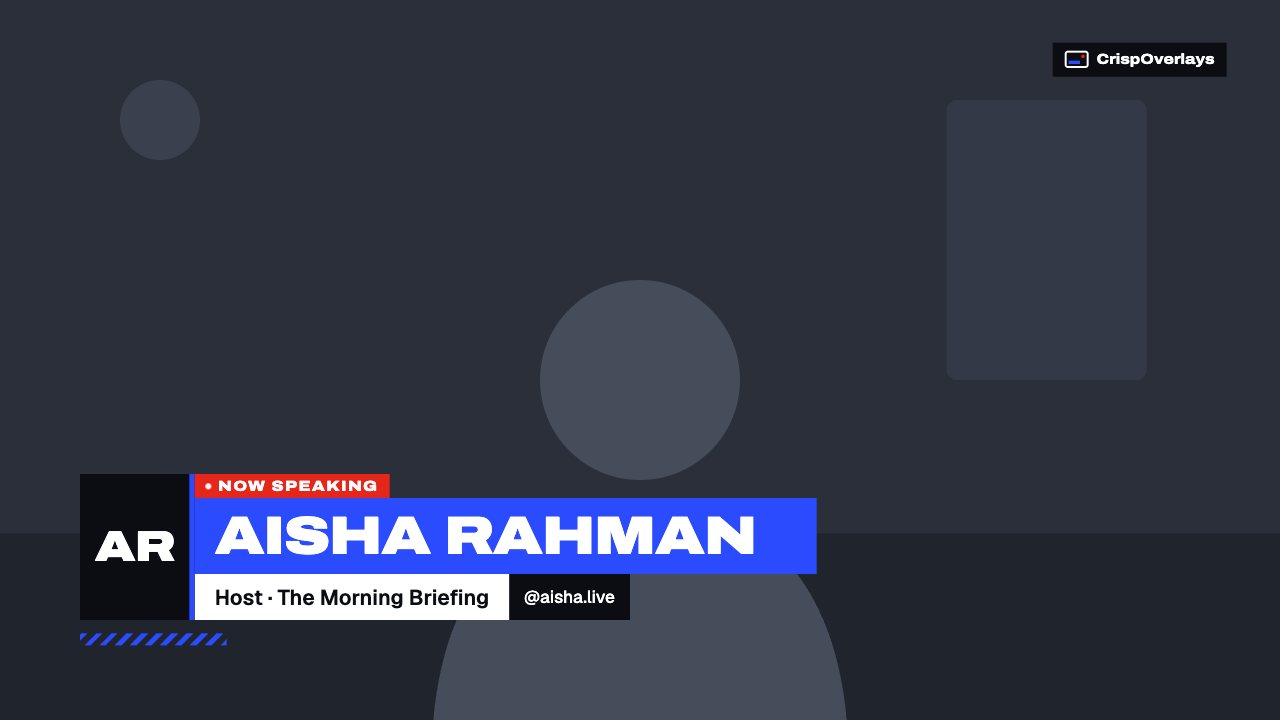
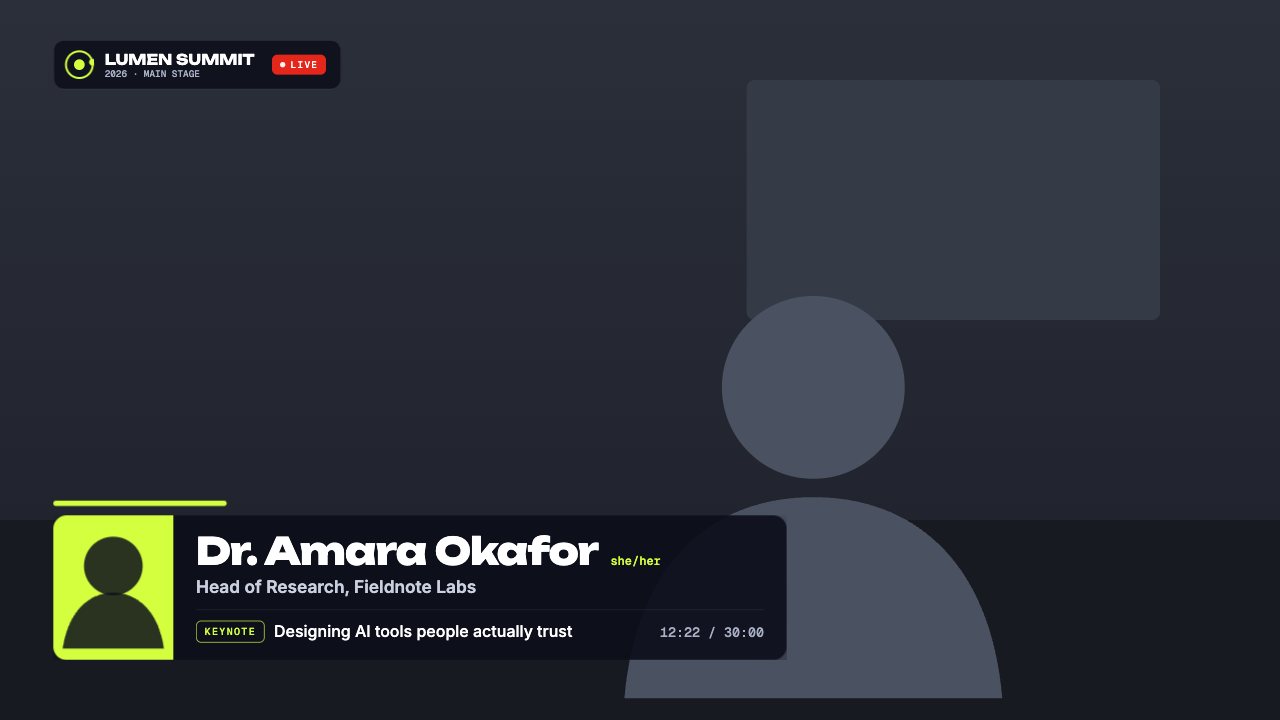
A conference speaker strap with photo, name and pronouns, role, session and track, an event bug with LIVE tag and a talk timer.

Included in Creator and up

Editable settings
14
Live controls
5
Resolution
1080p & 4K
Background
Transparent

About this lower third

The speaker strap every conference stream needs: photo, name, pronouns and role, plus the session title and track underneath.

An event bug with a LIVE tag sits in the corner, and a talk timer counts up once you start it from your phone.

CrispOverlays lower thirds are animated, transparent and editable while you’re live. Type a new guest name on your phone and it slides onto your stream in OBS, Streamlabs, vMix or XSplit a moment later — no refreshing browser sources, no exporting video files.

What you can customise

Text & content

  • Speaker photo
  • Name
  • Pronouns
  • Role
  • Track
  • Session
  • Talk length
  • Event
  • Stage

Layout

  • Show talk timer
  • Show event bug
  • Show LIVE tag

Colours & fonts

  • Event logo
  • Accent

Live controls on your phone

Every button works from the studio, the phone remote or a producer link — and every screen updates together.

  • Show
  • Hide
  • Start talk timer
  • Pause timer
  • Reset timer

Conference speaker lower third: questions

How do I add the Conference speaker lower third to OBS?

Click “Use this overlay” and sign in — it’s added to your first stream. Copy your stream’s browser source URL. In OBS Studio or Streamlabs, add a Browser source, paste the URL and set 1920 × 1080. Edit the overlay in CrispOverlays or on your phone — changes appear live.

Can I change the Conference speaker lower third while I’m live?

Yes. All 14 settings — speaker photo, name, pronouns, role and more — update on stream the moment you change them, from your computer or phone.

Is the Conference speaker lower third free?

It’s included in creator and up. You can preview it free and upgrade from $2.99/month.

Can it use my brand colours?

Yes. Switch it to “My brand” and its 2 brand colours follow your brand kit. Switch back any time to the original colours.

How do I add a lower third in OBS?

Pick a lower third in CrispOverlays, copy your stream’s browser source URL and add it in OBS as a Browser source at 1920 × 1080. Edit the name and title in CrispOverlays and it updates live.

Can I change the name during a live stream?

Yes. Every lower third is edited live — from the studio on your computer or the remote on your phone — and the change appears on stream instantly.

Put the Conference speaker lower third on your stream

Free plan · No download · Works in any app with a browser source.

Create your first overlay — free