Stream overlays for Meld Studio
CrispOverlays works in Meld Studio as a browser source. Add one URL and every overlay in your stream — lower thirds, tickers, alerts, timers, webcam frames — shows up on top of your scene.
After that you never touch Meld Studio again to change graphics. Edit text, colours and data in CrispOverlays and the change appears on stream instantly, without refreshing the source.
How to add overlays to Meld Studio
- Step 01
Copy your browser source URL from CrispOverlays.
- Step 02
In Meld Studio, add a layer and choose Browser.
- Step 03
Paste the URL and set 1920 × 1080.
- Step 04
Your overlays now update live.
Tip: use 3840 × 2160 for 4K streams, or switch your stream to vertical (1080 × 1920) for TikTok LIVE and Shorts.
Popular overlays for Meld Studio
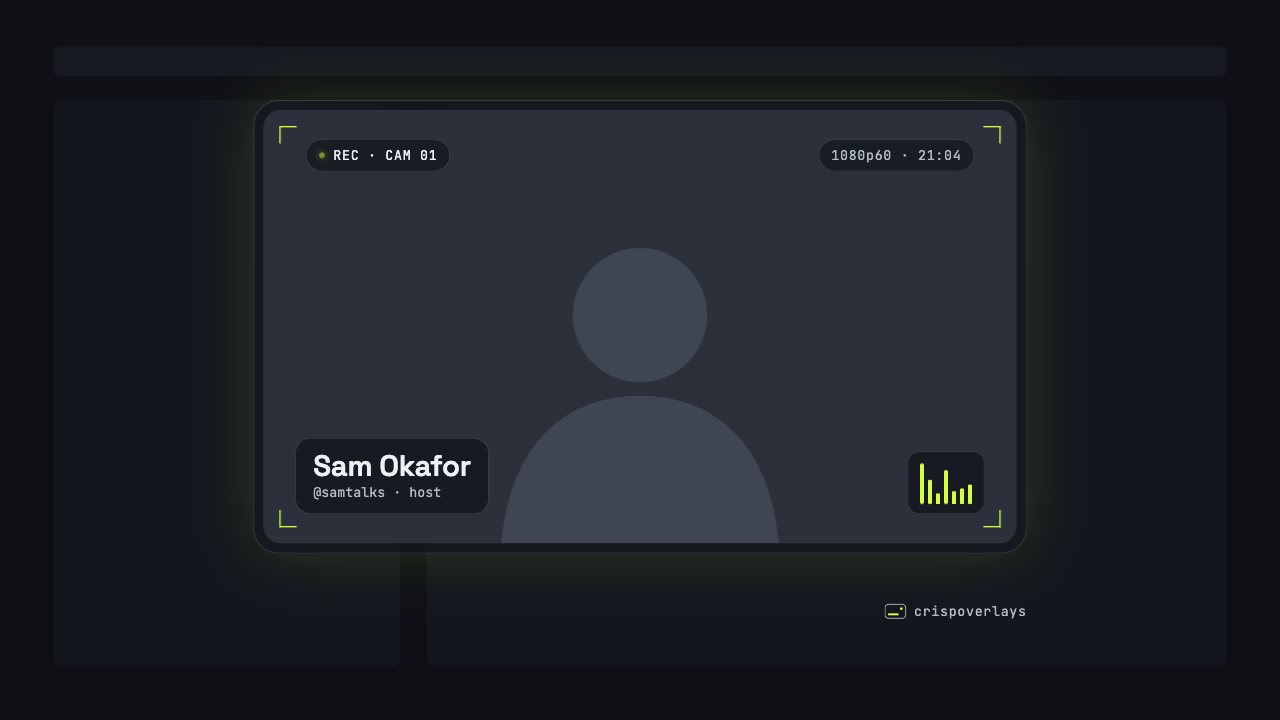
Nightglass webcam frame
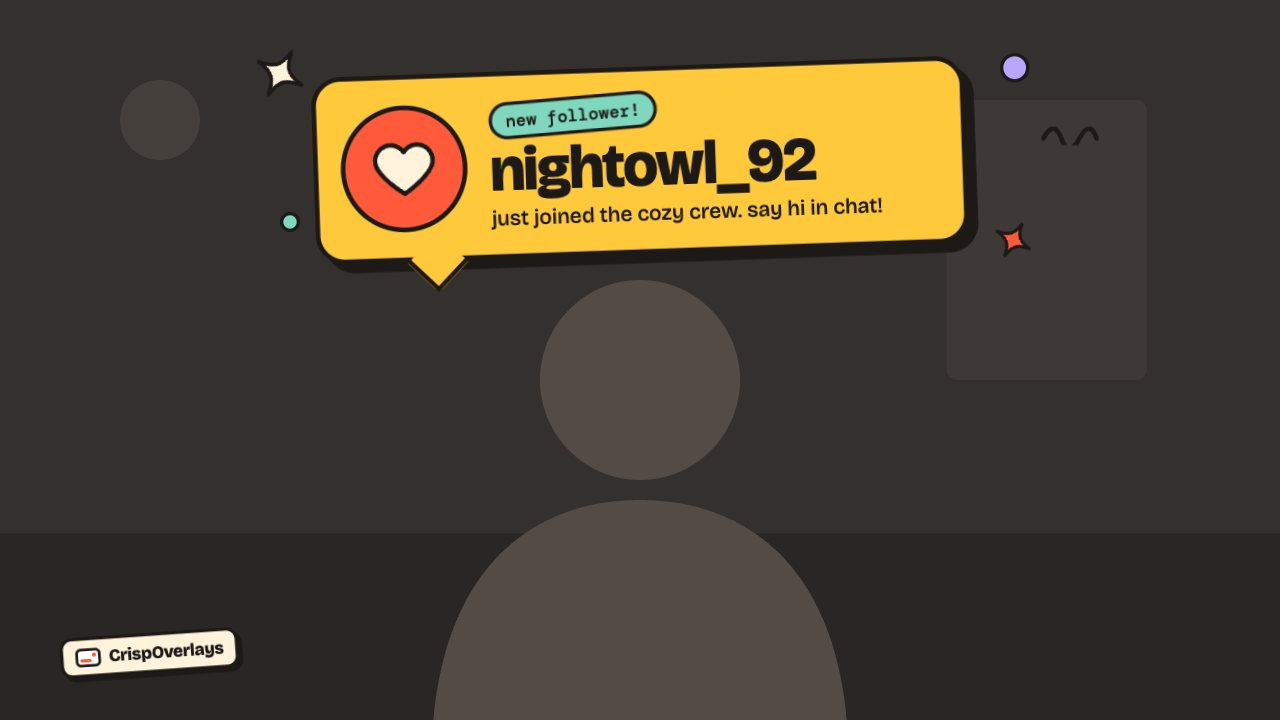
Sticker stream alert
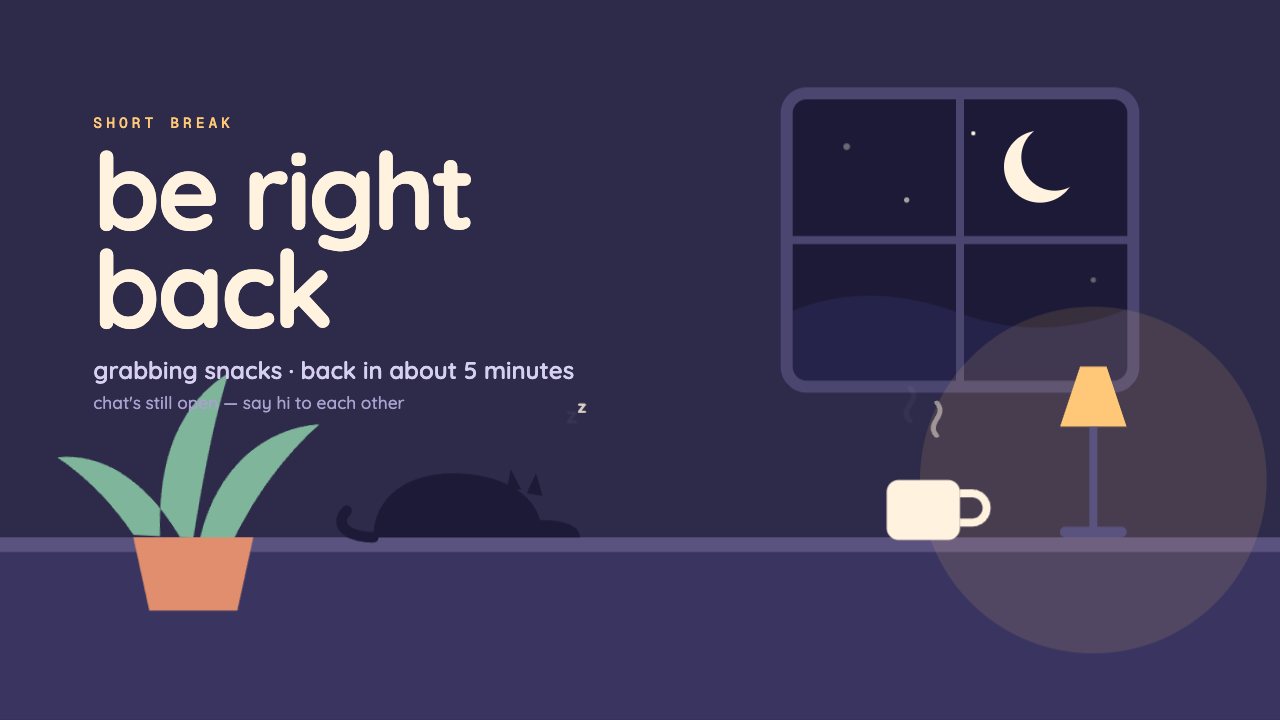
Cozy Room brb screen
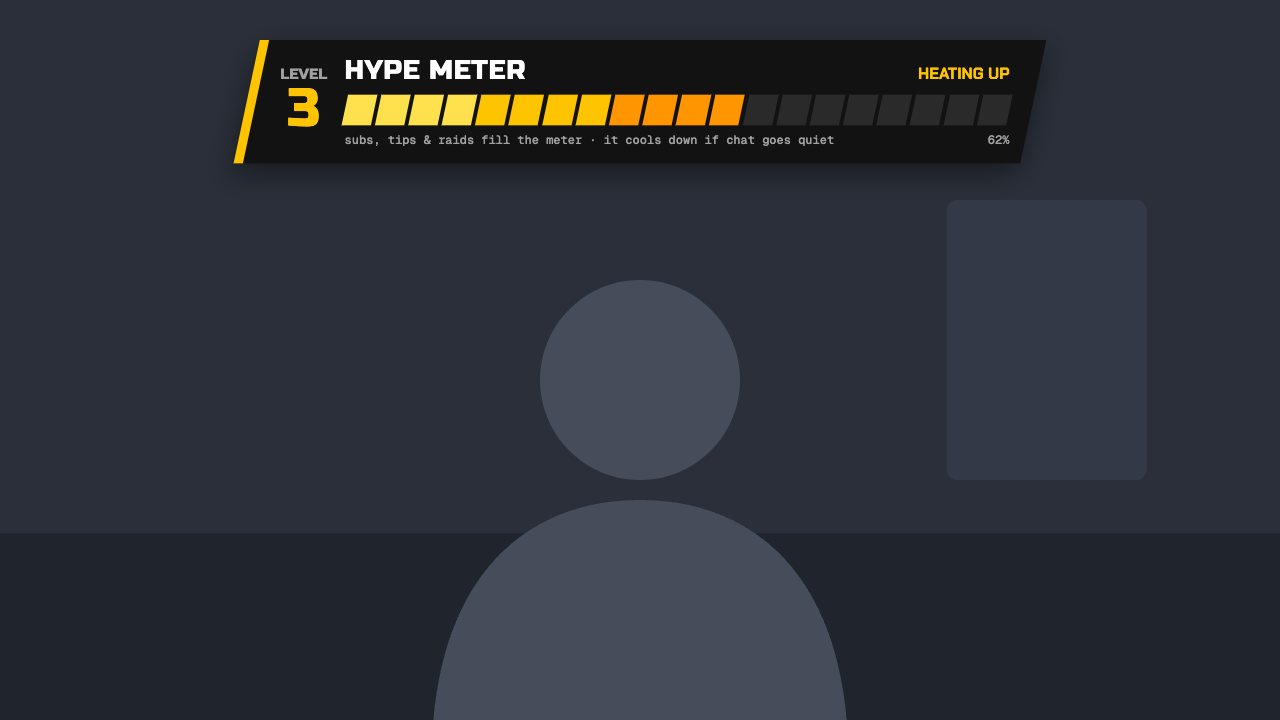
Turbo hype meter
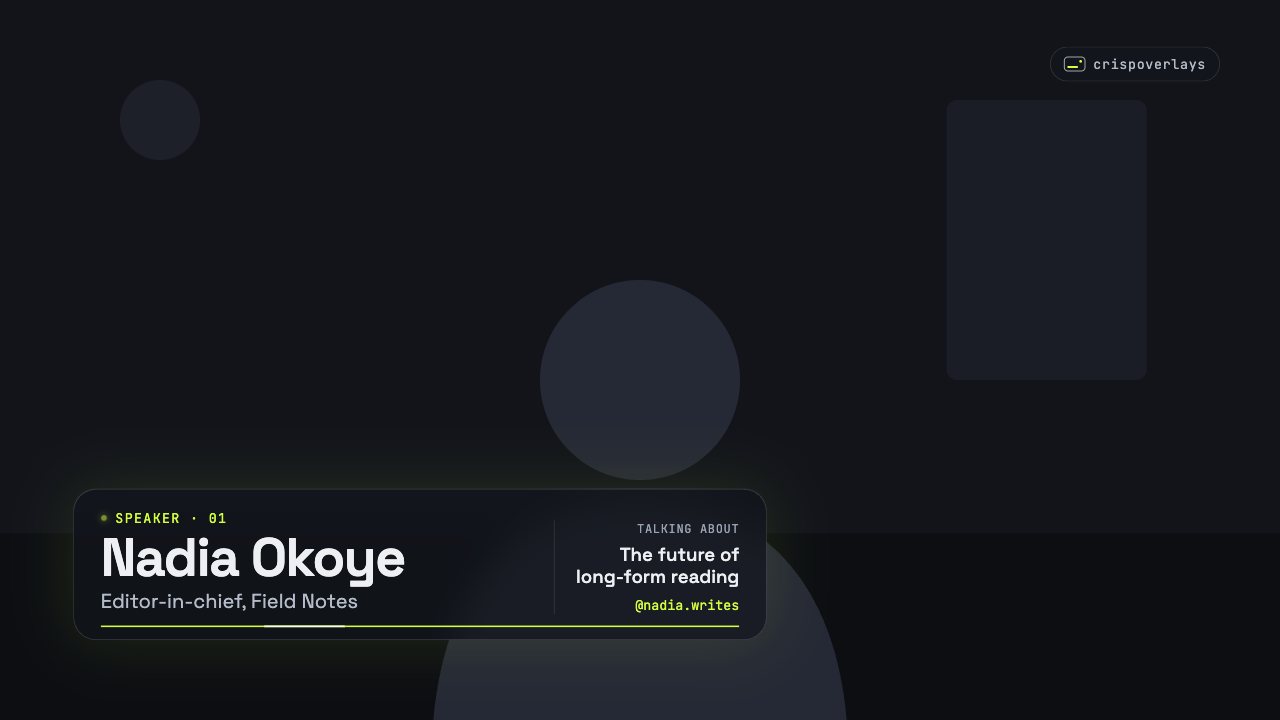
Nightglass lower third
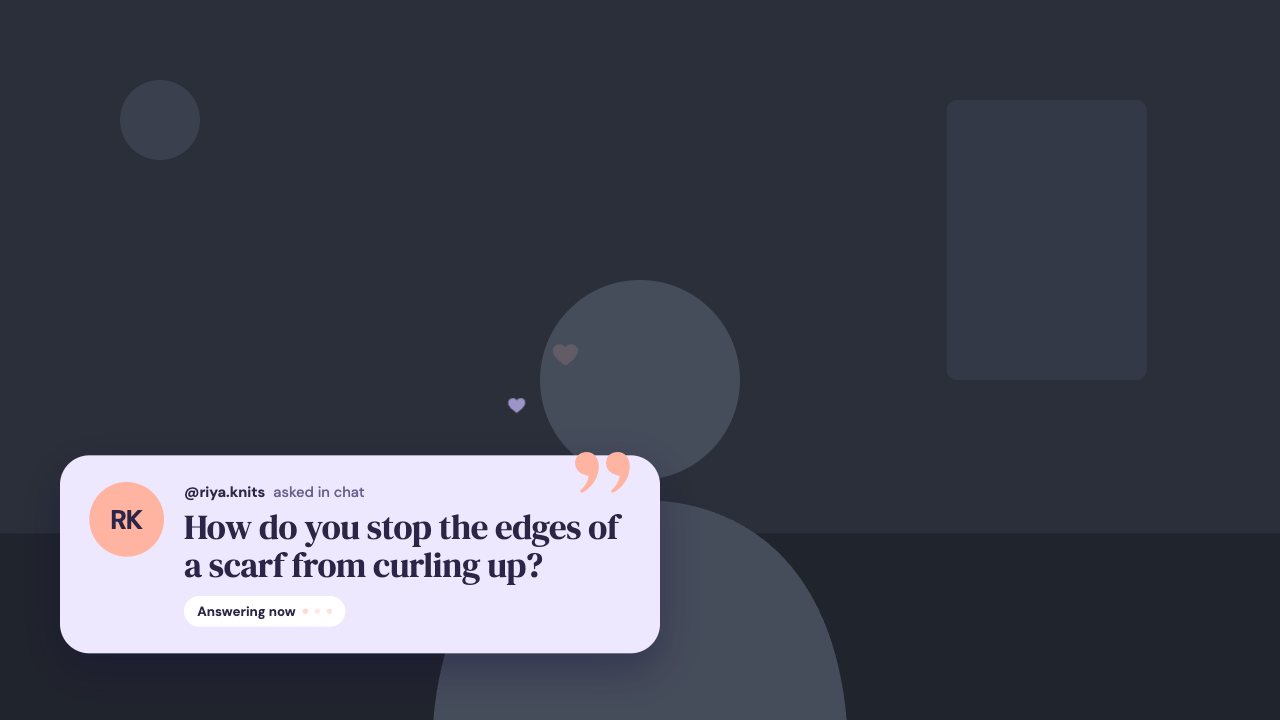
Soft Pastel q&a card
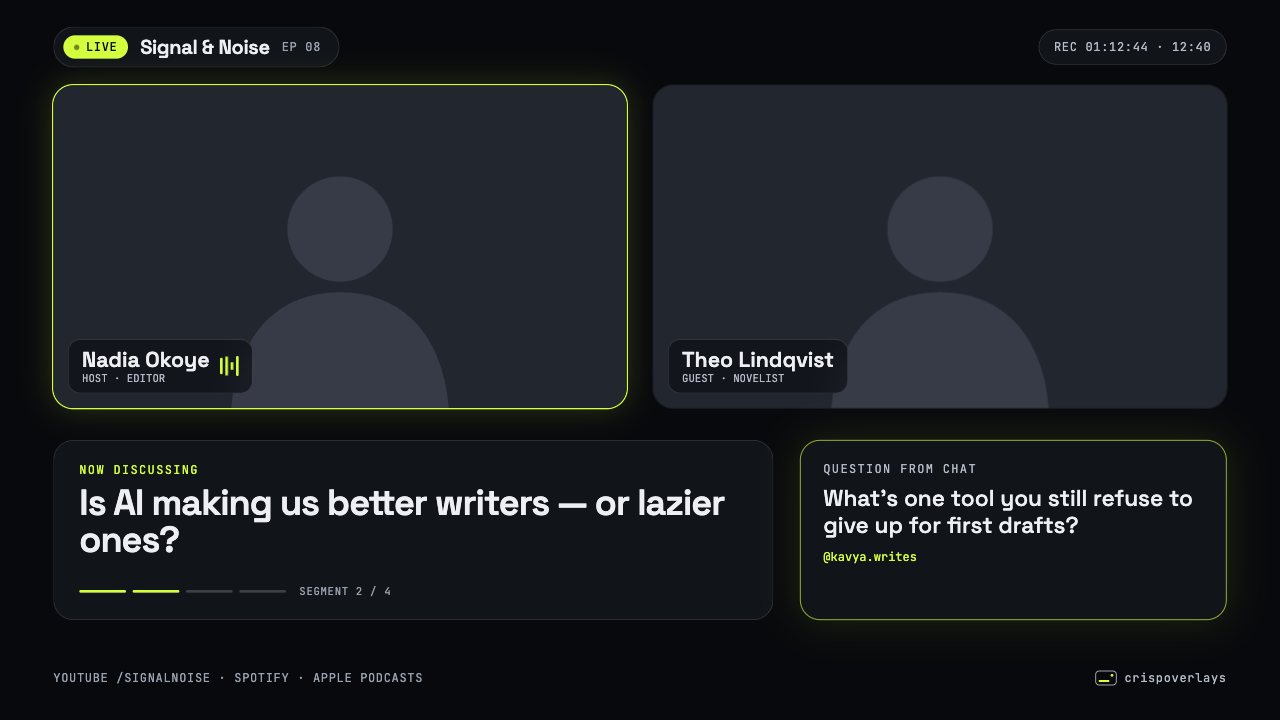
Nightglass podcast layout

Candy Pop social overlay
Meld Studio: questions
How do I add an overlay to Meld Studio?
Copy your browser source URL from CrispOverlays. In Meld Studio, add a layer and choose Browser. Paste the URL and set 1920 × 1080. Your overlays now update live.
Do I need a plugin for Meld Studio?
No. CrispOverlays uses the built-in browser source, so there is nothing to download or install.
What size should the browser source be?
Use 1920 × 1080 for a 1080p stream or 3840 × 2160 for 4K. For vertical streams use 1080 × 1920.
Add your first overlay to Meld Studio
Free plan · No download · Works in any app with a browser source.
Create your first overlay — free