Schedules & ending screens for OBS, Streamlabs and live streams
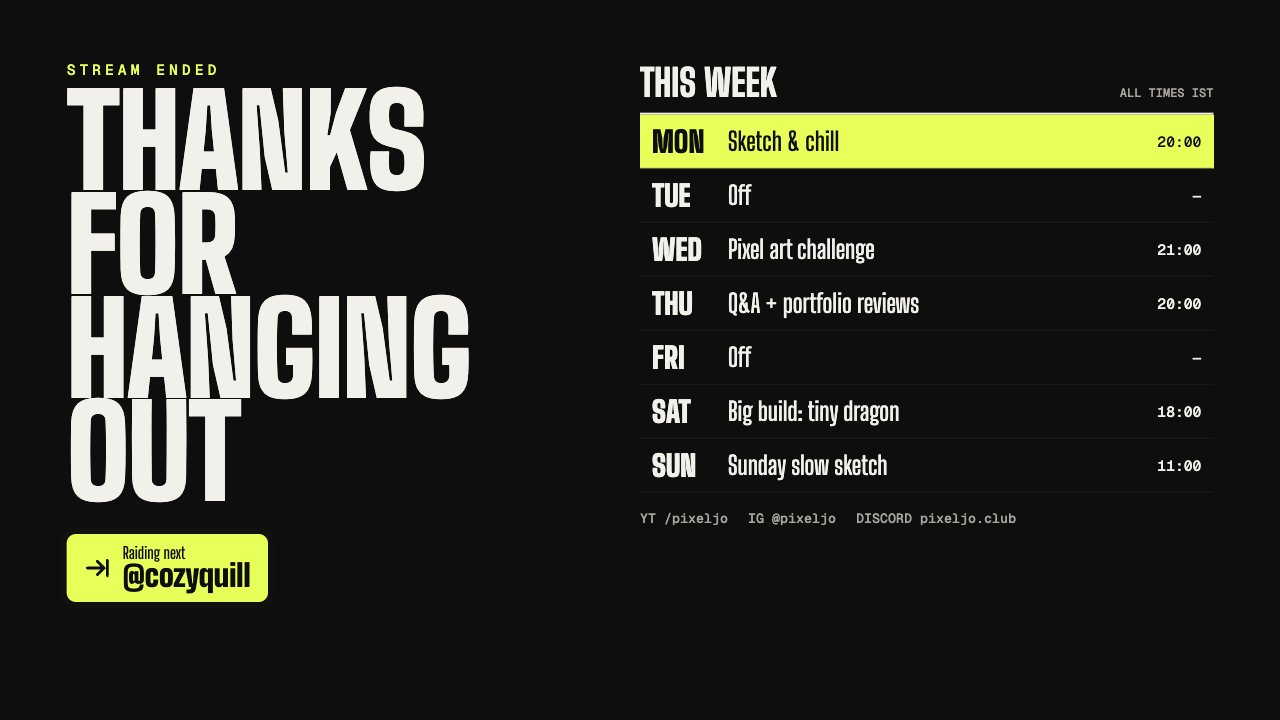
An ending screen tells viewers when you’re next live and where to find you.
Schedule screen designs
Popular for
Schedules & ending screens: questions
Are these schedules & ending screens free?
0 of 1 schedules & ending screens are free on every plan. The rest are included in Creator or Studio.
Do these schedules & ending screens work with OBS and Streamlabs?
Yes. They work in OBS Studio, Streamlabs Desktop, XSplit, vMix, Twitch Studio, Meld Studio, PRISM Live Studio and any app with a browser source.
More overlay types
- Lower thirds
- News tickers
- Breaking news banners
- Stream alerts
- Webcam frames
- BRB screens
- Countdown timers
- Clocks & dates
- Live bugs
- Goal bars
- Chat boxes
- Recent events lists
- Now playing overlays
- Sponsor slots
- Polls
- Q&A cards
- Captions
- Market tickers
- Weather widgets
- Social overlays
- Podcast layouts
- Spin wheels
- Giveaways
- Subathon timers
- Hype meters
- Leaderboards
- Counters
- Credits rolls
- Agendas & talking points
- Title cards
- Stinger transitions
- Celebration overlays
- Interactive overlays
- Stream layouts
- News graphics
- About me overlays
- Quiz overlays
- Holiday overlays
Go live with graphics that keep up with you
Free plan · No download · Works in any app with a browser source.
Create your first overlay — free