Stream overlays for gaming and variety streamers
Gaming streams move fast. Your overlays should too. Frame your face cam, celebrate follows and subs with alerts, run a hype meter during raids and drop a BRB screen when you grab a drink.
Every overlay updates the moment you change it — from the studio, your phone, or a mod with the producer link — so you never alt-tab out of the game to fix a typo.

Best overlays for gaming & variety
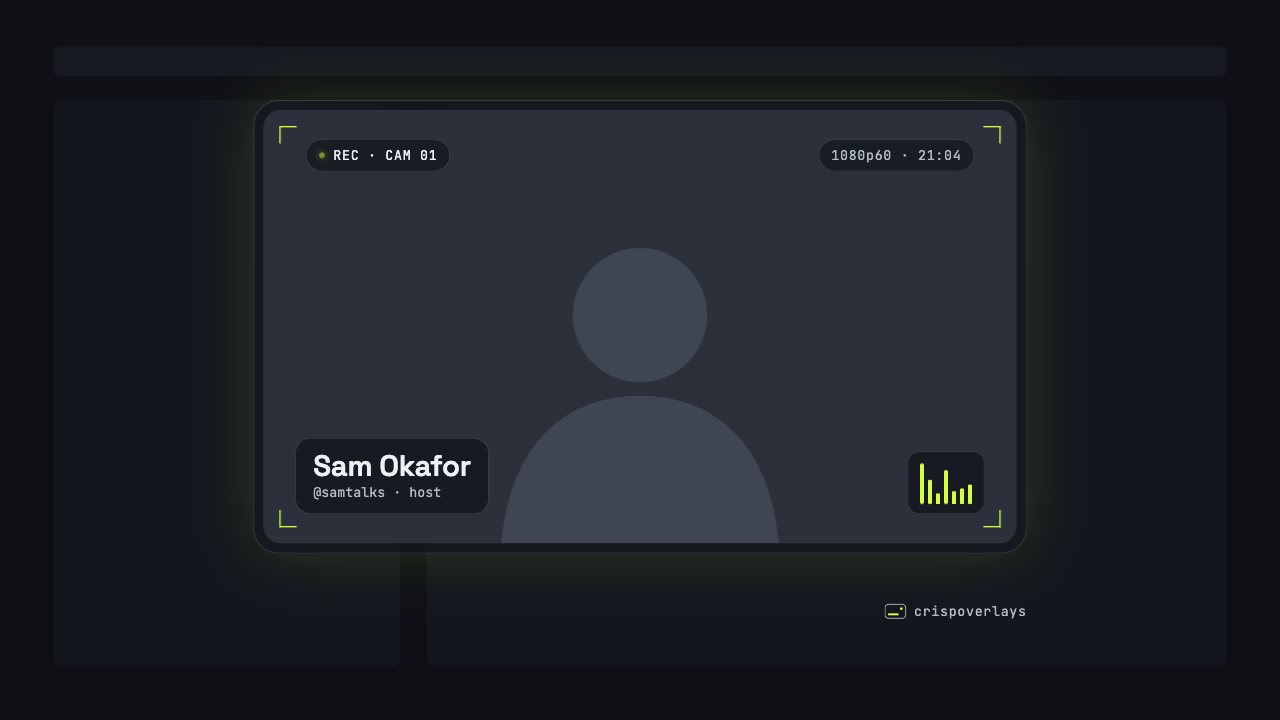
Nightglass webcam frame
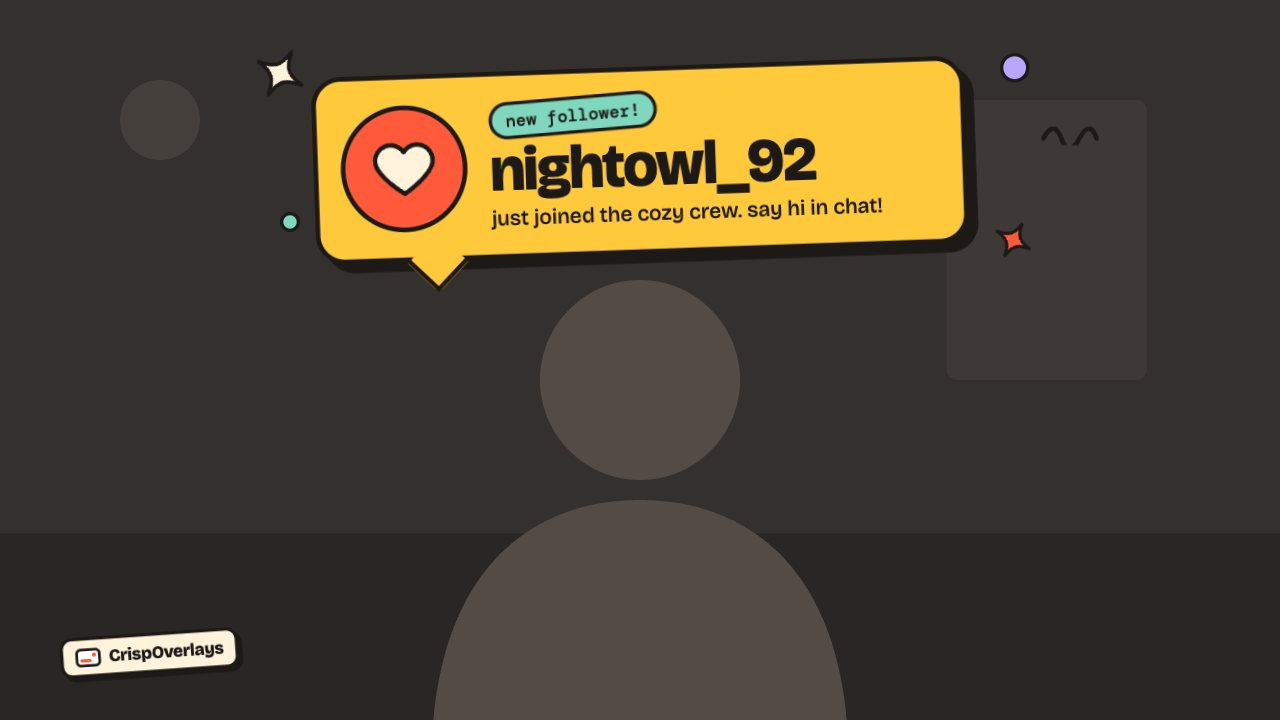
Sticker stream alert
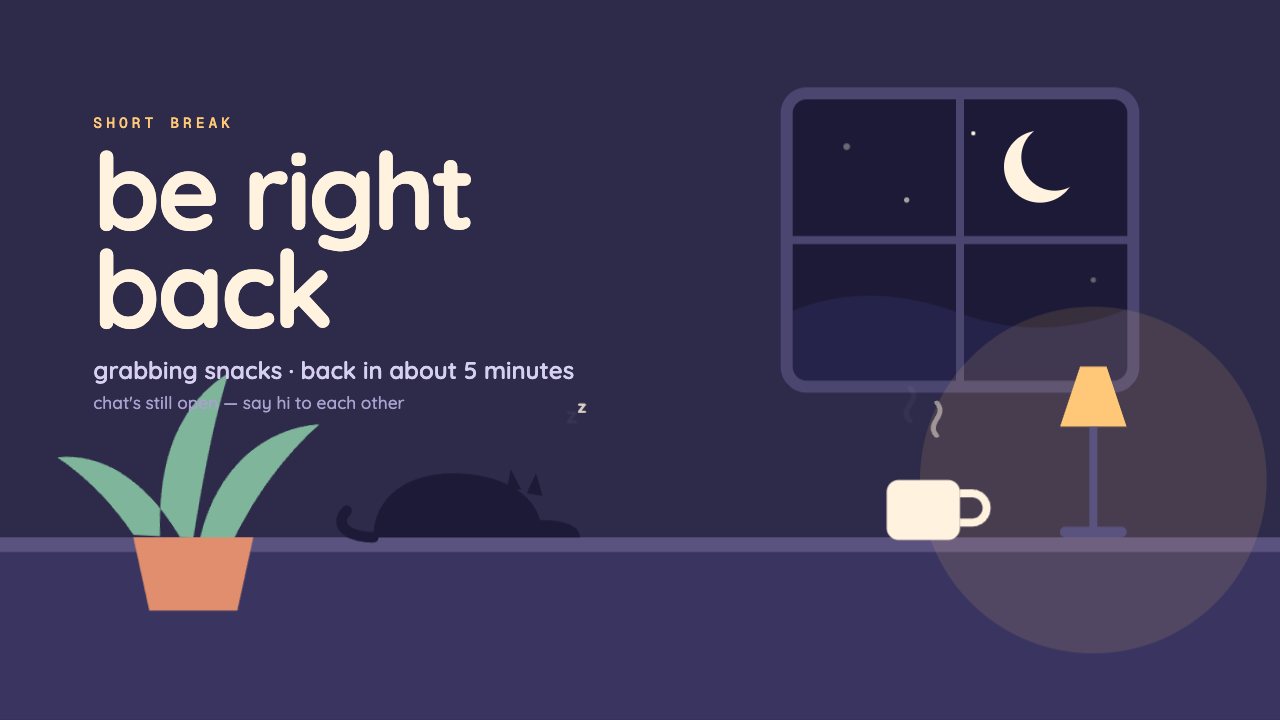
Cozy Room brb screen
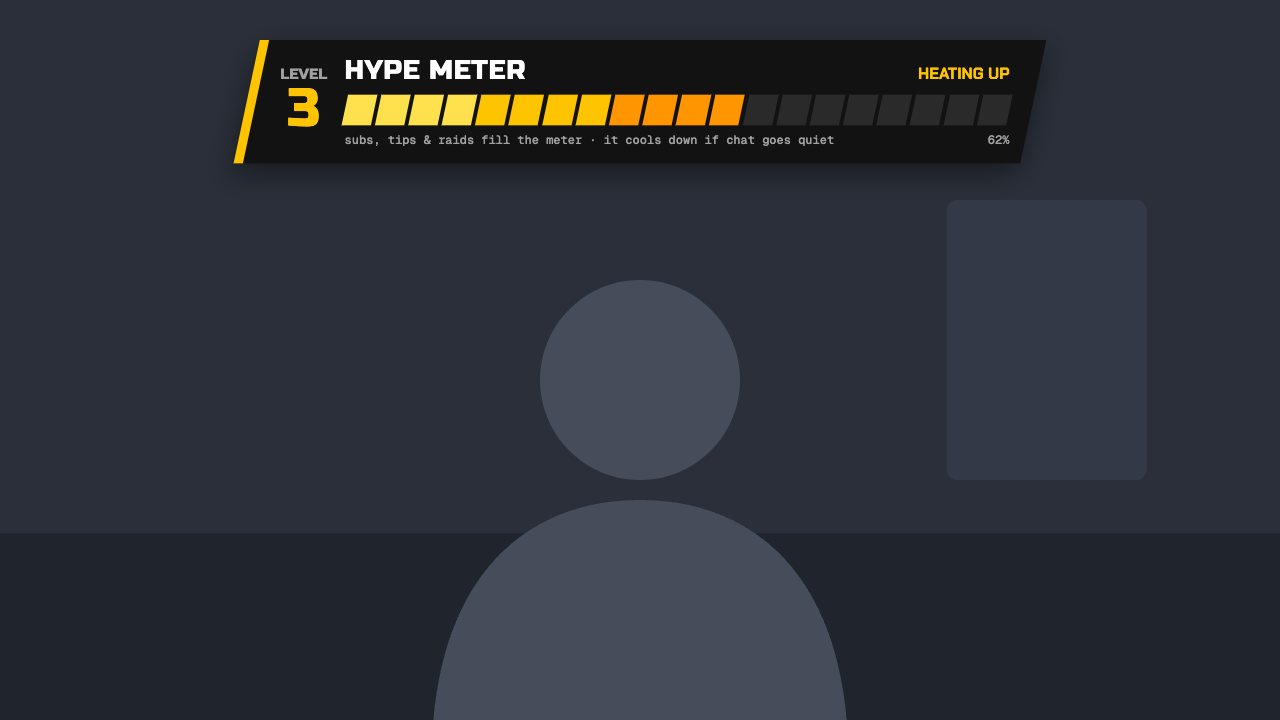
Turbo hype meter
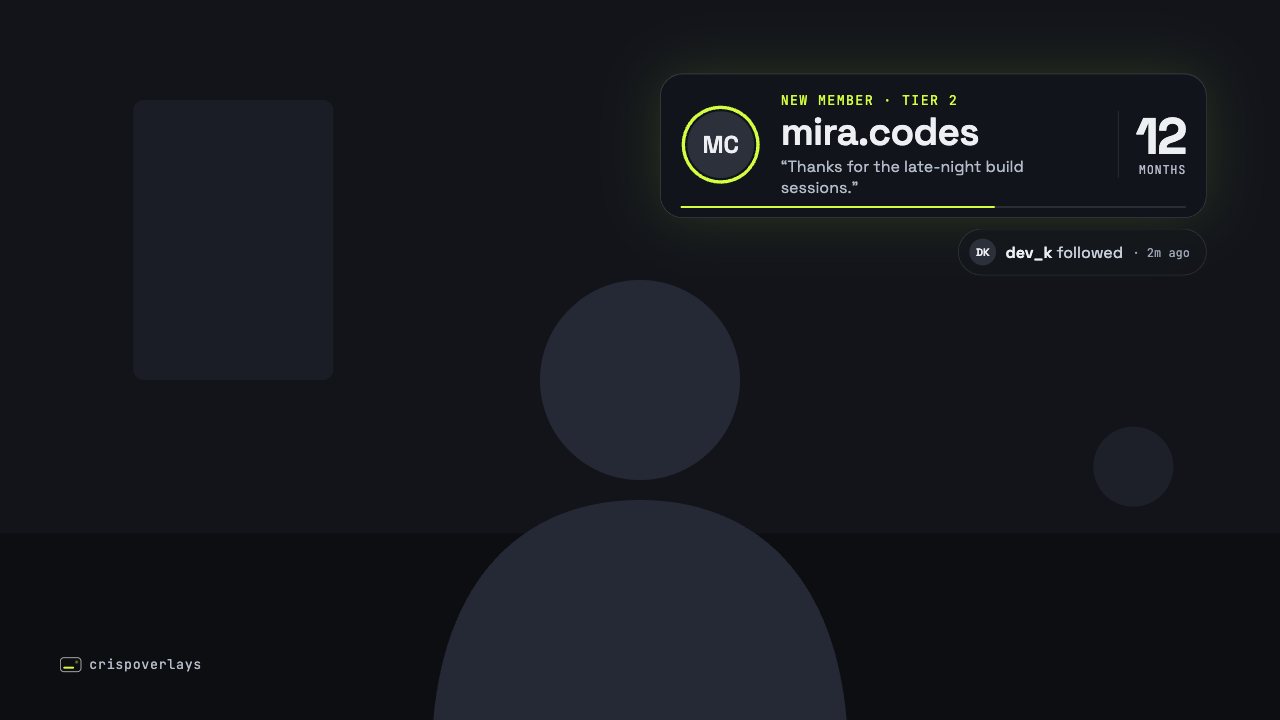
Nightglass stream alert
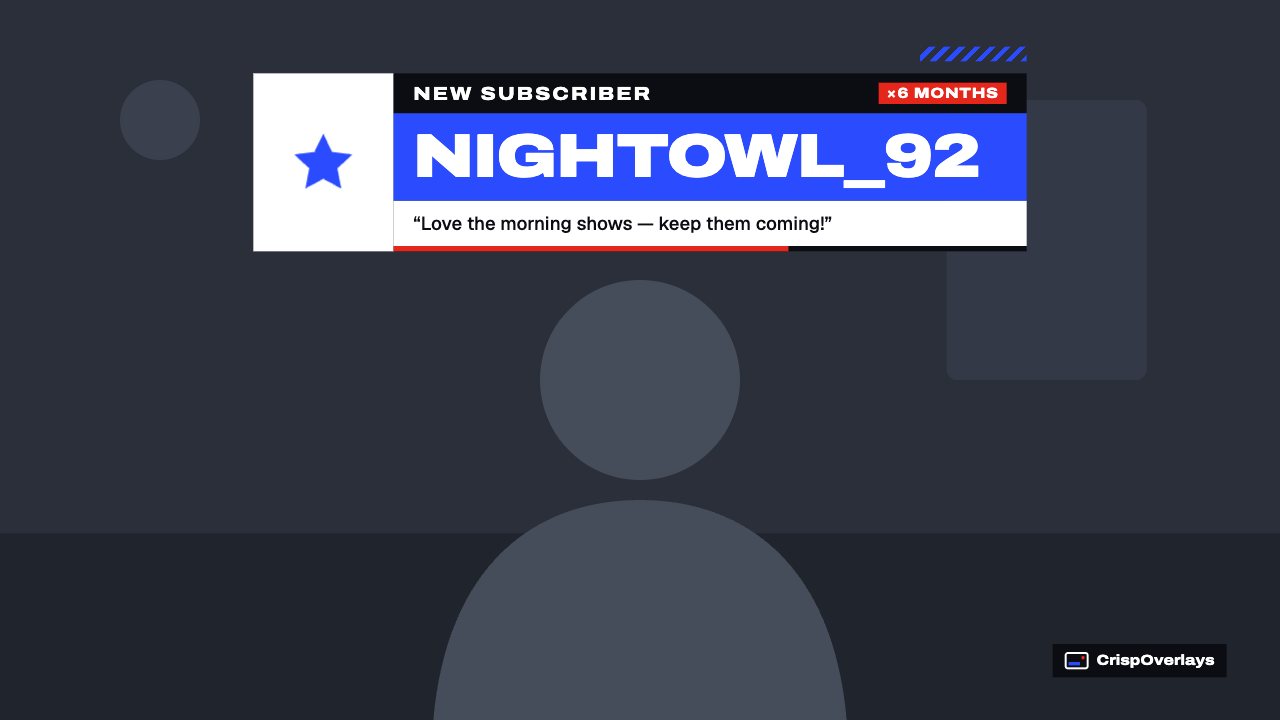
Pulse stream alert
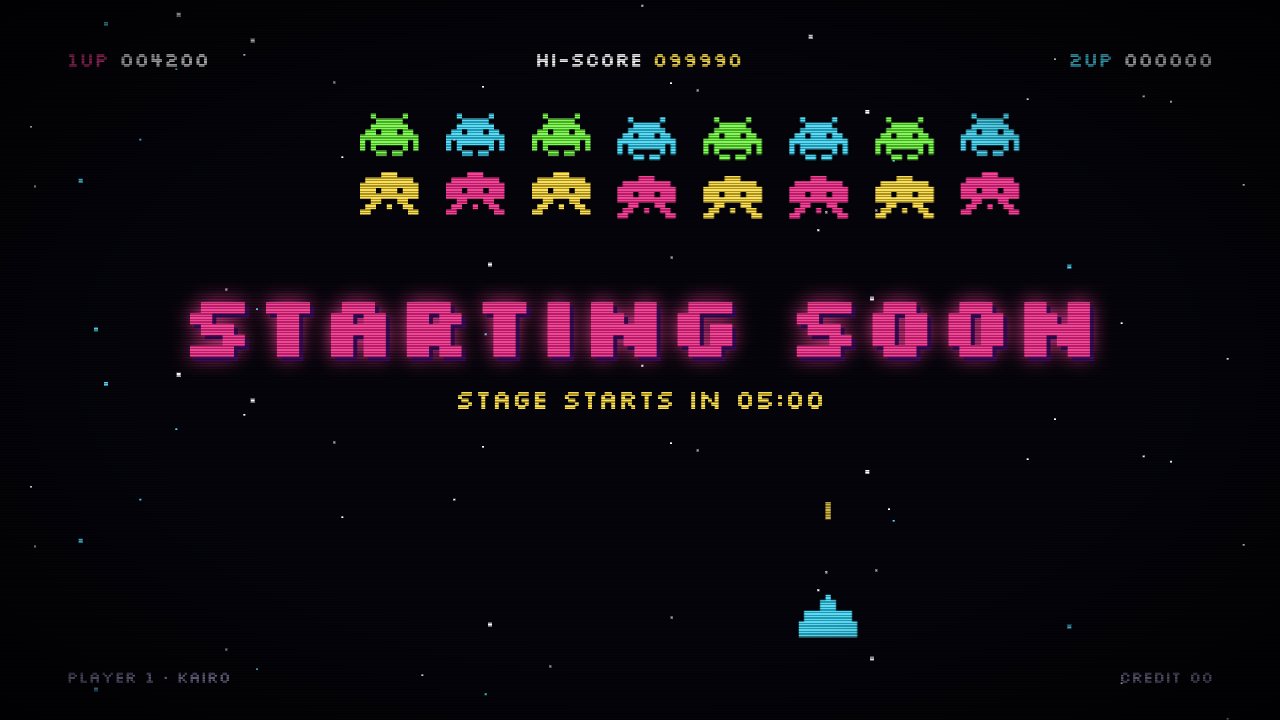
Arcade brb screen
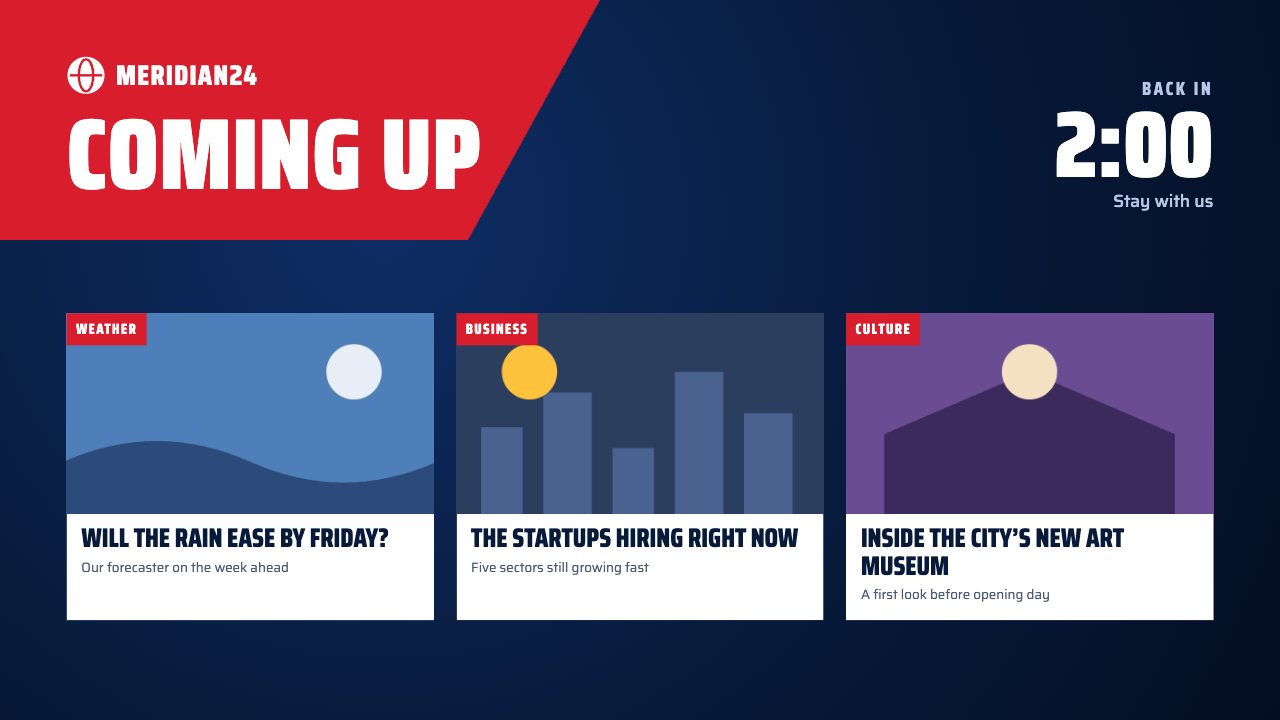
Coming up brb screen
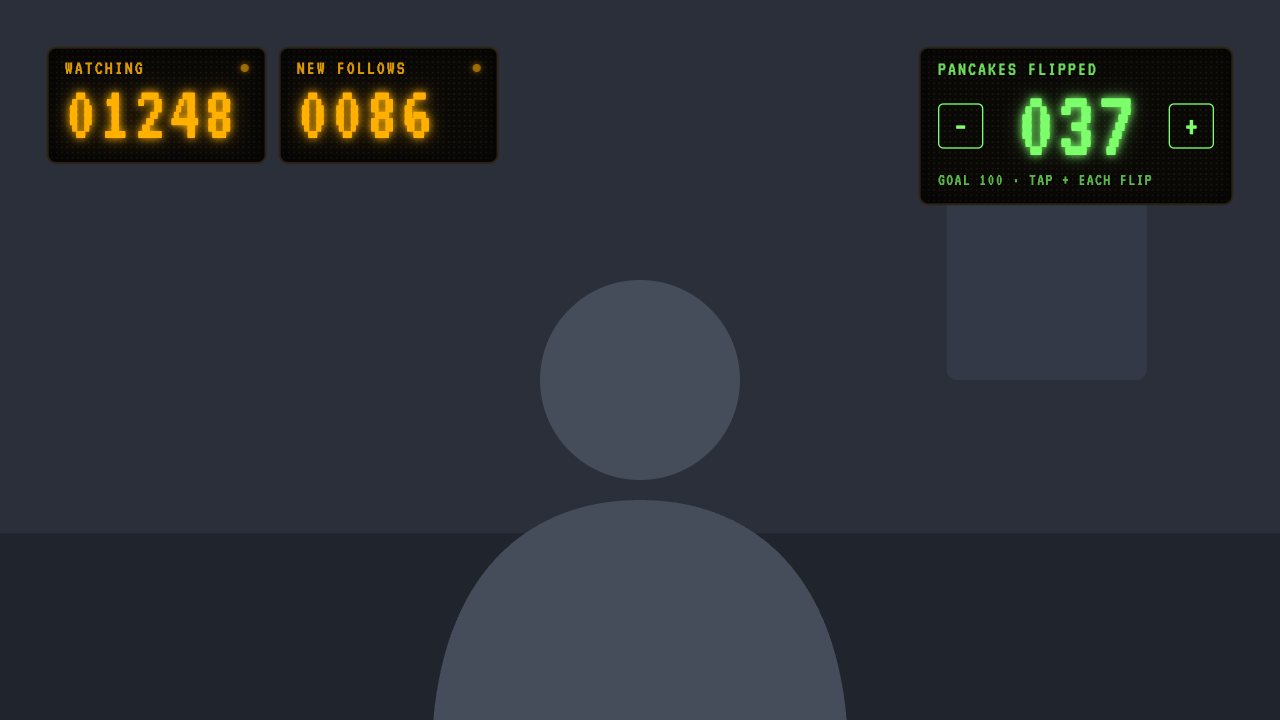
LED Matrix counter
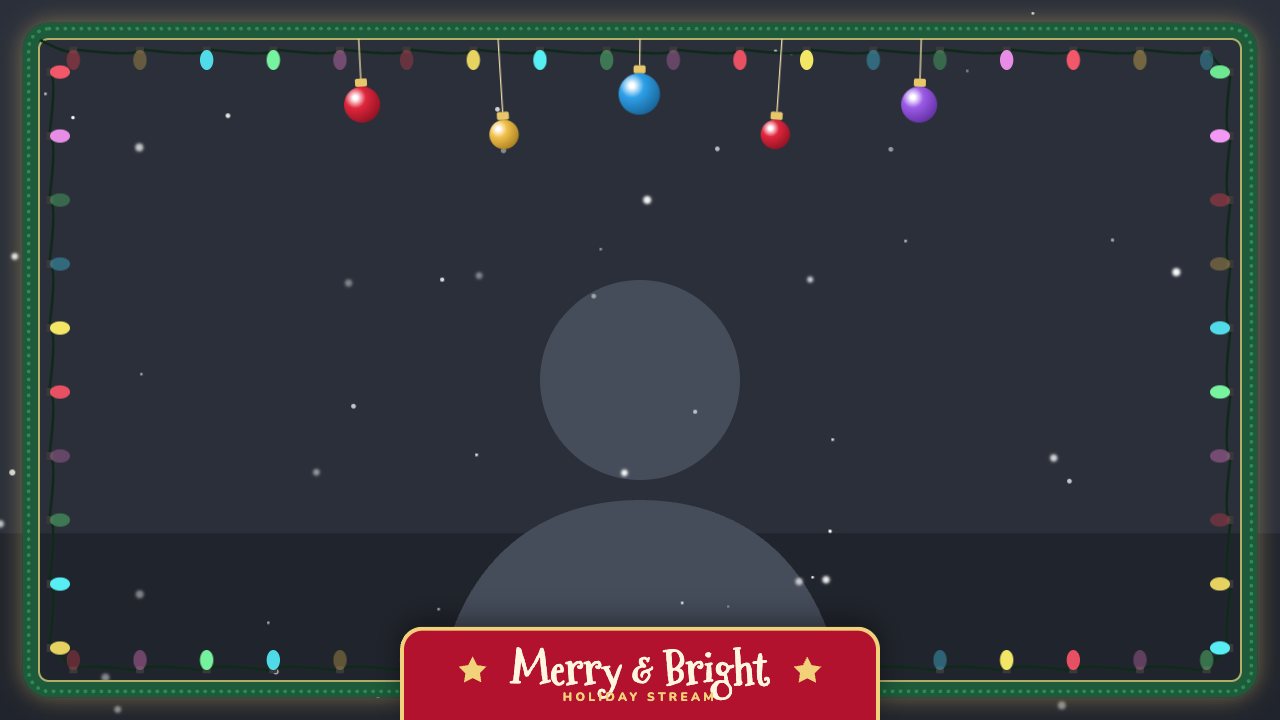
Fairy lights webcam frame
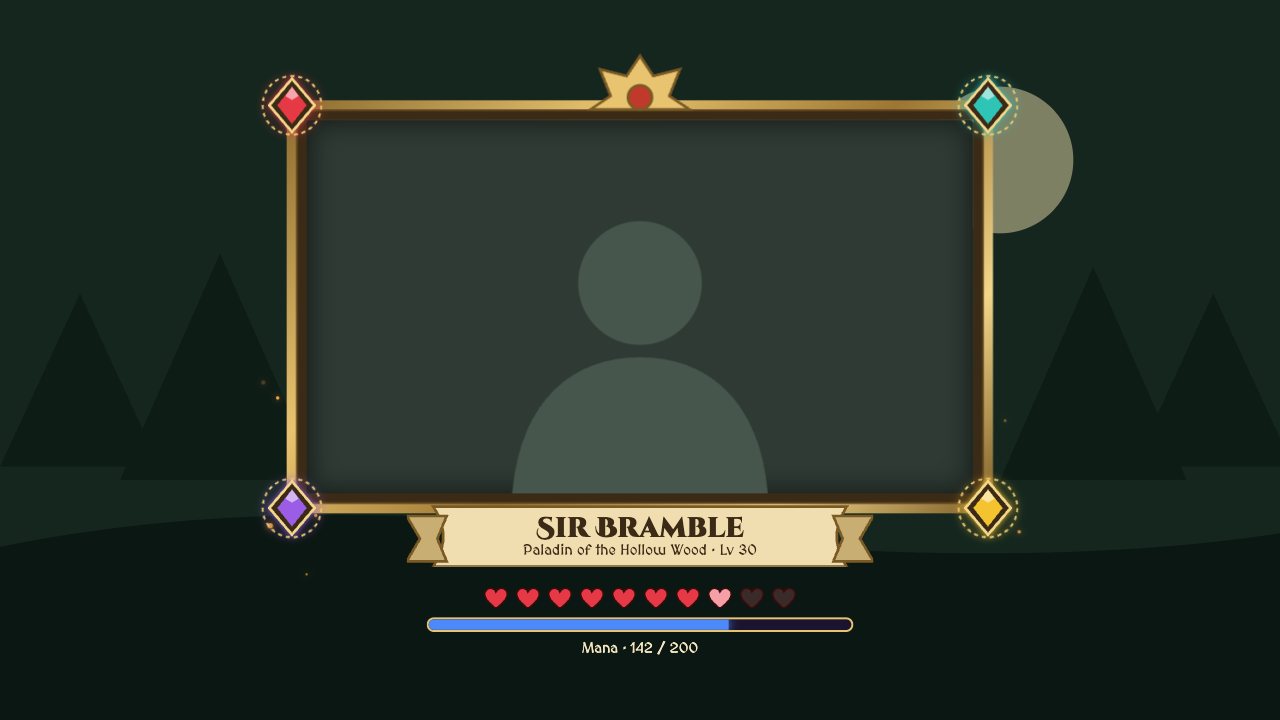
Fantasy RPG webcam frame
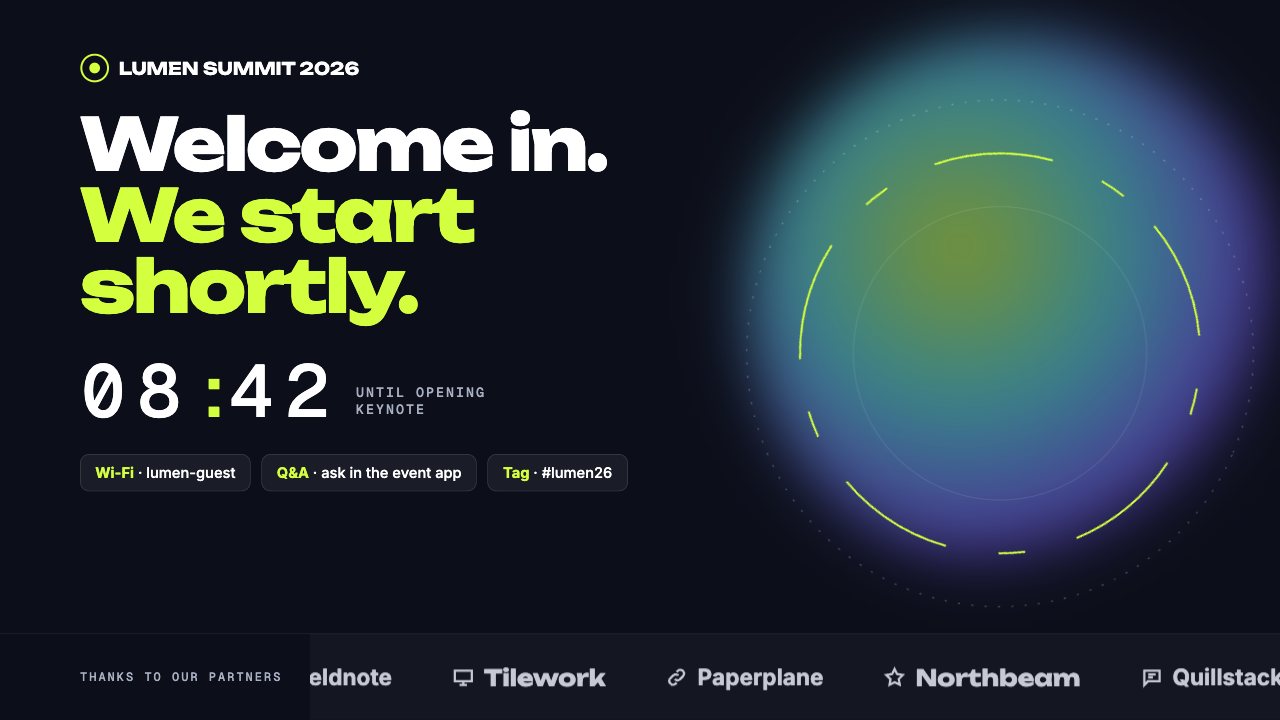
Conference brb screen
Gaming & variety: questions
Do these overlays work on Twitch, YouTube and Kick?
Yes. They run in your streaming app (OBS, Streamlabs and others) as a browser source, so they appear on every platform you stream to.
Will overlays slow down my game?
No. They are lightweight web pages rendered by your streaming app and use very little CPU.
Which streaming software do I need?
Any app with a browser source: OBS Studio, Streamlabs, XSplit, vMix, Twitch Studio, Meld Studio or PRISM Live Studio.
Can I try it for free?
Yes. The Free plan includes one stream and live text editing. Upgrade from $2.99/month to remove the watermark.
Other use cases
Go live with graphics that keep up with you
Free plan · No download · Works in any app with a browser source.
Create your first overlay — free