Real-time stream overlays for OBS, Streamlabs and every live streaming app
Pick from 96+ overlays — lower thirds, news tickers, weather widgets, webcam frames, alerts, timers and more. Edit text, colours and data in your browser and every change appears on your YouTube, Twitch, Kick or TikTok LIVE stream instantly.
Free plan · No download · Works in any app with a browser source

Works with every app that has a browser source
- OBS Studio
- Streamlabs
- XSplit
- Twitch
- YouTube
- Kick
- TikTok
- X
- vMix
- Meld Studio
- PRISM Live
- LinkedIn Live
- Restream
Add a stream overlay to OBS in under a minute — then edit it live, forever
Three steps. No downloads, no plugins, no re-uploading files.
- Step 01
Pick an overlay
Choose from lower thirds, news tickers, weather widgets, webcam frames, alerts, timers and more.
- Step 02
Add one browser source
Copy your overlay URL and paste it into OBS, Streamlabs, XSplit or vMix as a browser source. That is the whole setup.
- Step 03
Edit live from anywhere
Change text, colours, data and visibility from the web dashboard or your phone. Every change hits your stream in real time.
39 overlay types. 96 editable designs.
Every overlay is animated, transparent, 1080p and 4K ready, and fully editable — swap text, fonts, colours, logos and data without touching your streaming software.
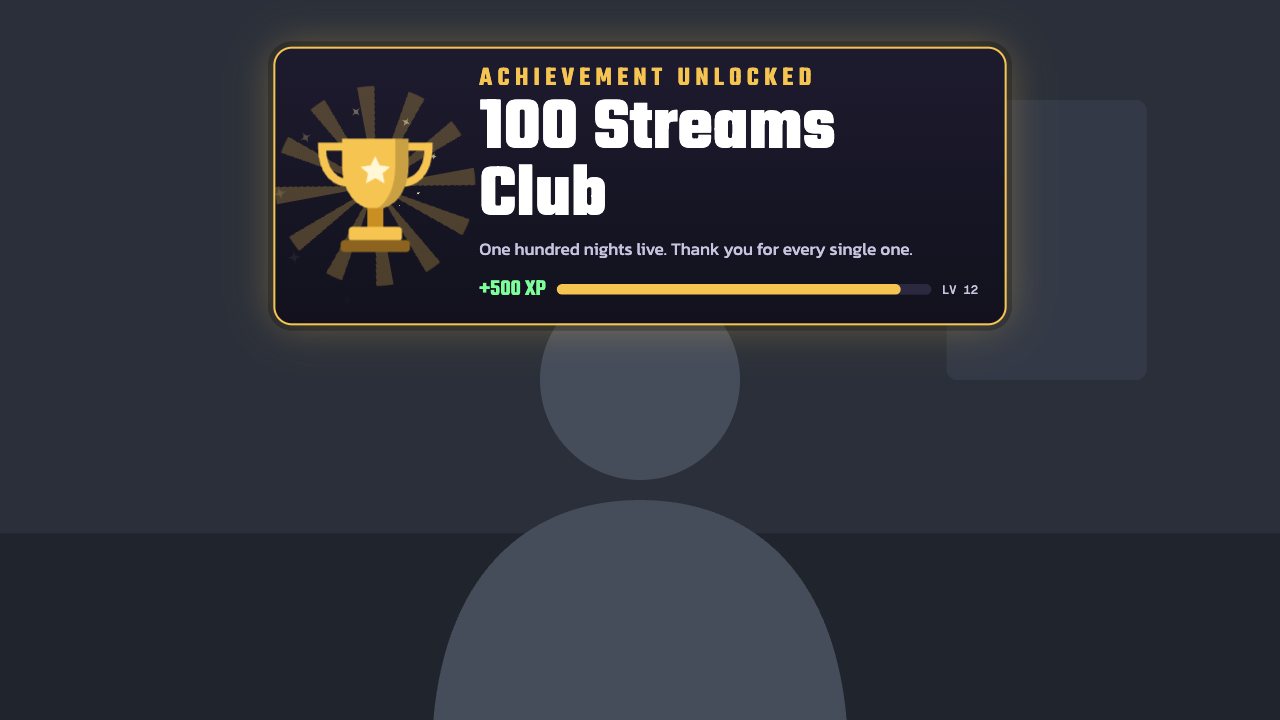
Trophy celebration
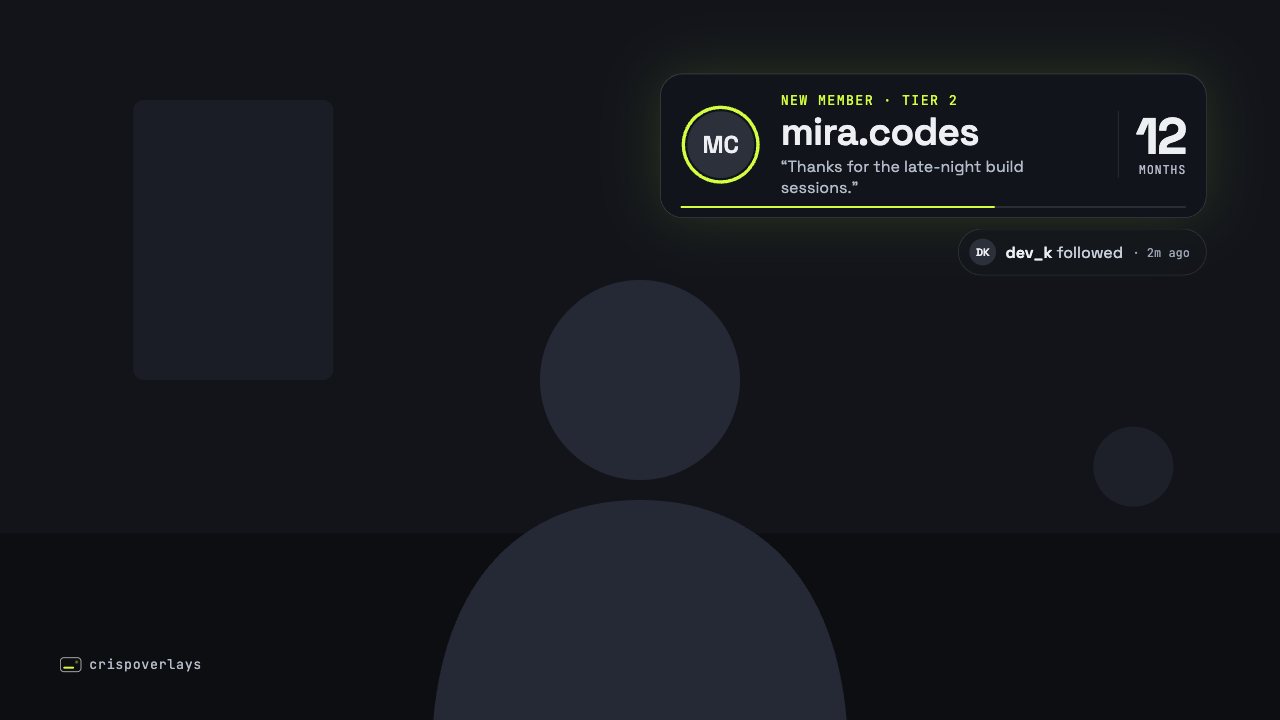
Nightglass stream alert
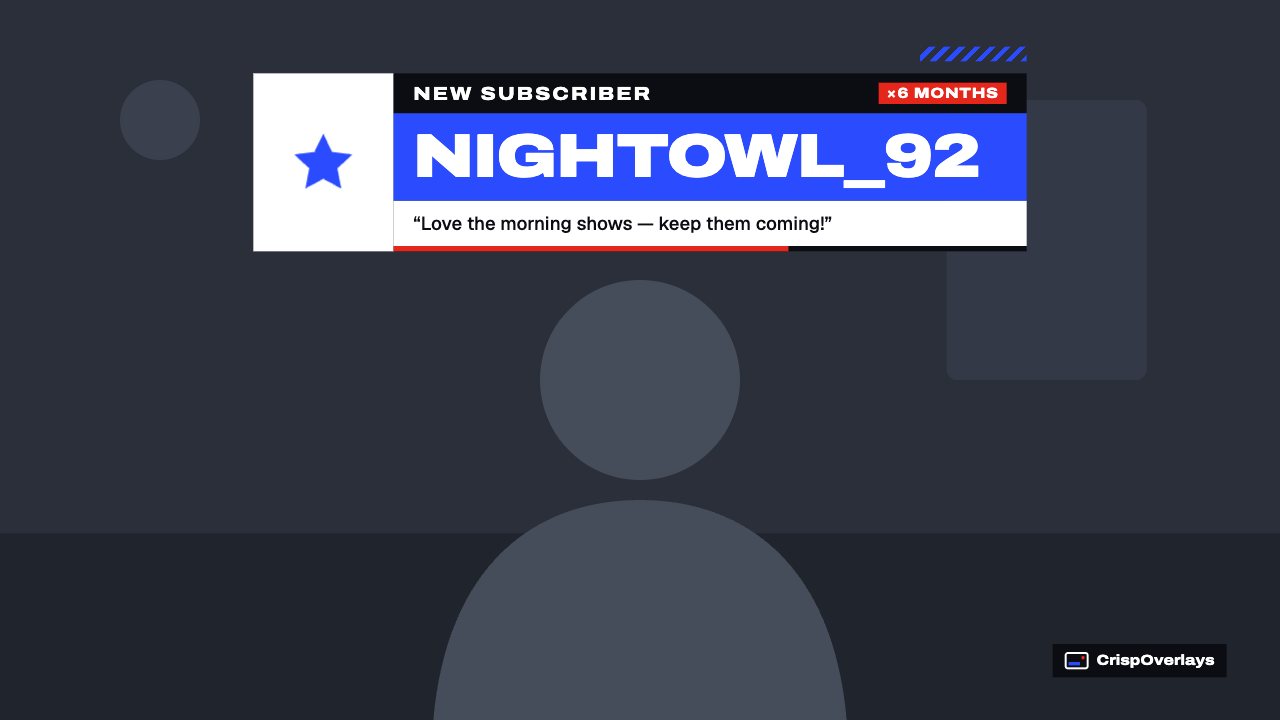
Pulse stream alert
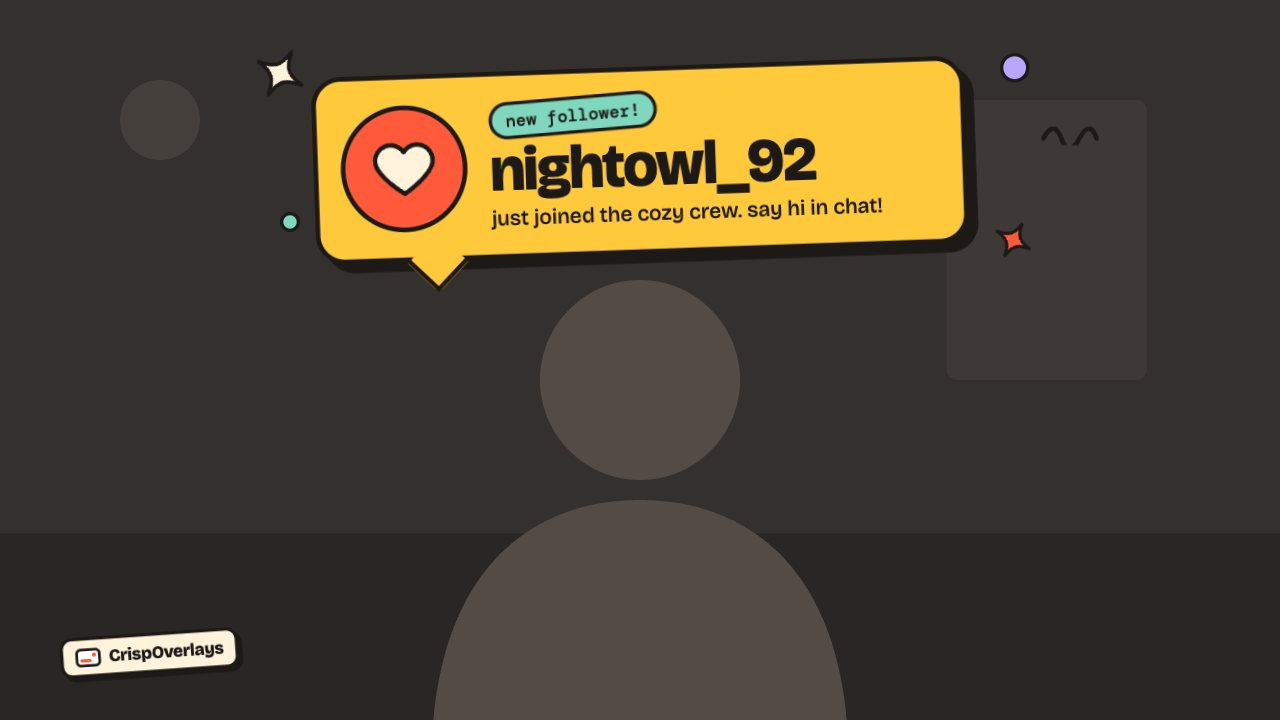
Sticker stream alert
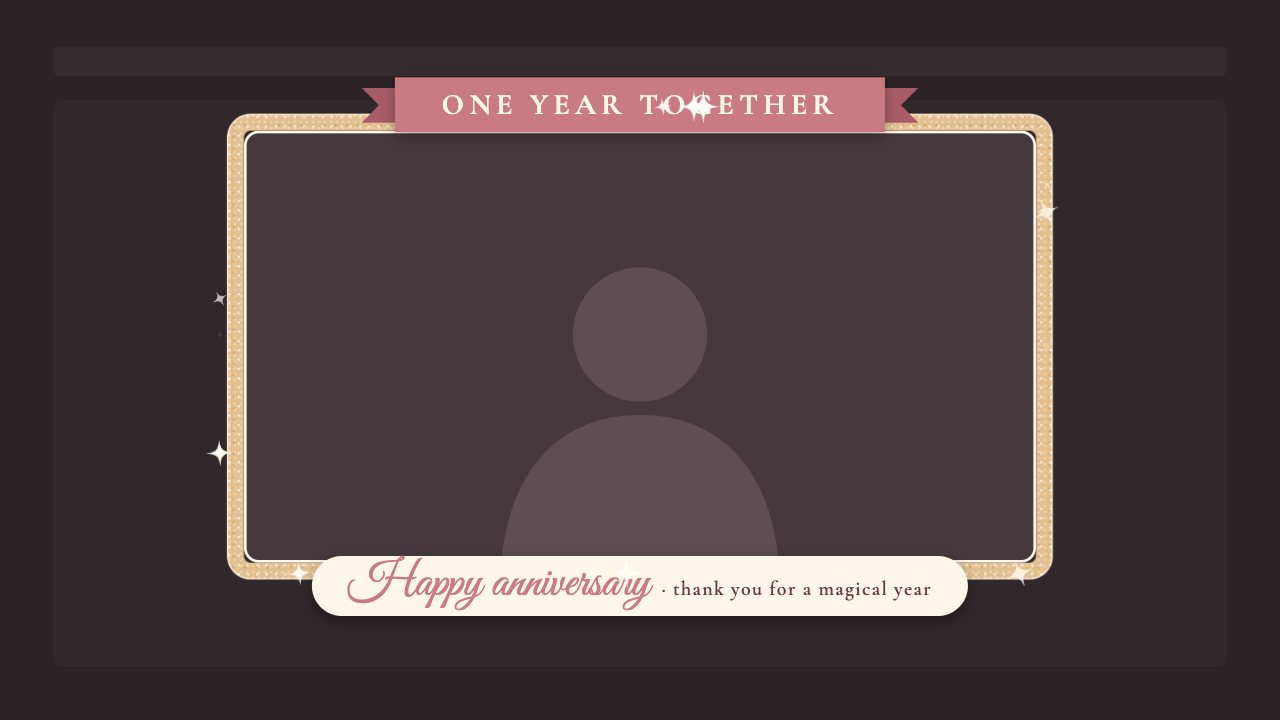
Glitter frame celebration
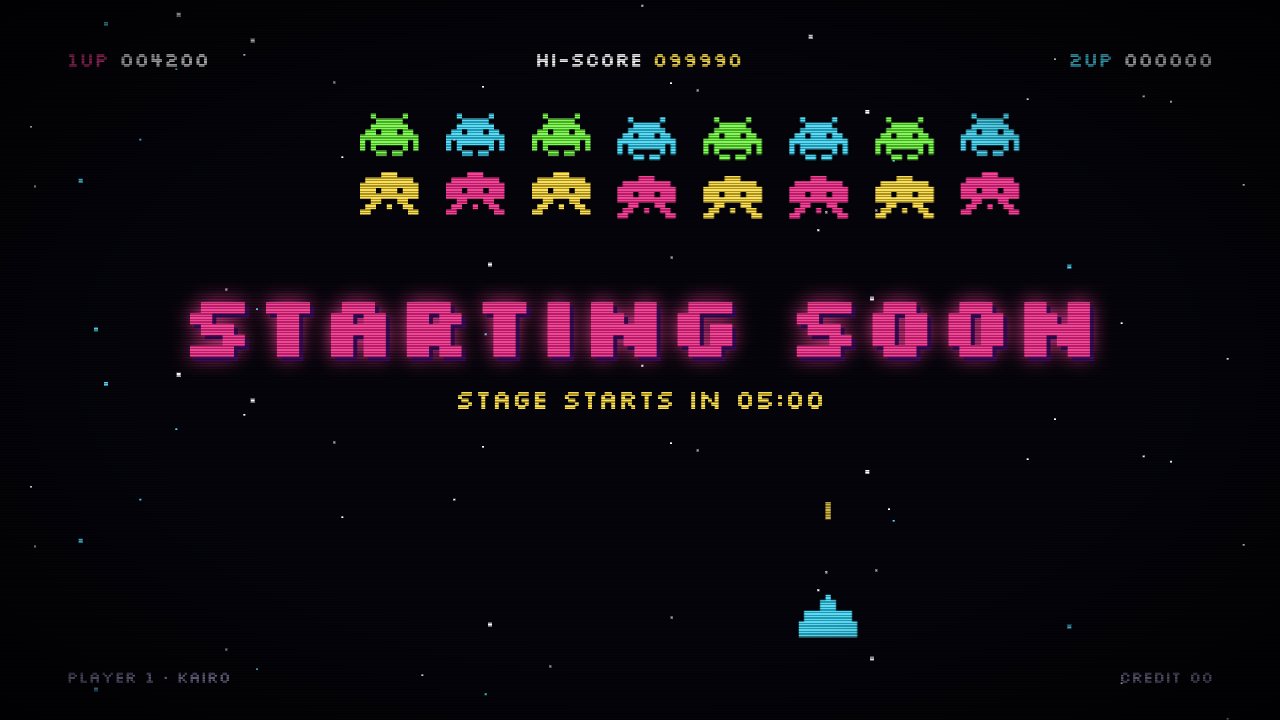
Arcade brb screen
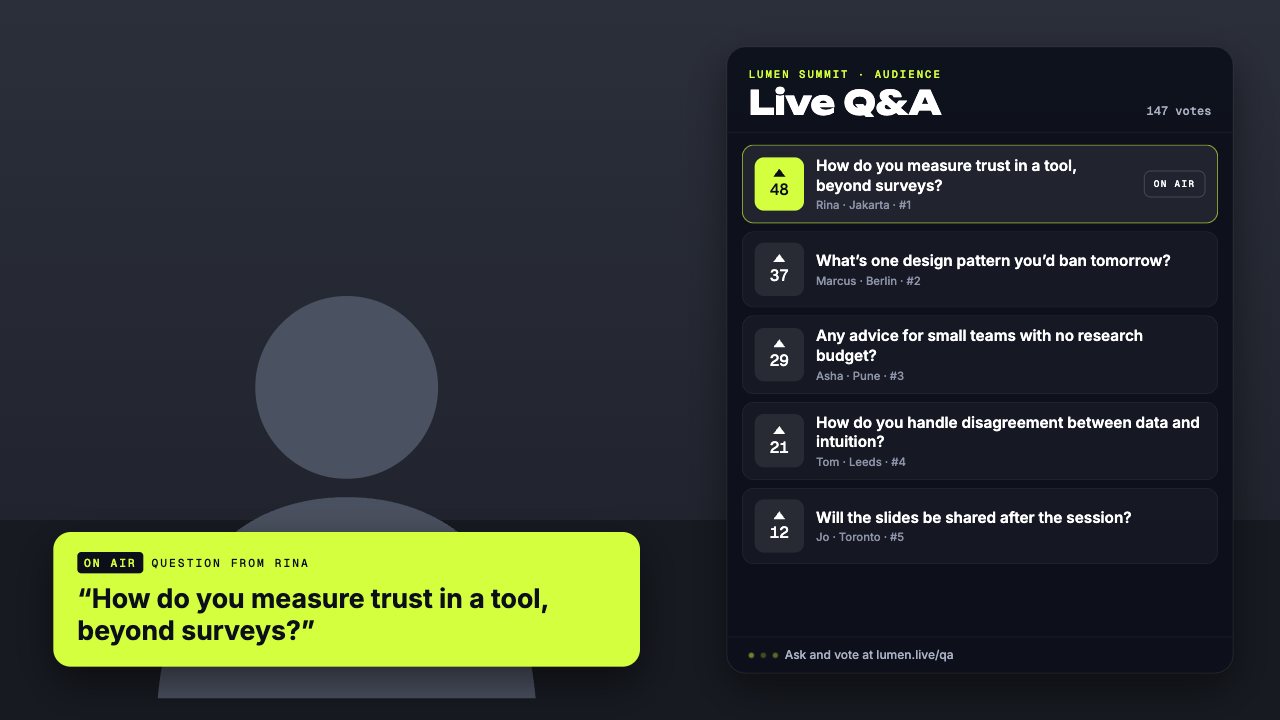
Conference queue q&a card

Balloon release celebration
- Lower thirds11
- News tickers1
- Breaking news banners2
- Stream alerts5
- Webcam frames6
- BRB screens5
- Countdown timers2
- Clocks & dates1
- Live bugs1
- Goal bars2
- Chat boxes1
- Recent events lists1
- Now playing overlays1
- Sponsor slots3
- Polls1
- Q&A cards2
- Captions1
- Market tickers1
- Weather widgets1
- Social overlays2
- Podcast layouts3
- Spin wheels1
- Giveaways1
- Subathon timers1
- Hype meters1
- Leaderboards1
- Counters2
- Credits rolls1
- Schedules & ending screens1
- Agendas & talking points2
- Title cards2
- Stinger transitions1
- Celebration overlays11
- Interactive overlays2
- Stream layouts2
- News graphics6
- About me overlays2
- Quiz overlays2
- Holiday overlays4
Broadcast-quality graphics for every kind of live stream
From solo creators to newsrooms, churches and classrooms — if you go live, CrispOverlays gives you TV-style graphics you can change on the fly.

Gaming & variety
Webcam frames, alerts, BRB screens, hype meters and spin wheels for gaming streams. Edit everything live from your phone. Free for OBS and Streamlabs.

Just Chatting & IRL
Make solo streams look produced: webcam frames, chat boxes, goal bars and alerts you can change from your phone while you talk.

Podcasts & talk shows
Guest lower thirds, two-camera podcast layouts, topic straps and viewer Q&A cards for video podcasts streamed live. Edit everything as the conversation moves.

News & current affairs
Breaking news banners, headline tickers, live bugs and clocks for YouTube news channels and local newsrooms. Update headlines live.

Weather & local updates
Weather widgets with five-day forecasts, city clocks and tickers for weather reports and local community streams.

Church & worship
Scripture and song lower thirds, sermon titles, starting-soon countdowns and service agendas for church livestreams. Volunteers can run them from a phone.

Online classes
Lesson titles, agendas, timers, captions and Q&A cards for teachers, tutors and live courses streamed on YouTube or Zoom.

Webinars & town halls
On-brand speaker lower thirds, sponsor slots and Q&A cards for webinars and corporate live events. Apply your brand kit in one click.

Music, DJ & radio
Now playing cards with spinning vinyl, request tickers and animated frames for DJ sets, radio shows and live music.

Charity & fundraisers
Donation goal bars, donor alerts, leaderboards and subathon timers that keep viewers giving. Update totals from your phone.
Live shopping & launches
Offer countdowns, product lower thirds, giveaways and banners for live commerce and product launches.
Art, cooking & craft
Clean webcam frames, step trackers, timers and cosy BRB screens for creative streams.
Conferences & events
Session agendas, speaker lower thirds and sponsor rotations across multiple stages. Run every stage from one dashboard.
Everything a live production needs, nothing it doesn’t
Real-time sync
Edits reach your stream the moment you make them — no refreshing browser sources.
One URL per scene
Stack several overlays in a single browser source to keep OBS scenes clean.
Remote producer control
Let a co-host or producer run graphics from their phone or tablet while you present.
Brand kits
Save fonts, colours and logos once and apply them to every overlay in one click.
Live data feeds
Weather for any city today; RSS, Google Sheets and market data on the way.
Scenes, cues & hotkeys
Show and hide graphics by scene, on a cue or with a keyboard shortcut.
Transparent 1080p & 4K
Crisp, transparent-background overlays at any resolution, horizontal or vertical.
Team seats & roles
Invite editors and producers with the right permissions for each person.
Version history
Every change is saved. Roll any overlay back to how it looked last week.

Your producer can run graphics from their phone
Open the remote on any phone: show and hide overlays, fire a test alert, spin the wheel, add to the goal, switch scenes. Everyone in the room sees the same thing, on every screen, at the same time.
How to add overlays to OBS Studio, Streamlabs and more
Every CrispOverlays overlay is a browser source. Add it once, and every edit you make afterwards shows up live — no need to refresh the source or restart your stream.
Live overlays vs. static overlay packs
| Capability | CrispOverlays | Static PNG / video packs | Manual OBS text sources |
|---|---|---|---|
| Change text while live | Yes — instantly | No — re-export the file | Yes, inside OBS only |
| Edit from phone or another computer | Yes | No | No |
| Live data (weather, RSS, Sheets) | Built in | No | Plugins needed |
| Animated transitions | Yes | Pre-rendered only | Limited |
| Works in OBS, Streamlabs, XSplit, vMix | Yes — browser source | Yes | OBS only |
| Brand kit across all overlays | Yes | No | No |
| Team collaboration | Yes | No | No |
Start free. Upgrade when your show grows.
Free
Try live overlays on one stream.
- 1 stream, 1 overlay at a time
- Edit text live from any device
- Basic overlay library
- CrispOverlays watermark
Starter
$28.70 billed yearly
or $2.39/mo billed yearly
For new streamers going live every week.
- 2 streams, 5 overlays each
- No watermark
- Full colour, font & layout control
- Your brand kit
Creator
MOST POPULAR$143.90 billed yearly
or $11.99/mo billed yearly
For creators and small teams with a regular show.
- 10 streams, 10 overlays each
- Standard overlays unlocked
- 5 team invites
- Live data feeds & custom fonts
Studio
$1,200 billed yearly
or $100/mo billed yearly
For newsrooms, churches, schools and networks.
- 60 streams, unlimited overlays
- Every overlay unlocked
- 40 team invites & producer links
- Priority support
Enterprise
Custom overlays designed for your brand, custom limits and onboarding.
- Overlays designed just for you
- Custom limits & team size
- SSO-ready onboarding & SLA
- Dedicated support
Stream overlay questions, answered
What are stream overlays?
Stream overlays are graphics layered on top of your camera or screen during a live stream — lower thirds, tickers, webcam frames, alerts, timers and more. They make a stream look professional and give viewers context.
How do I add an overlay to OBS Studio?
Copy your stream’s browser source URL from CrispOverlays, then in OBS click + in Sources, choose Browser, paste the URL and set 1920 × 1080. That’s it.
Does it work with Streamlabs, XSplit, vMix and Twitch Studio?
Yes. Any streaming software that supports a browser source can display CrispOverlays, including OBS Studio, Streamlabs Desktop, XSplit, vMix, Twitch Studio, Meld Studio and PRISM Live Studio.
Do changes really appear live without refreshing?
Yes. Your overlay stays connected to CrispOverlays, so text, colour, data and visibility changes appear on stream as soon as you make them.
Which platforms can I stream to?
CrispOverlays works wherever your streaming software sends video: YouTube Live, Twitch, Kick, Facebook Live, TikTok LIVE, LinkedIn Live, X and multistreaming services like Restream.
Do I need to download anything?
No. You design and control overlays in your web browser or on your phone. Your streaming app loads them as a browser source.
Is CrispOverlays free?
Yes — the Free plan includes one stream with one overlay at a time and real-time text editing. Paid plans remove the watermark and unlock more streams, overlays, branding and team members.
Can my producer control the overlays?
Yes. Invite teammates on Creator and Studio, or share a producer link on Studio so a co-host can run graphics from a phone without an account.
Go live with graphics that keep up with you
Free plan · No download · Works in any app with a browser source.
Create your first overlay — free