Stream alert · Pulse
Pulse stream alert overlay for OBS & Streamlabs
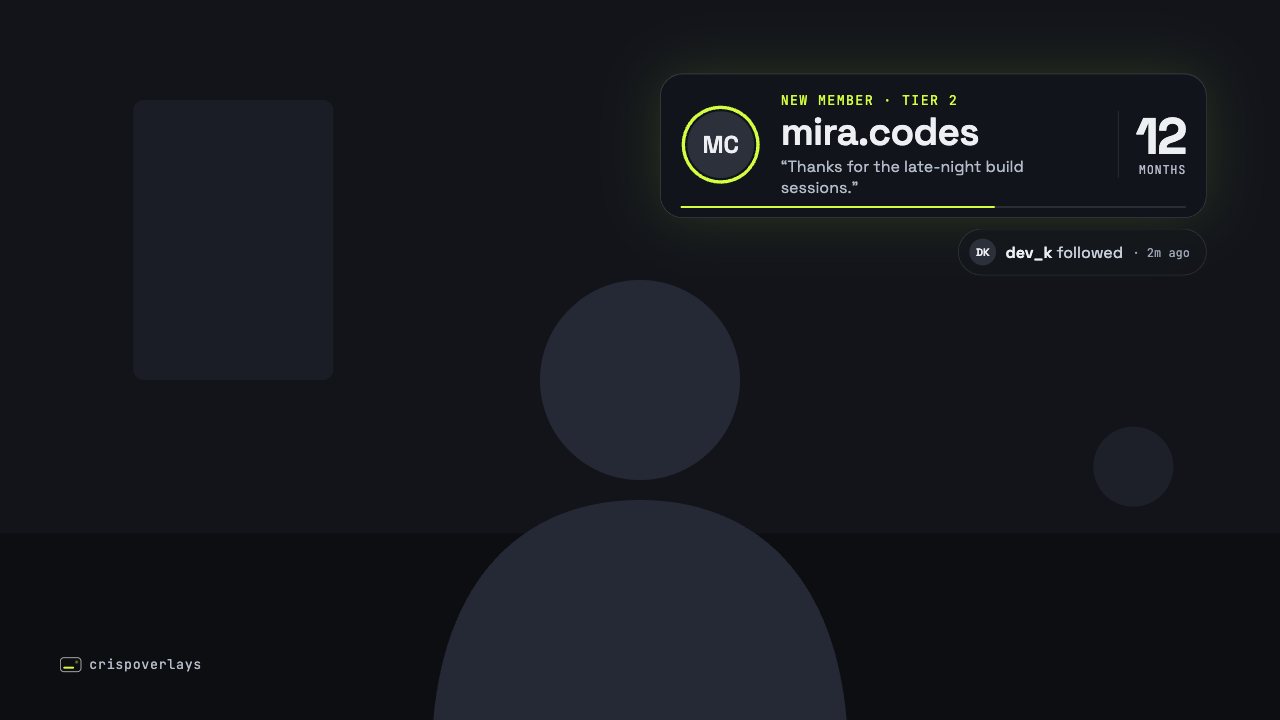
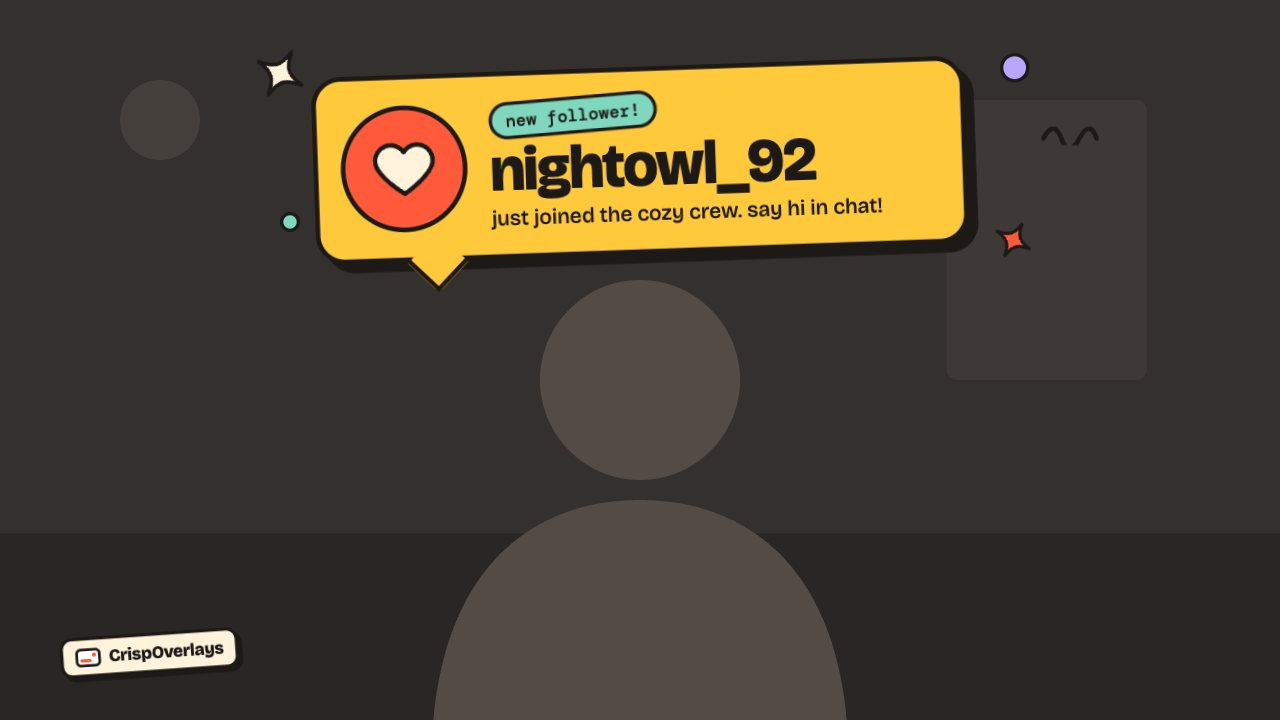
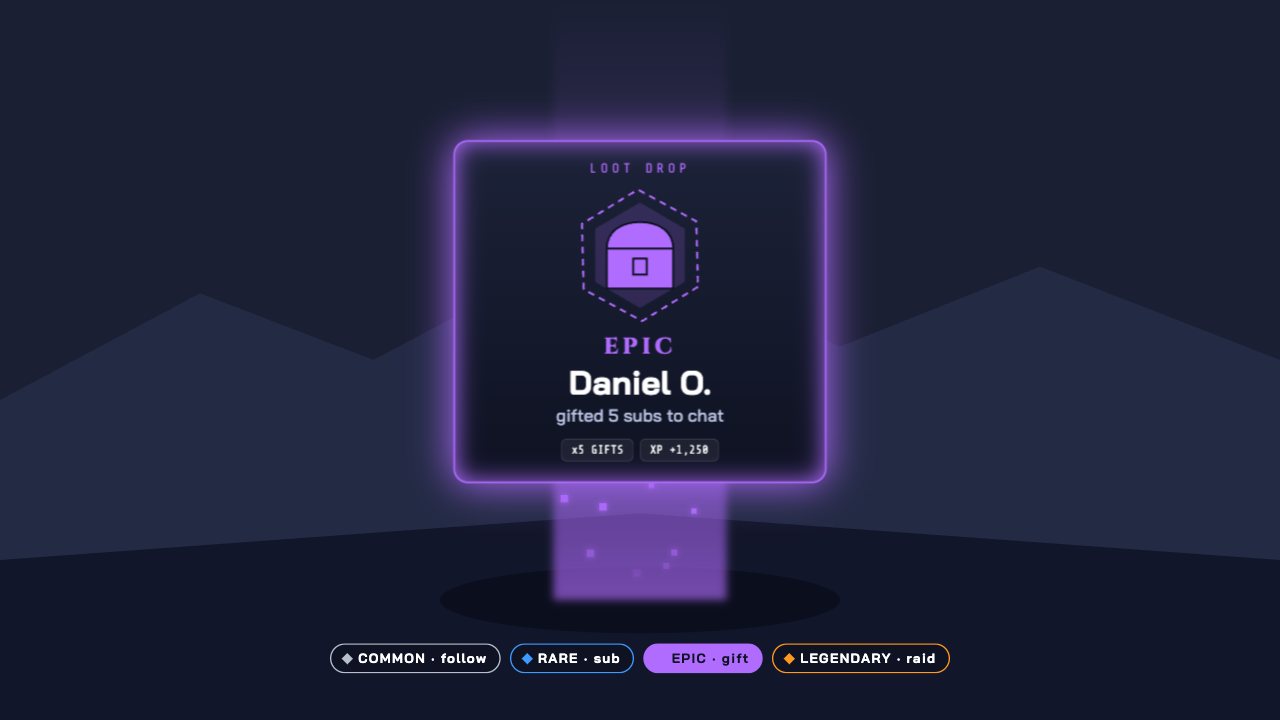
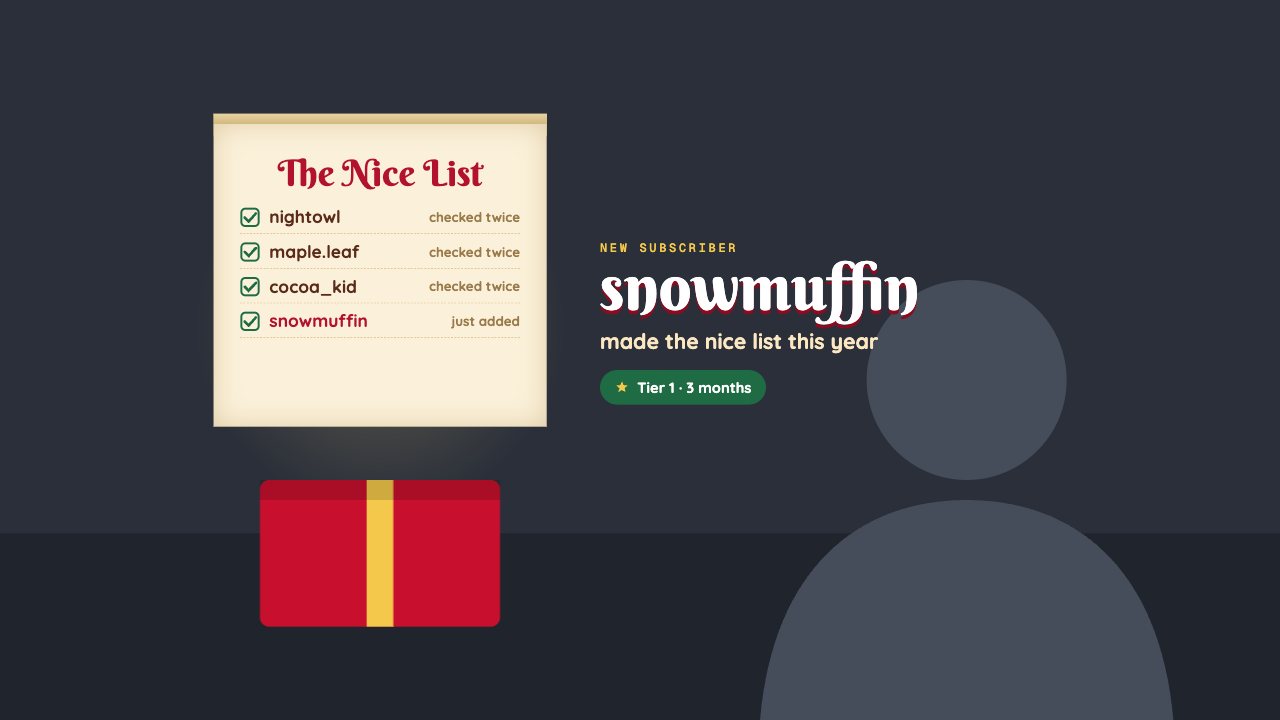
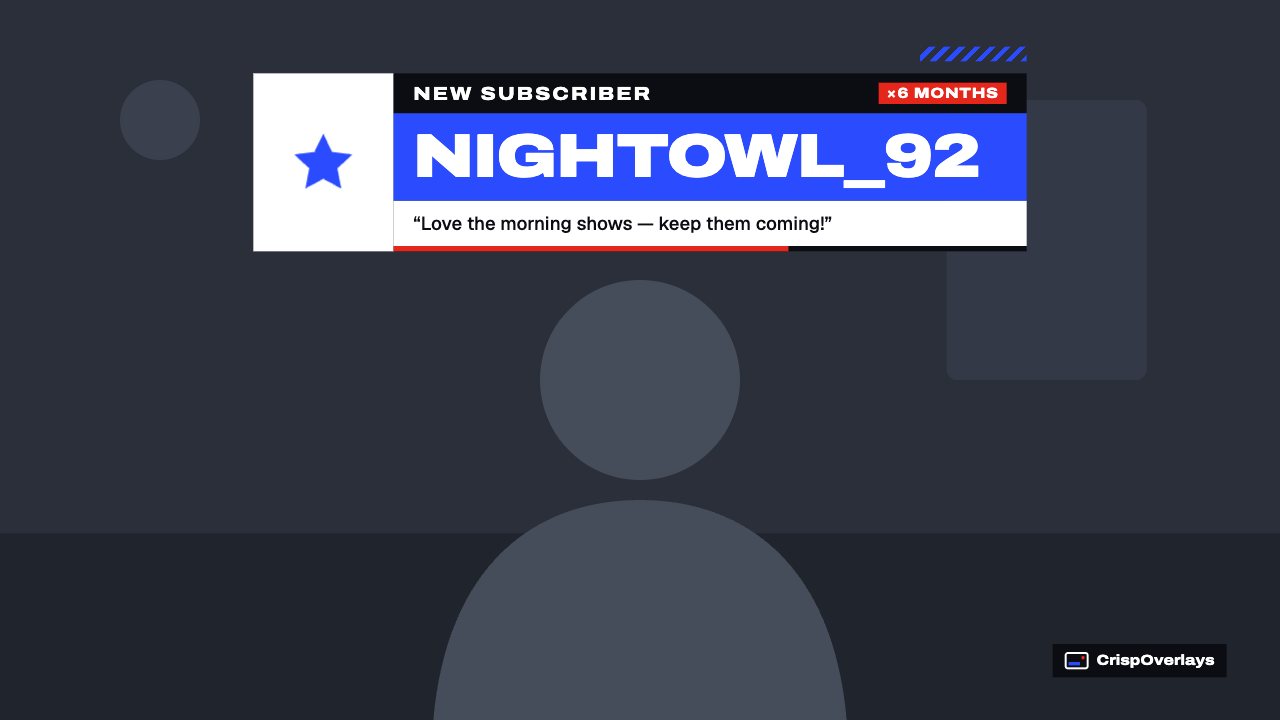
A broadcast-style alert with star icon, red badge, big name bar and message strip. Fire subscriber, follower and donation alerts live.
Included in Creator and up
- Editable settings
- 9
- Live controls
- 5
- Resolution
- 1080p & 4K
- Background
- Transparent
About this stream alert
Pulse alerts look like breaking news for your community: a white icon block, a black label bar with a red badge, and the supporter’s name in huge type.
A red progress line shows how long the alert stays on screen.
CrispOverlays alerts queue automatically, show each one for as long as you choose, and replay their entrance animation every time. Fire a test alert or a custom alert from the remote with one tap.
What you can customise
Text & content
- Sample label
- Sample name
- Sample message
- Sample stat
- Sample stat label
Behaviour
- Show each alert for
Colours & fonts
- Accent
- Show channel tag
- Channel tag
Live controls on your phone
Every button works from the studio, the phone remote or a producer link — and every screen updates together.
- Show
- Hide
- Fire alert
- Test alert
- Clear queue