Stream layouts for OBS, Streamlabs and live streams
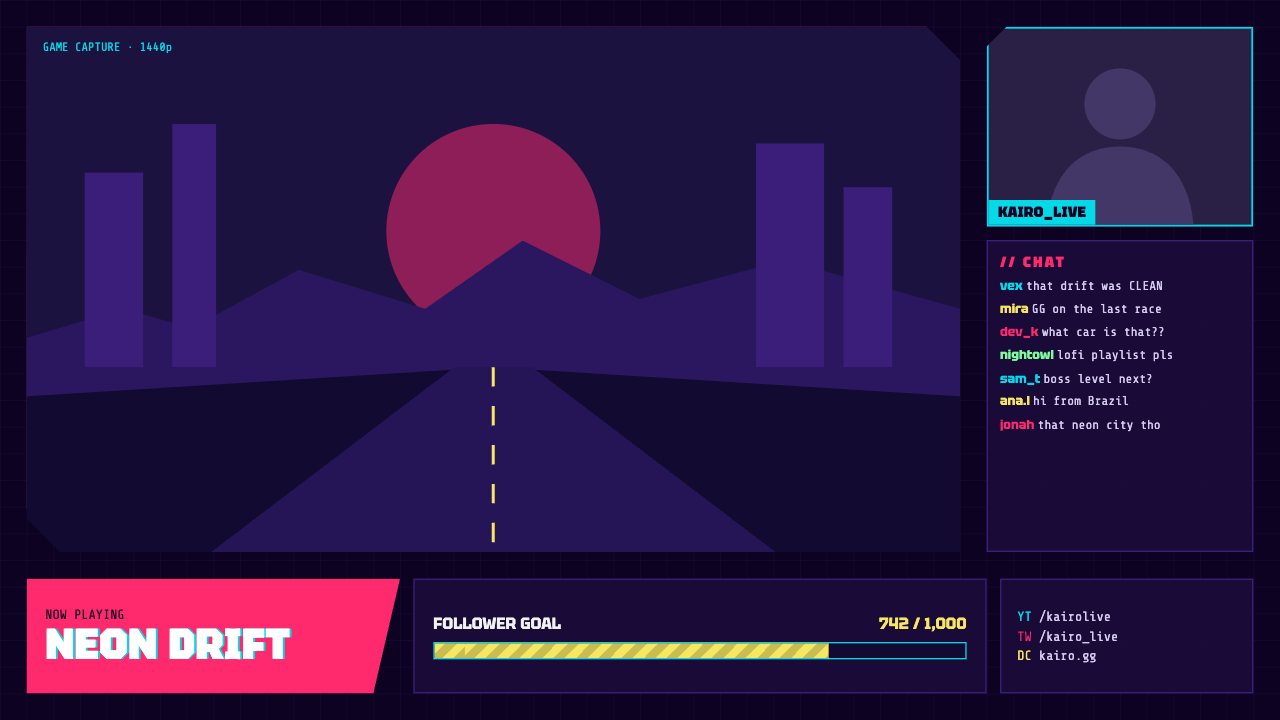
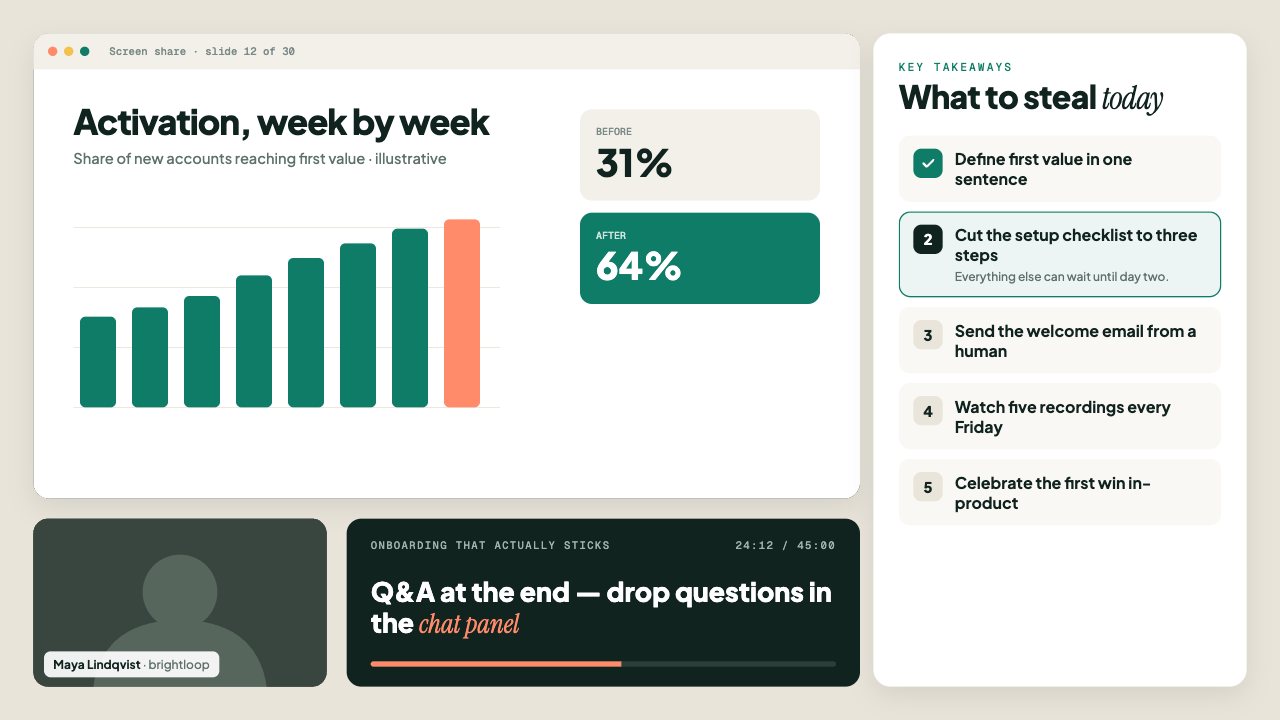
A stream layout is a whole screen design in one overlay: frames for your game capture, camera or screen share, with panels for chat, goals and info around them.
The windows are real transparent cut-outs, so your OBS sources show straight through. Everything around them is editable live.
Stream layout designs
Popular for
Stream layouts: questions
How do I line up my game and camera?
Put the layout on top of your scene, then size your game capture and camera sources to sit inside the transparent windows.
Are these stream layouts free?
0 of 2 stream layouts are free on every plan. The rest are included in Creator or Studio.
Do these stream layouts work with OBS and Streamlabs?
Yes. They work in OBS Studio, Streamlabs Desktop, XSplit, vMix, Twitch Studio, Meld Studio, PRISM Live Studio and any app with a browser source.
More overlay types
- Lower thirds
- News tickers
- Breaking news banners
- Stream alerts
- Webcam frames
- BRB screens
- Countdown timers
- Clocks & dates
- Live bugs
- Goal bars
- Chat boxes
- Recent events lists
- Now playing overlays
- Sponsor slots
- Polls
- Q&A cards
- Captions
- Market tickers
- Weather widgets
- Social overlays
- Podcast layouts
- Spin wheels
- Giveaways
- Subathon timers
- Hype meters
- Leaderboards
- Counters
- Credits rolls
- Schedules & ending screens
- Agendas & talking points
- Title cards
- Stinger transitions
- Celebration overlays
- Interactive overlays
- News graphics
- About me overlays
- Quiz overlays
- Holiday overlays
Go live with graphics that keep up with you
Free plan · No download · Works in any app with a browser source.
Create your first overlay — free