Countdown timers for OBS, Streamlabs and live streams
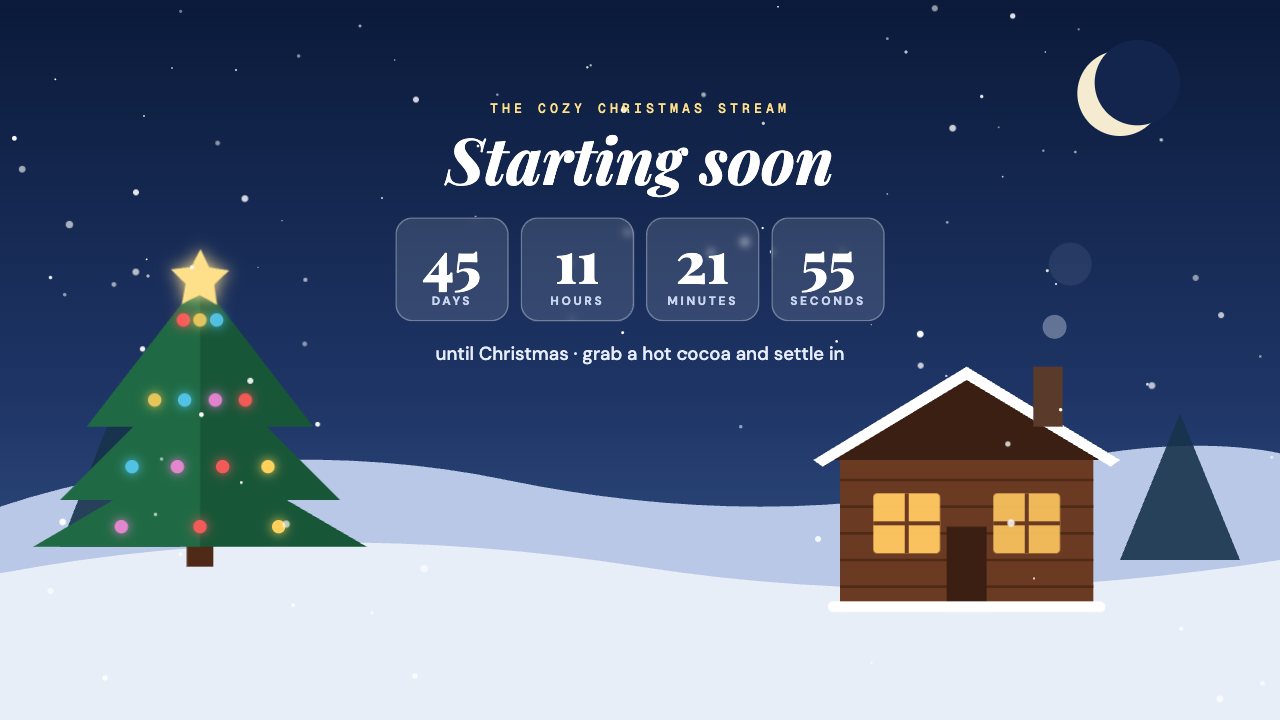
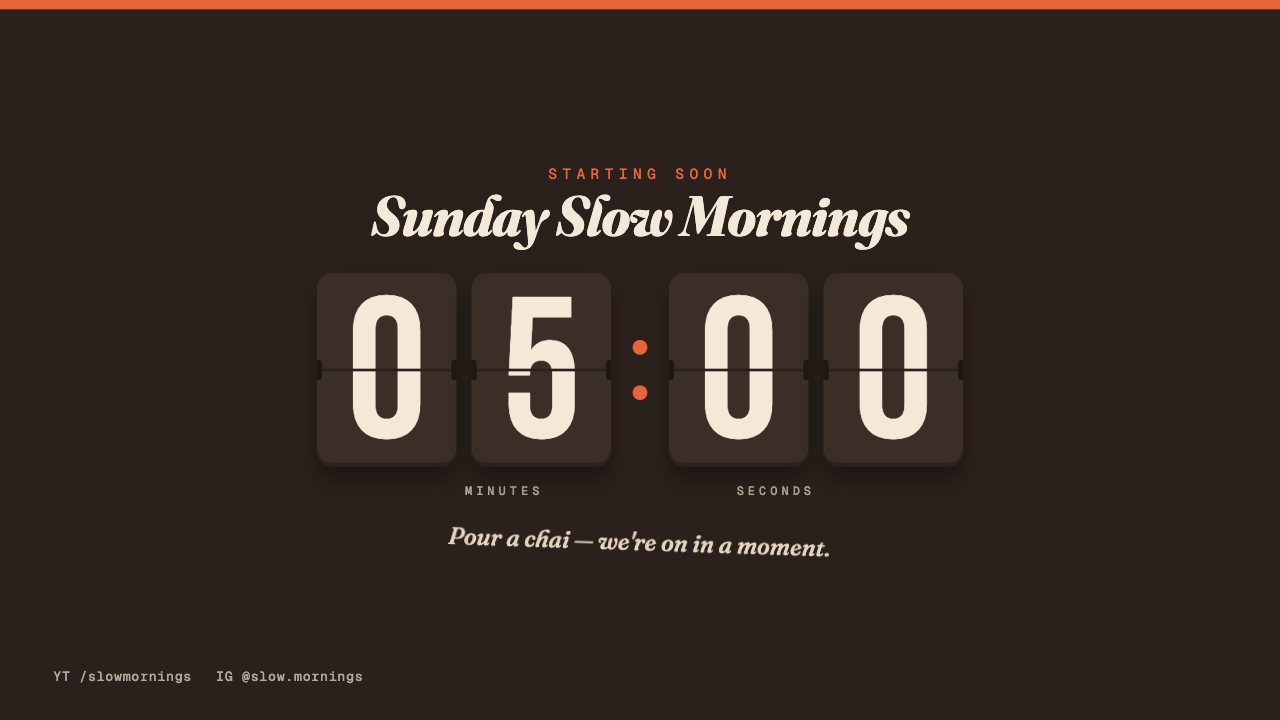
A starting-soon countdown builds anticipation and lets viewers know exactly when the show begins.
Run it as a timer from the remote — start, pause, add a minute — or point it at a date and time and it counts down on its own. When it hits zero it shows your “we’re live” message.
Countdown timer designs
Popular for
Countdown timers: questions
Does the countdown stay in sync across devices?
Yes. The timer runs on our servers, so OBS, your phone and your co-host all see exactly the same time.
Are these countdown timers free?
2 of 2 countdown timers are free on every plan. The rest are included in Creator or Studio.
Do these countdown timers work with OBS and Streamlabs?
Yes. They work in OBS Studio, Streamlabs Desktop, XSplit, vMix, Twitch Studio, Meld Studio, PRISM Live Studio and any app with a browser source.
More overlay types
- Lower thirds
- News tickers
- Breaking news banners
- Stream alerts
- Webcam frames
- BRB screens
- Clocks & dates
- Live bugs
- Goal bars
- Chat boxes
- Recent events lists
- Now playing overlays
- Sponsor slots
- Polls
- Q&A cards
- Captions
- Market tickers
- Weather widgets
- Social overlays
- Podcast layouts
- Spin wheels
- Giveaways
- Subathon timers
- Hype meters
- Leaderboards
- Counters
- Credits rolls
- Schedules & ending screens
- Agendas & talking points
- Title cards
- Stinger transitions
- Celebration overlays
- Interactive overlays
- Stream layouts
- News graphics
- About me overlays
- Quiz overlays
- Holiday overlays
Go live with graphics that keep up with you
Free plan · No download · Works in any app with a browser source.
Create your first overlay — free