Use case · Podcasts & talk showsStart free
Video podcast and talk show overlays
A video podcast needs the same graphics as a TV talk show: who’s speaking, what you’re talking about and what’s coming up.
Swap guest names, update the topic and feature a viewer question from your phone — your producer can do it for you with a link.

Best overlays for podcasts & talk shows
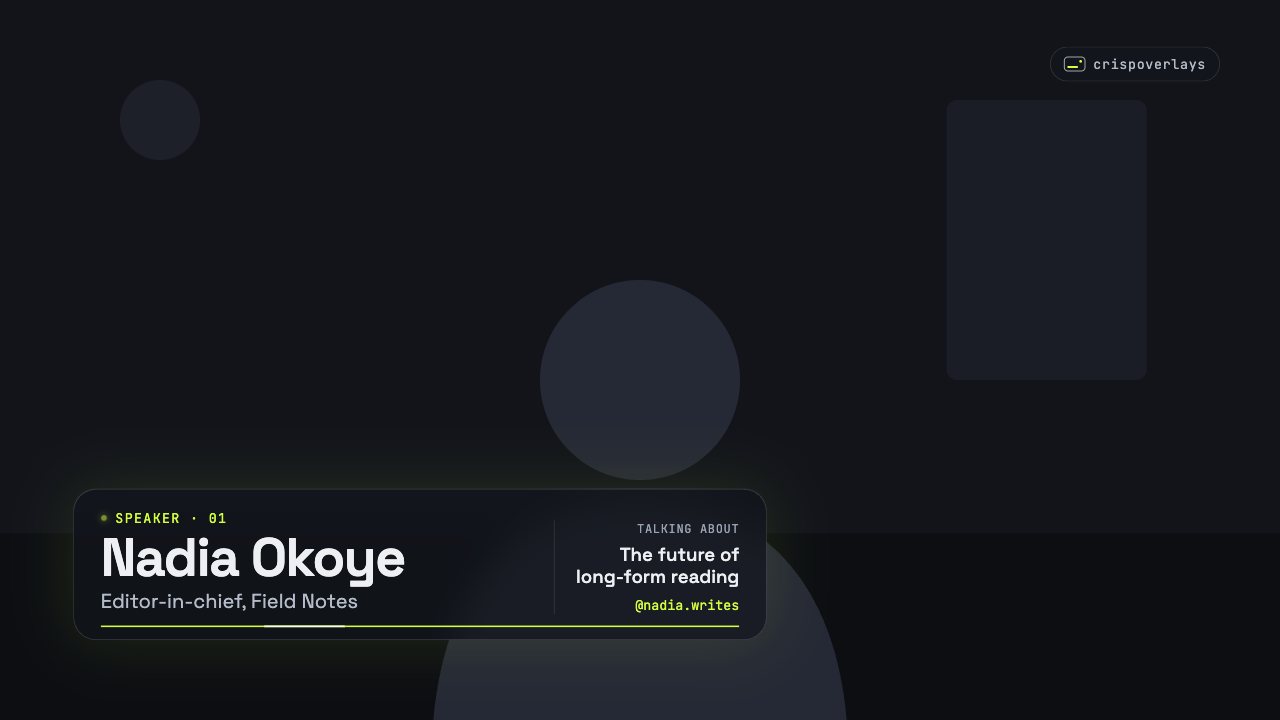
Lower third
Nightglass lower third
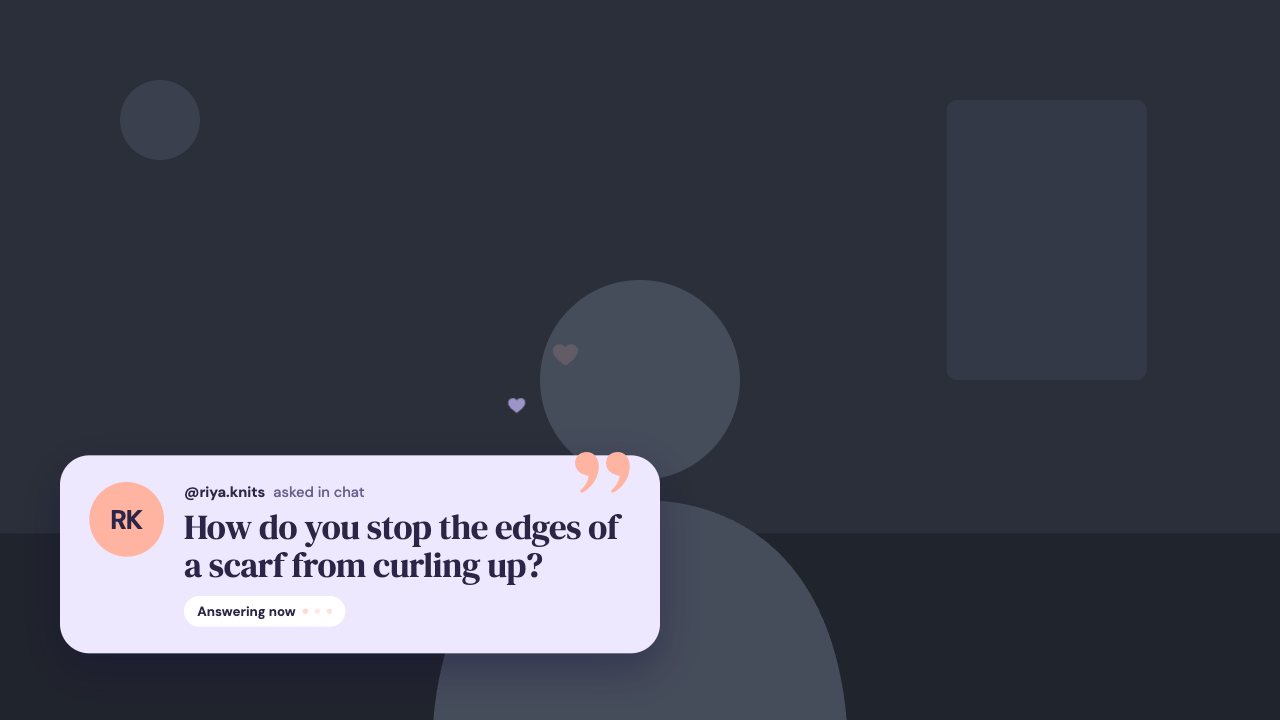
Q&A highlight
Soft Pastel q&a card
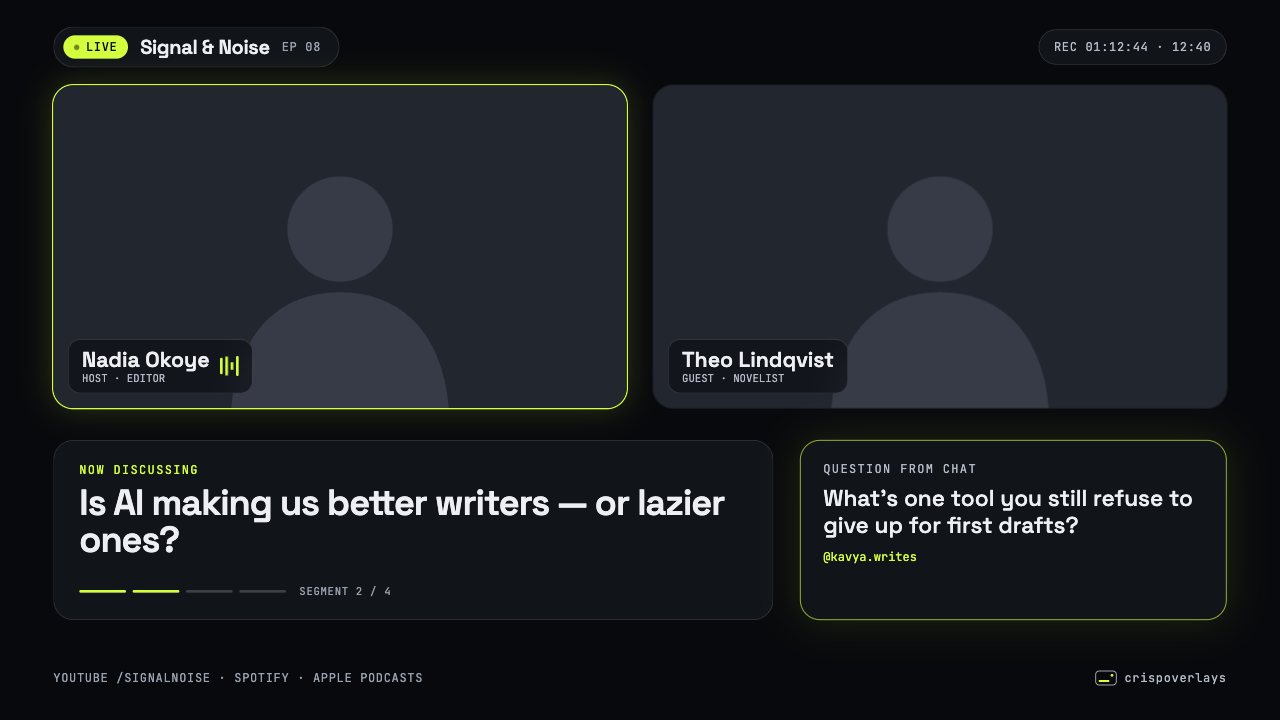
Podcast bundle
Nightglass podcast layout
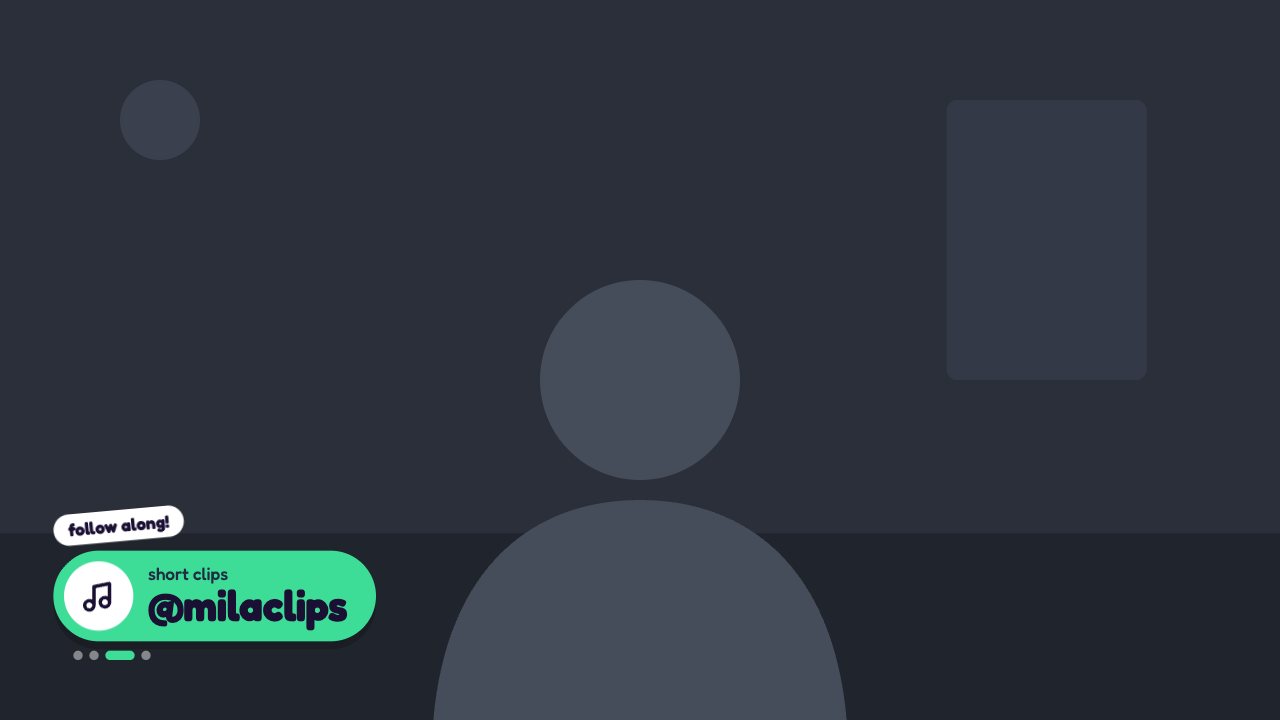
Social handle rotator
Candy Pop social overlay
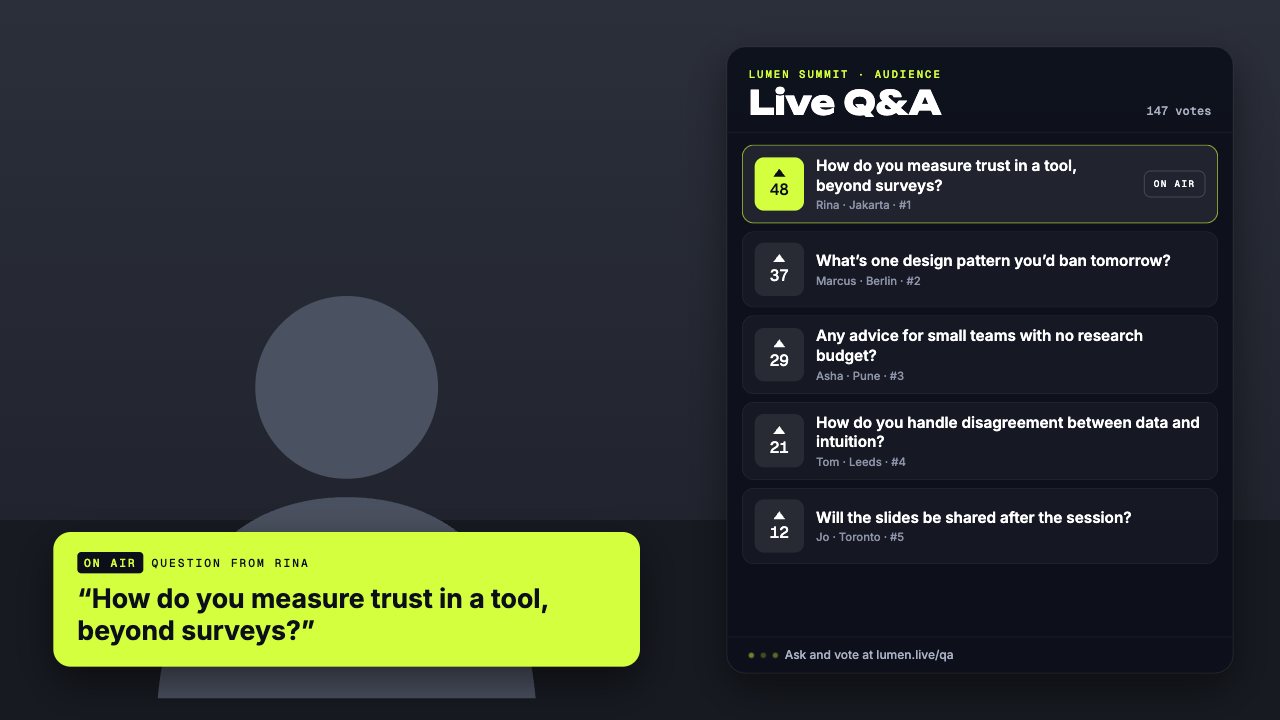
Q&A card
Conference queue q&a card
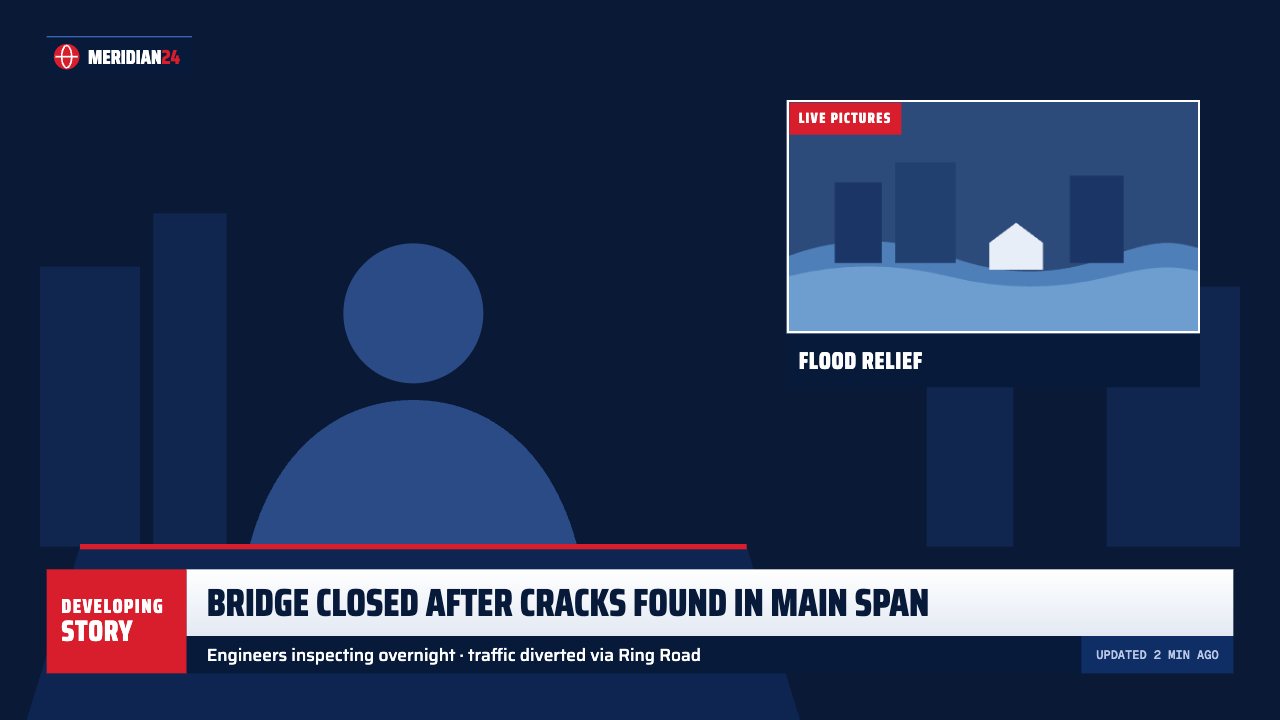
Lower third
Headline super lower third
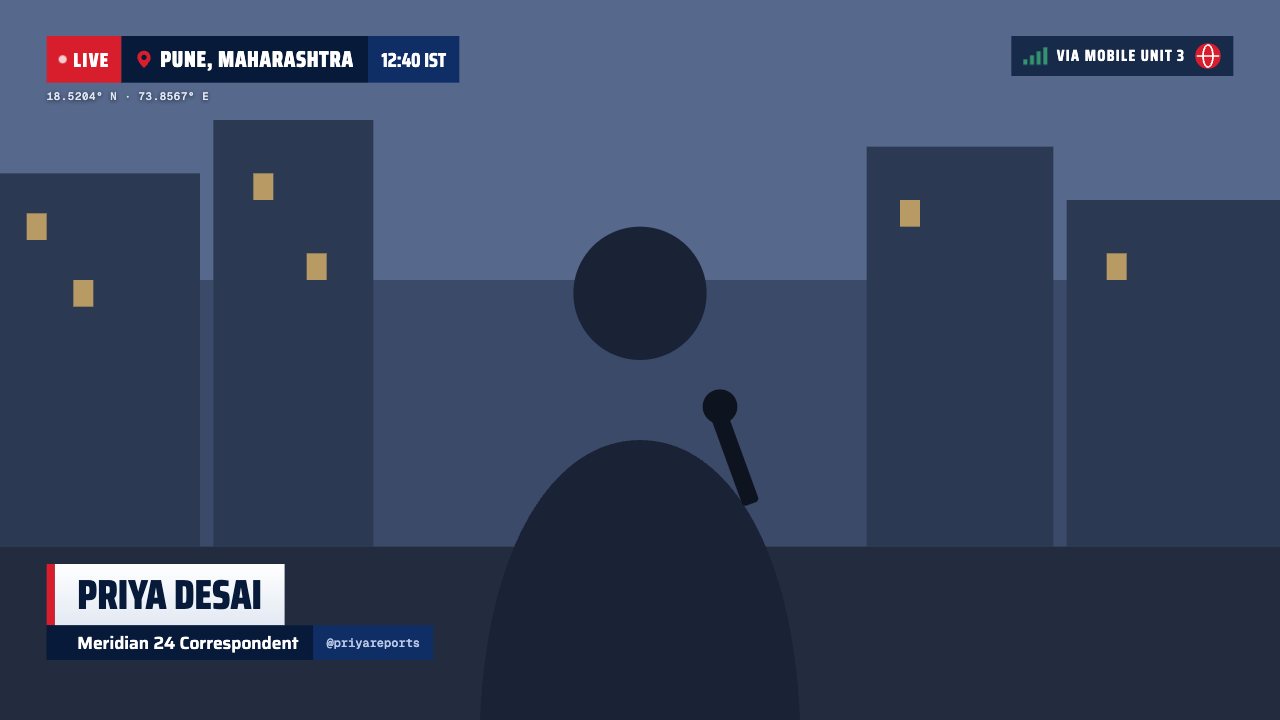
Lower third
Live on location lower third
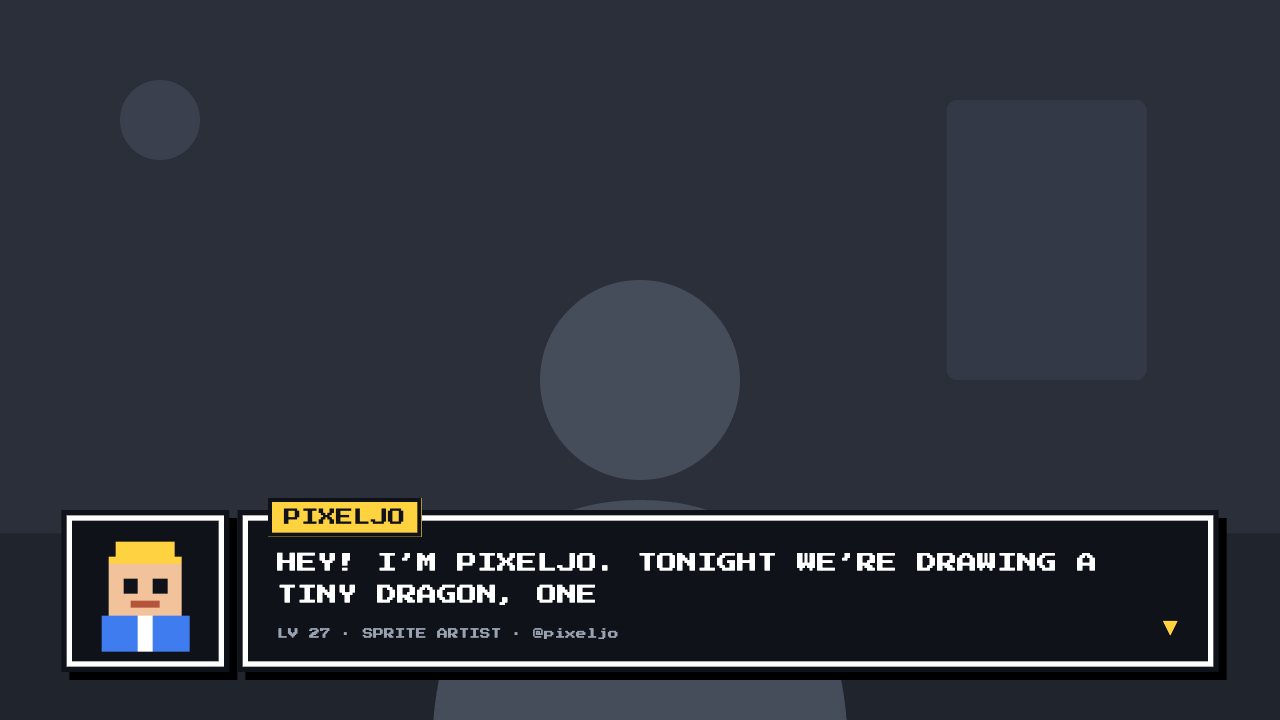
Lower third
8-bit lower third
Lower third
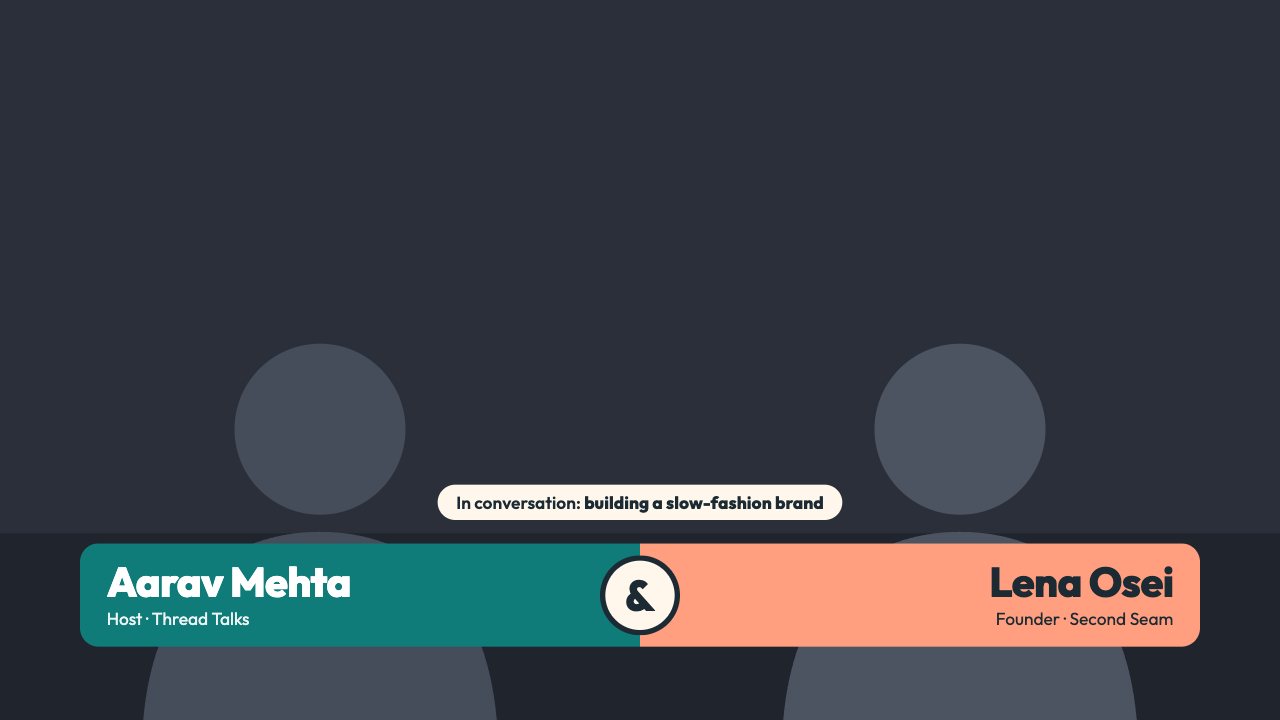
Duo Split lower third
Lower third
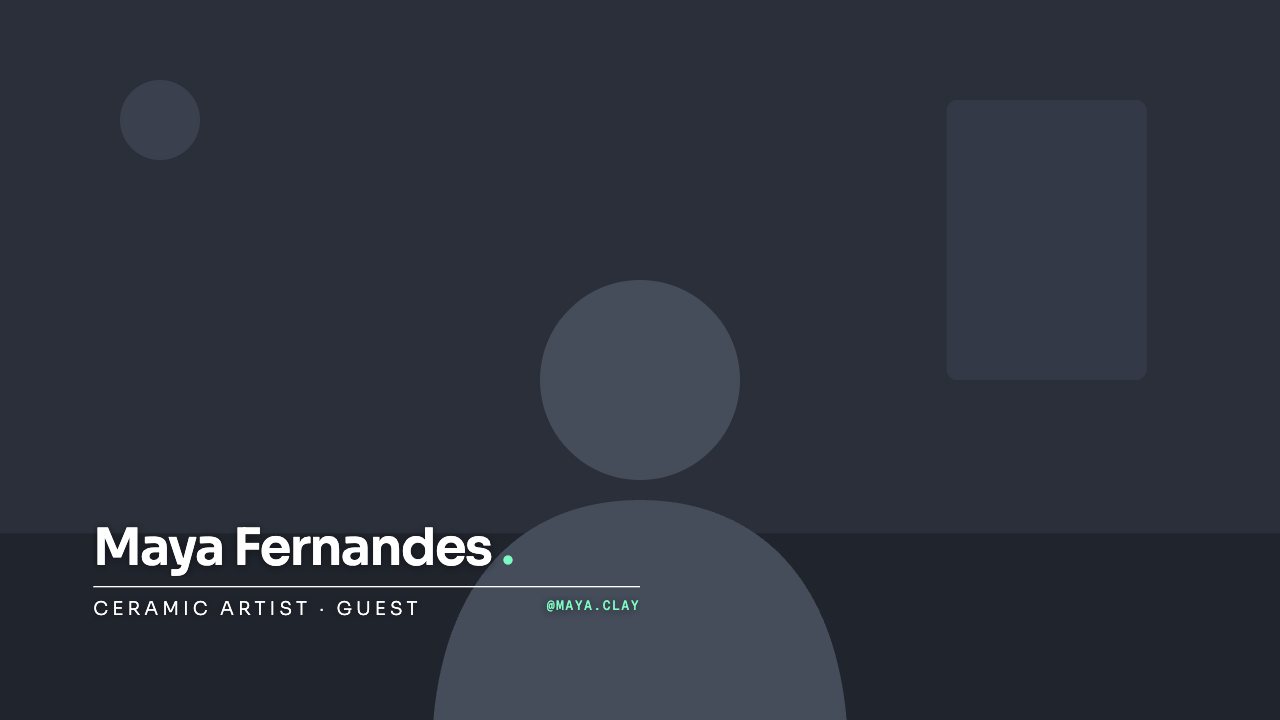
Hairline lower third
Lower third
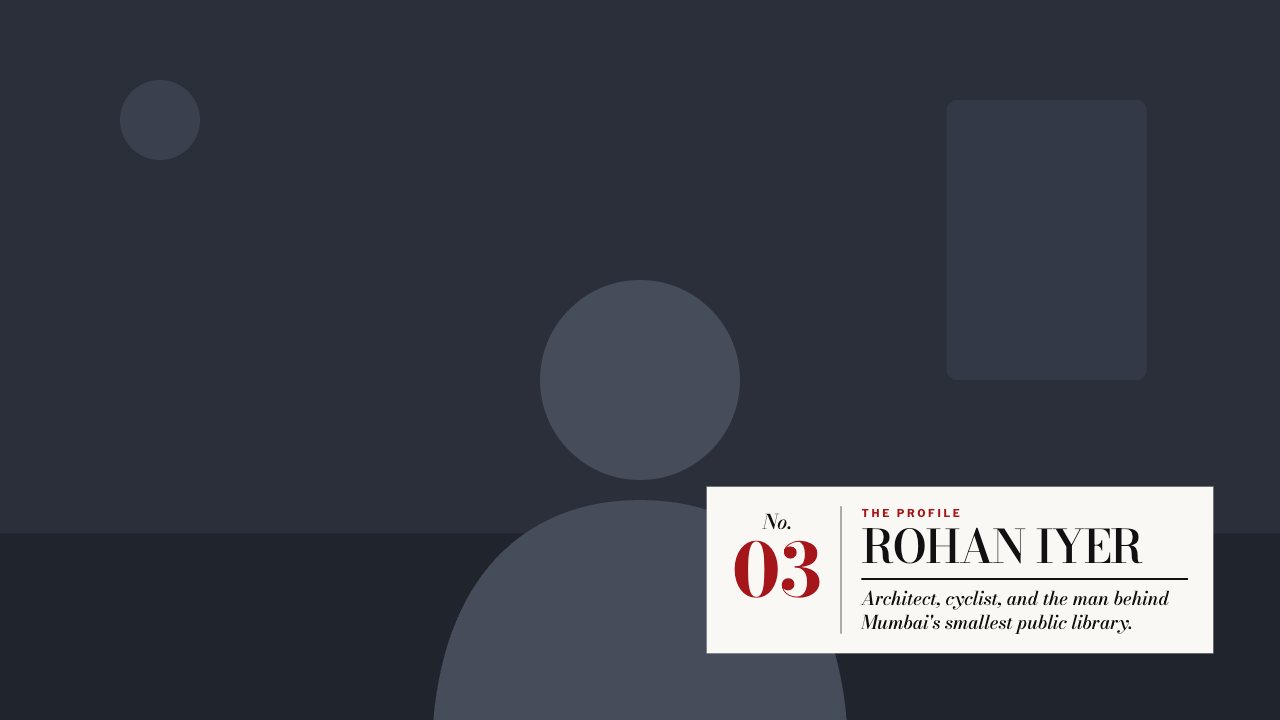
Magazine lower third
Lower third
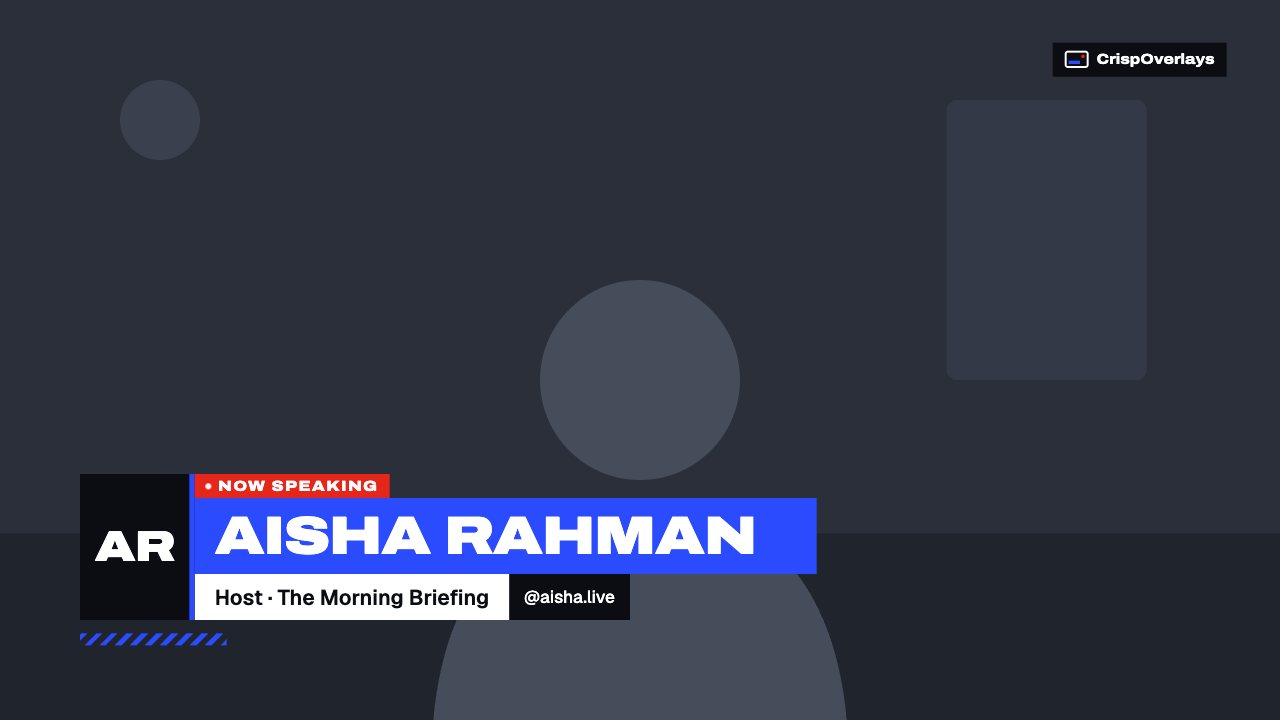
Pulse lower third
Podcasts & talk shows: questions
Can I use one layout for two cameras?
Yes. The podcast layouts include two transparent camera areas — put your camera sources underneath in OBS.
Which streaming software do I need?
Any app with a browser source: OBS Studio, Streamlabs, XSplit, vMix, Twitch Studio, Meld Studio or PRISM Live Studio.
Can I try it for free?
Yes. The Free plan includes one stream and live text editing. Upgrade from $2.99/month to remove the watermark.
Other use cases
Go live with graphics that keep up with you
Free plan · No download · Works in any app with a browser source.
Create your first overlay — free