Skip to content
CrispOverlays
Nightglass lower third overlay for OBS and Streamlabs — Lower third · Nightglass
Lower third · Nightglass

Nightglass lower third overlay for OBS & Streamlabs

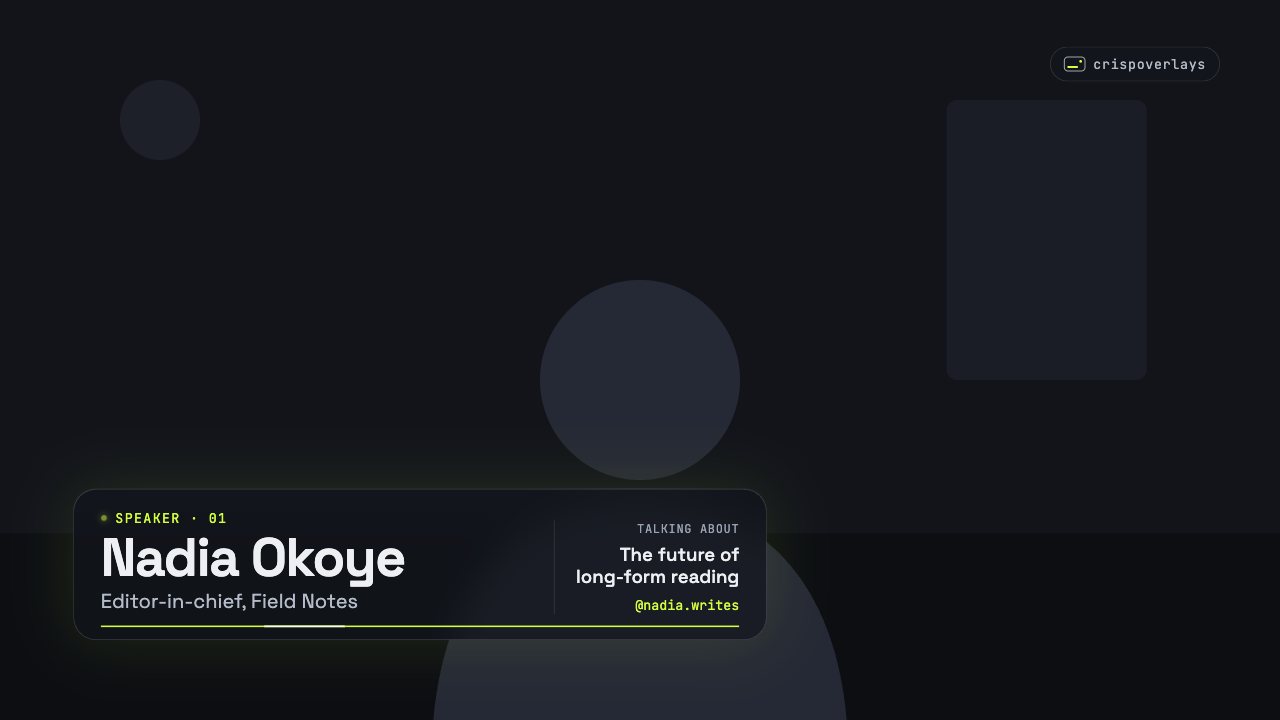
A frosted-glass lower third with a pulsing speaker label, topic panel and light sweep. Edit names live from your phone. Free OBS browser source.

Free on every plan

Editable settings
9
Live controls
2
Resolution
1080p & 4K
Background
Transparent

About this lower third

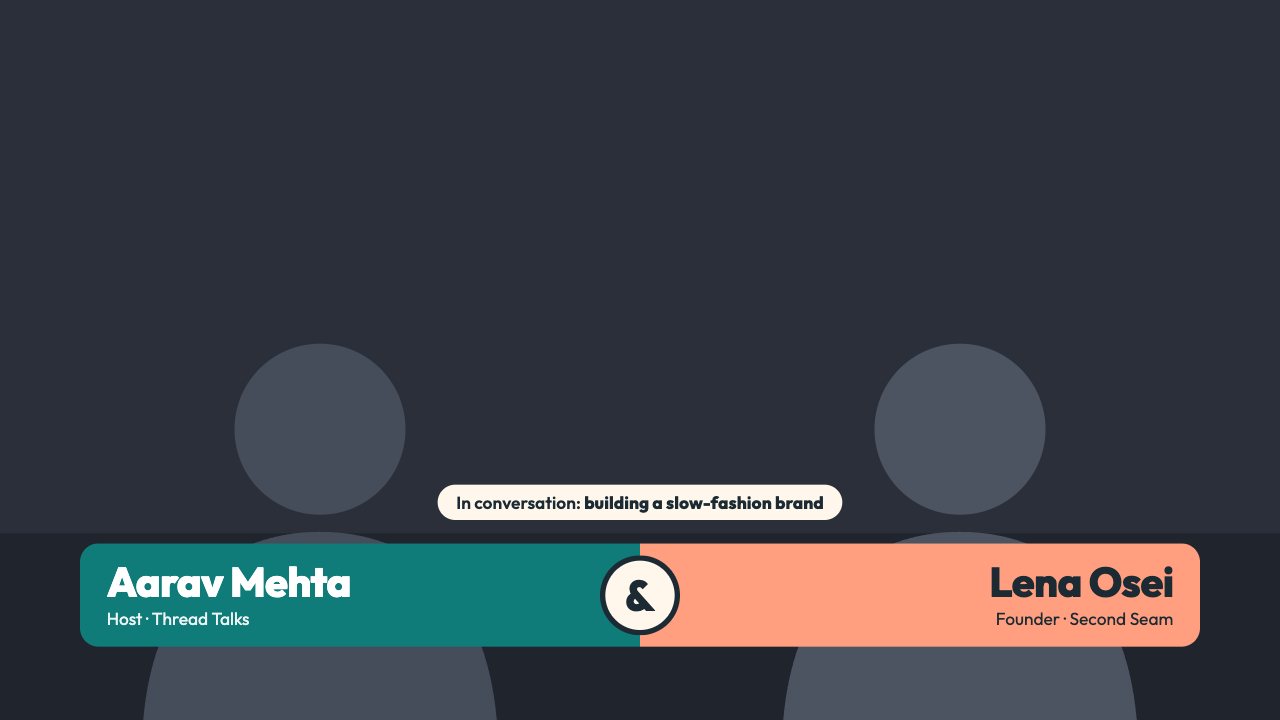
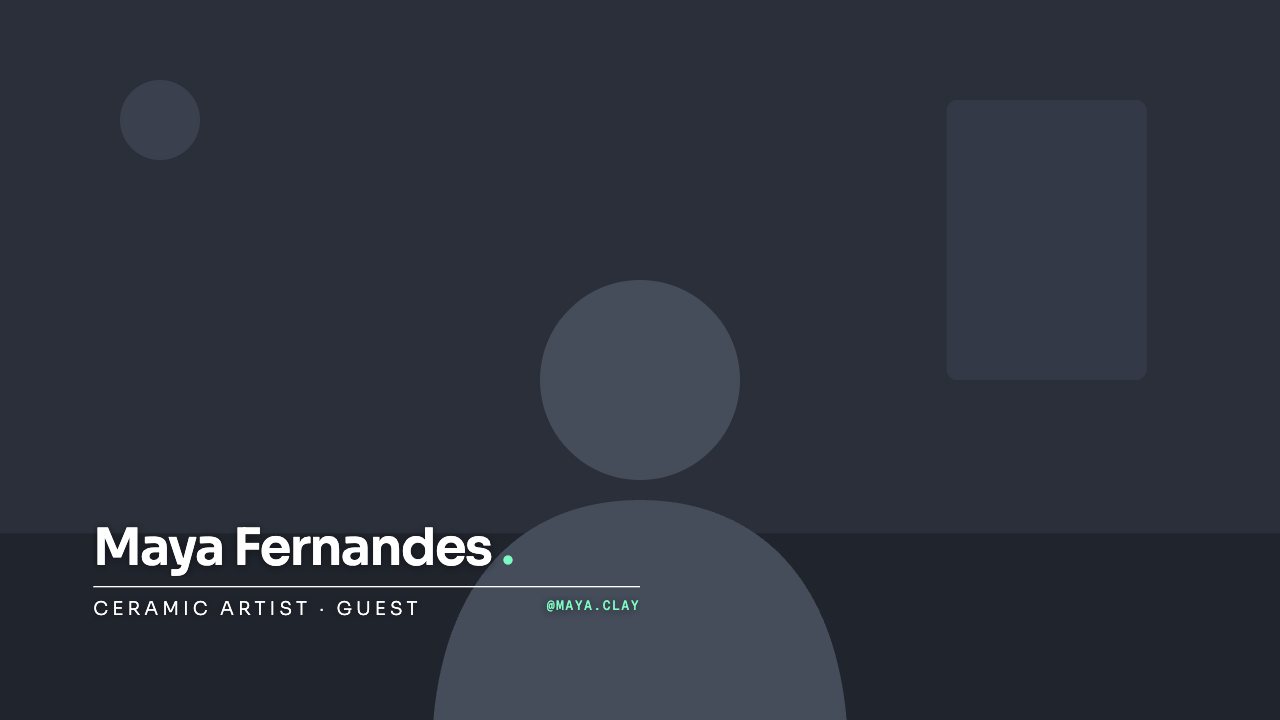
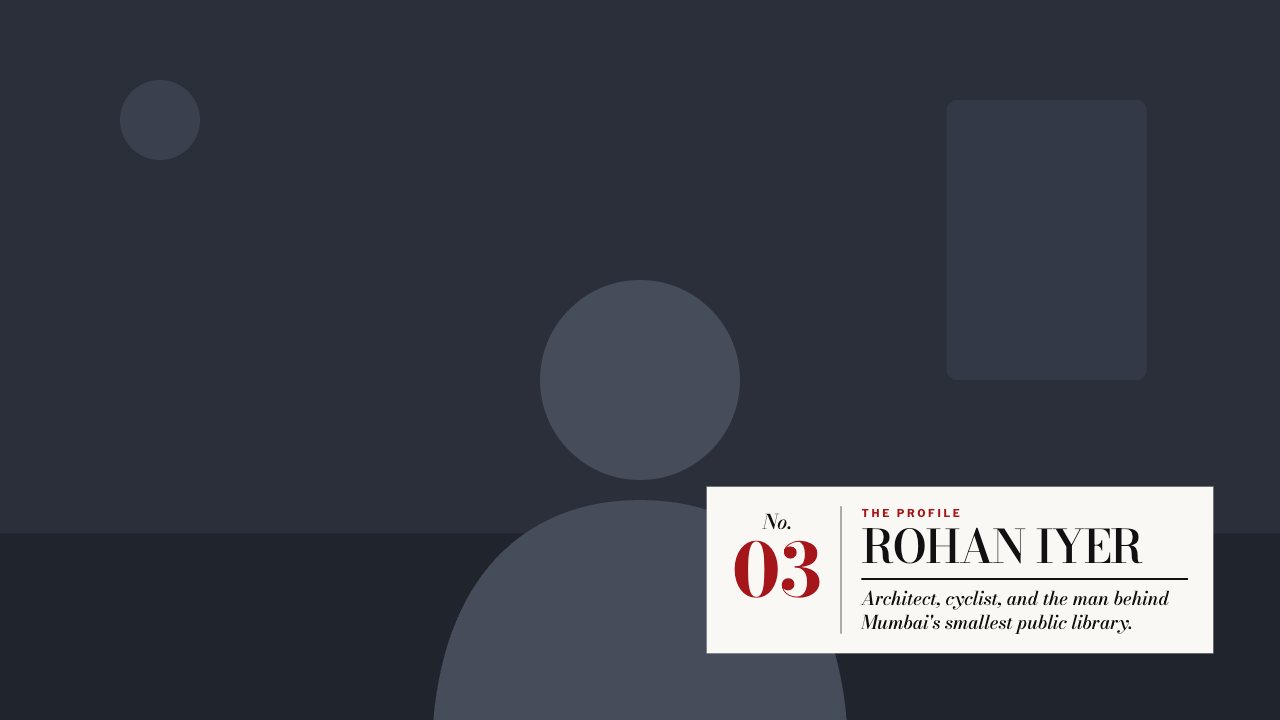
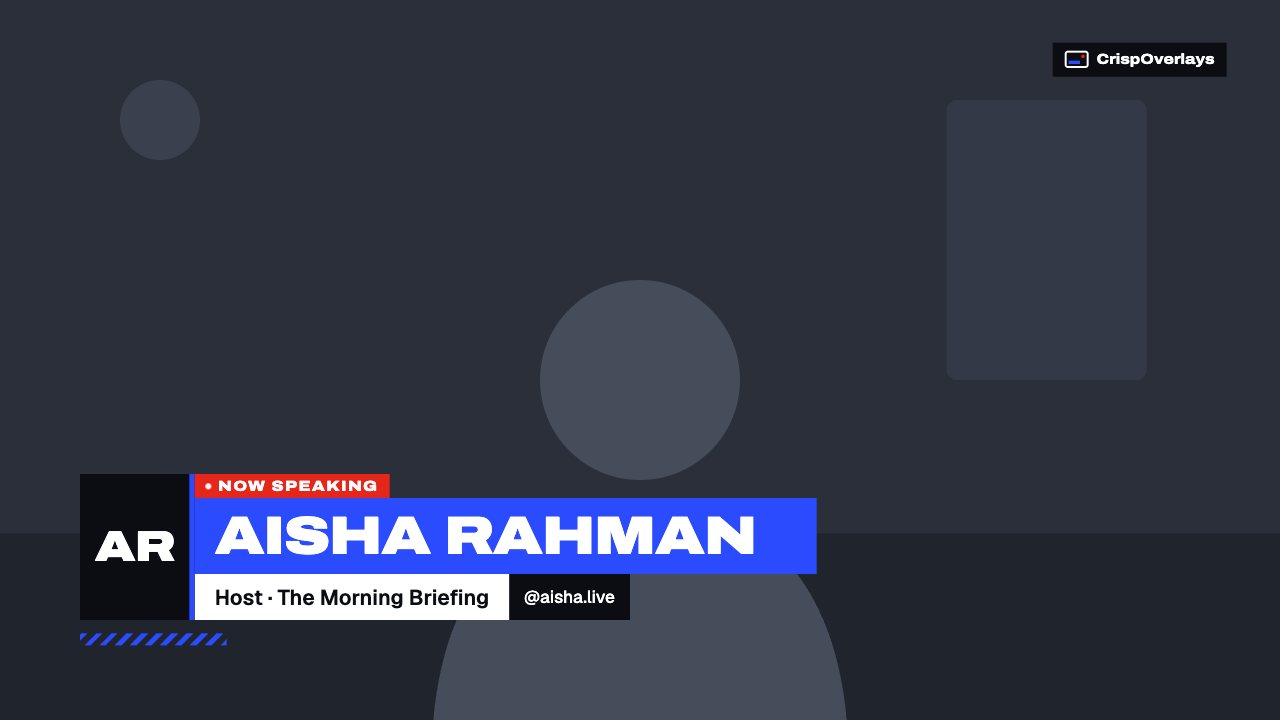
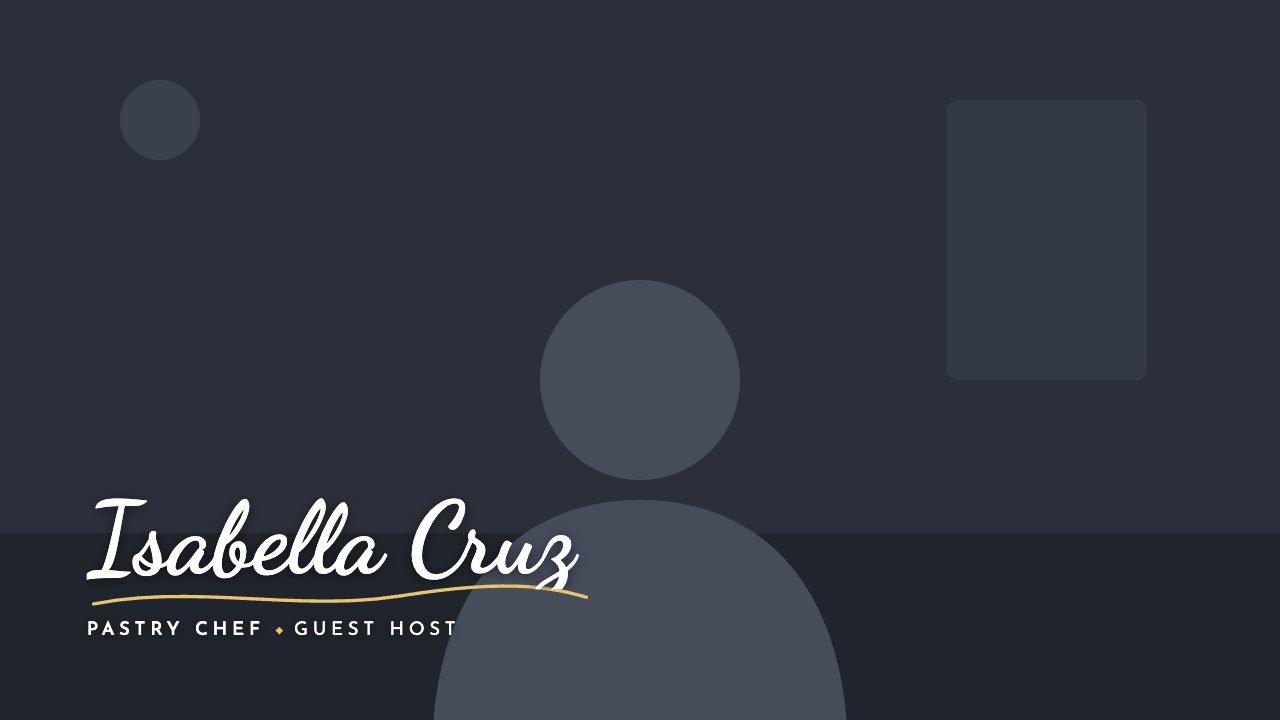
Nightglass is a dark, frosted-glass name strap built for podcasts and talk shows. A pulsing speaker label sits above the name, and a separate panel shows what you’re talking about.

Swap guests between segments without touching OBS — type the new name and topic on the remote and the strap animates in with a soft light sweep.

CrispOverlays lower thirds are animated, transparent and editable while you’re live. Type a new guest name on your phone and it slides onto your stream in OBS, Streamlabs, vMix or XSplit a moment later — no refreshing browser sources, no exporting video files.

What you can customise

Text & content

  • Label
  • Name
  • Title
  • Topic label
  • Topic
  • Handle

Colours & fonts

  • Accent
  • Show channel tag
  • Channel tag

Nightglass lower third: questions

How do I add the Nightglass lower third to OBS?

Click “Use this overlay” and sign in — it’s added to your first stream. Copy your stream’s browser source URL. In OBS Studio or Streamlabs, add a Browser source, paste the URL and set 1920 × 1080. Edit the overlay in CrispOverlays or on your phone — changes appear live.

Can I change the Nightglass lower third while I’m live?

Yes. All 9 settings — label, name, title, topic label and more — update on stream the moment you change them, from your computer or phone.

Is the Nightglass lower third free?

Yes — it’s included on the Free plan, with a small CrispOverlays watermark. Paid plans remove the watermark and unlock colours and fonts.

Can it use my brand colours?

Yes. Switch it to “My brand” and its 1 brand colour follow your brand kit. Switch back any time to the original colours.

How do I add a lower third in OBS?

Pick a lower third in CrispOverlays, copy your stream’s browser source URL and add it in OBS as a Browser source at 1920 × 1080. Edit the name and title in CrispOverlays and it updates live.

Can I change the name during a live stream?

Yes. Every lower third is edited live — from the studio on your computer or the remote on your phone — and the change appears on stream instantly.

Put the Nightglass lower third on your stream

Free plan · No download · Works in any app with a browser source.

Create your first overlay — free