Podcast bundle · Nightglass
Nightglass podcast layout overlay for OBS & Streamlabs
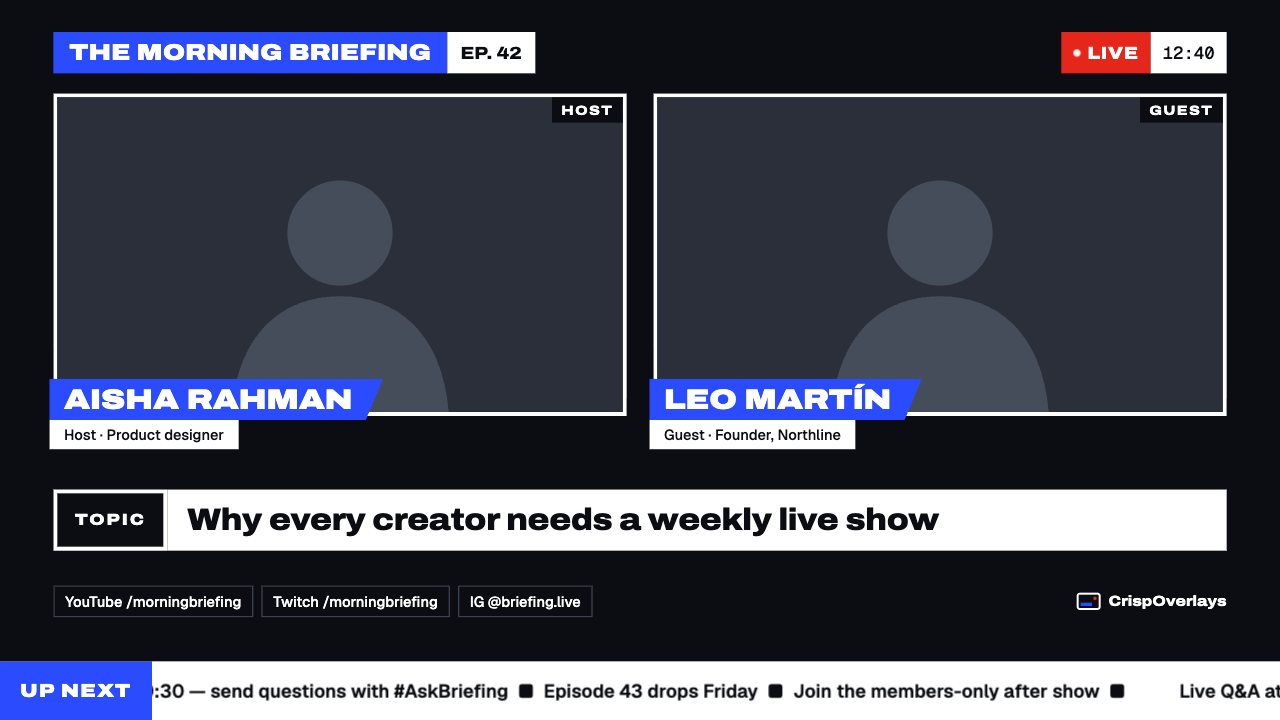
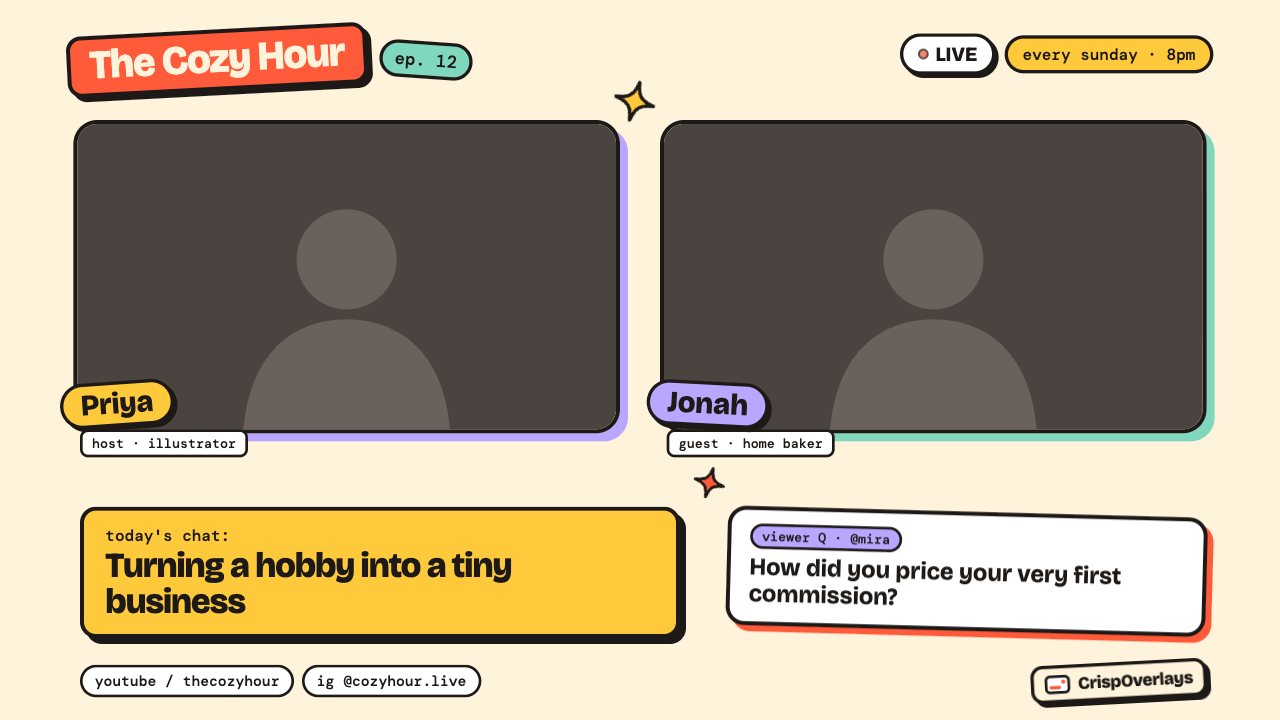
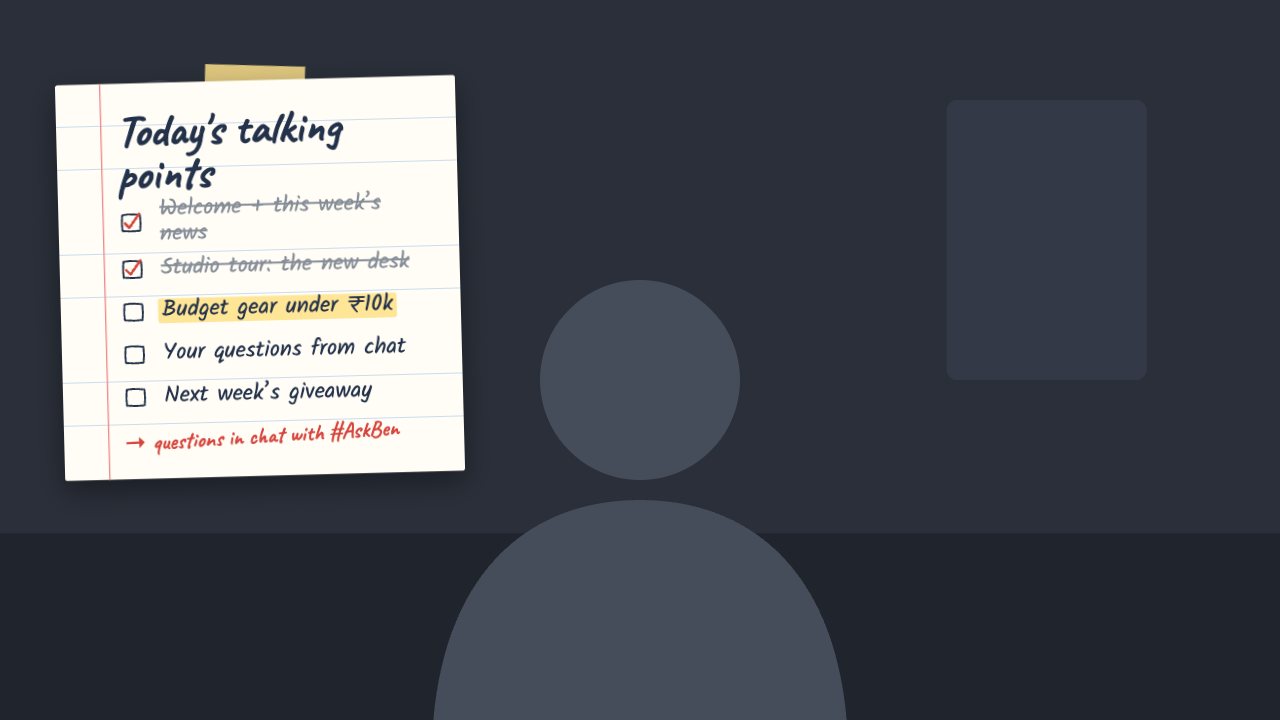
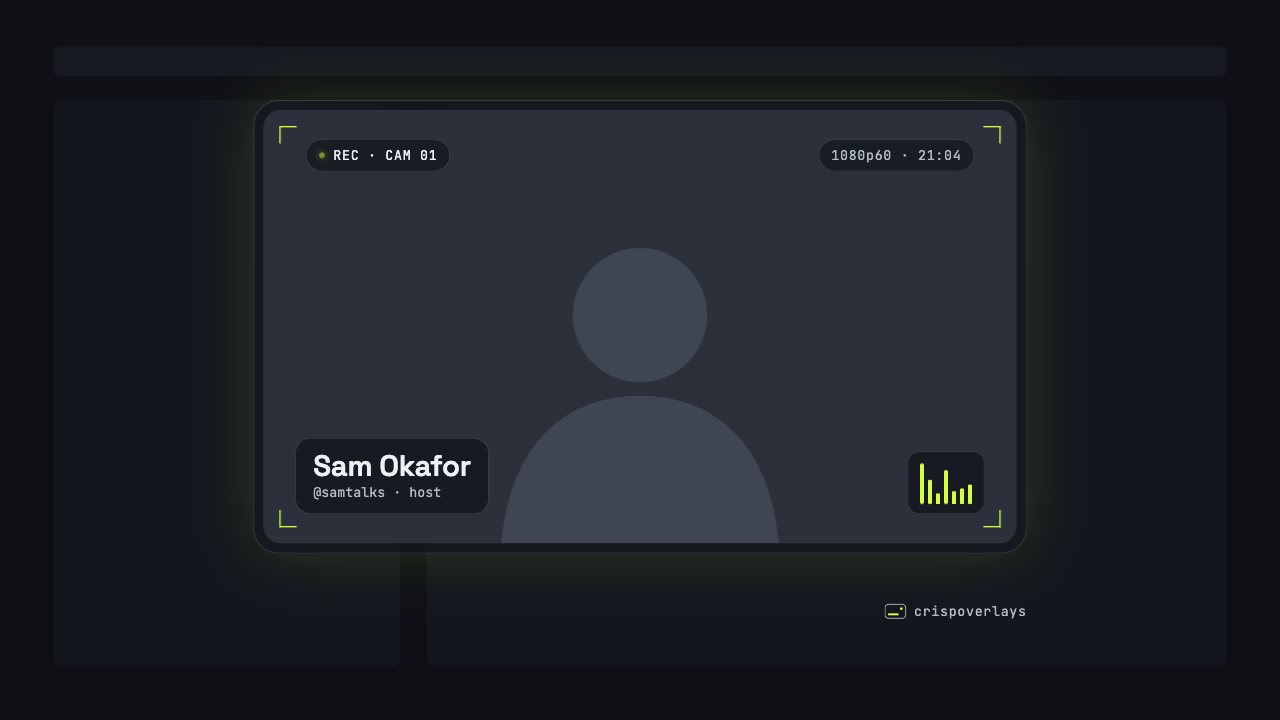
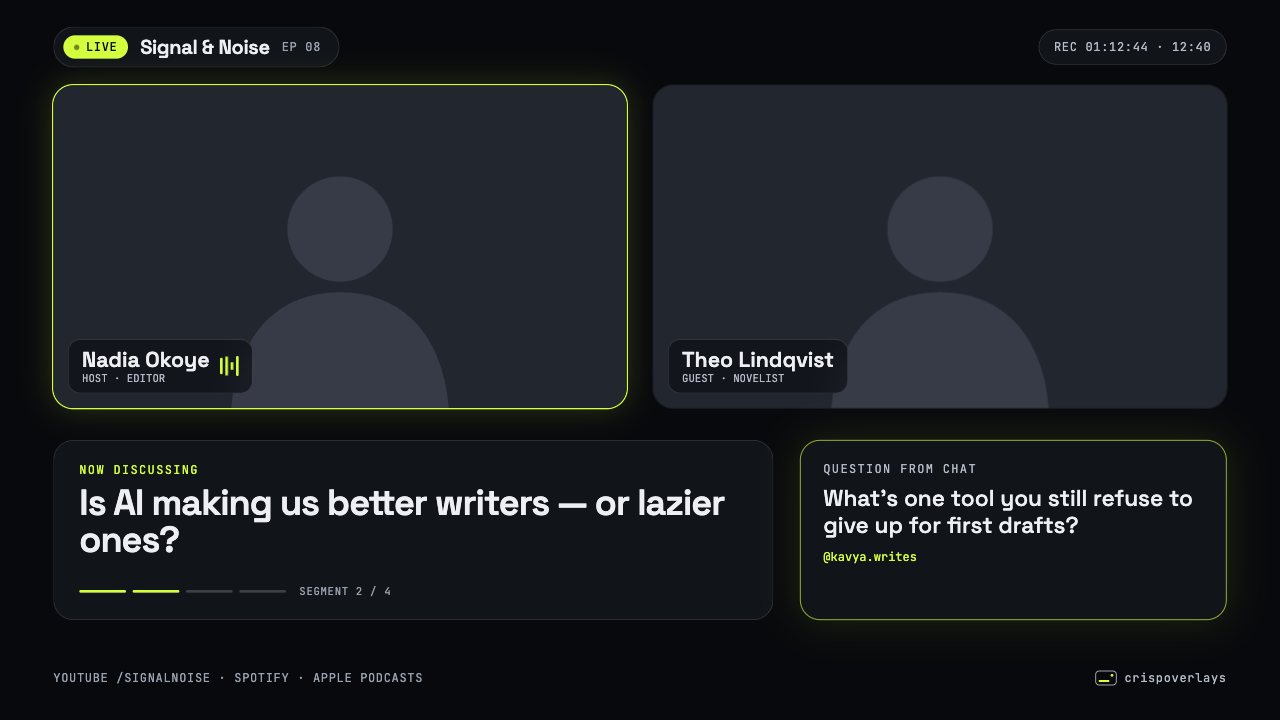
A full two-camera podcast layout: show bar, guest names, topic with segment progress and a chat question. Glass style.
Included in Studio
- Editable settings
- 20
- Live controls
- 7
- Resolution
- 1080p & 4K
- Background
- Transparent
About this podcast layout
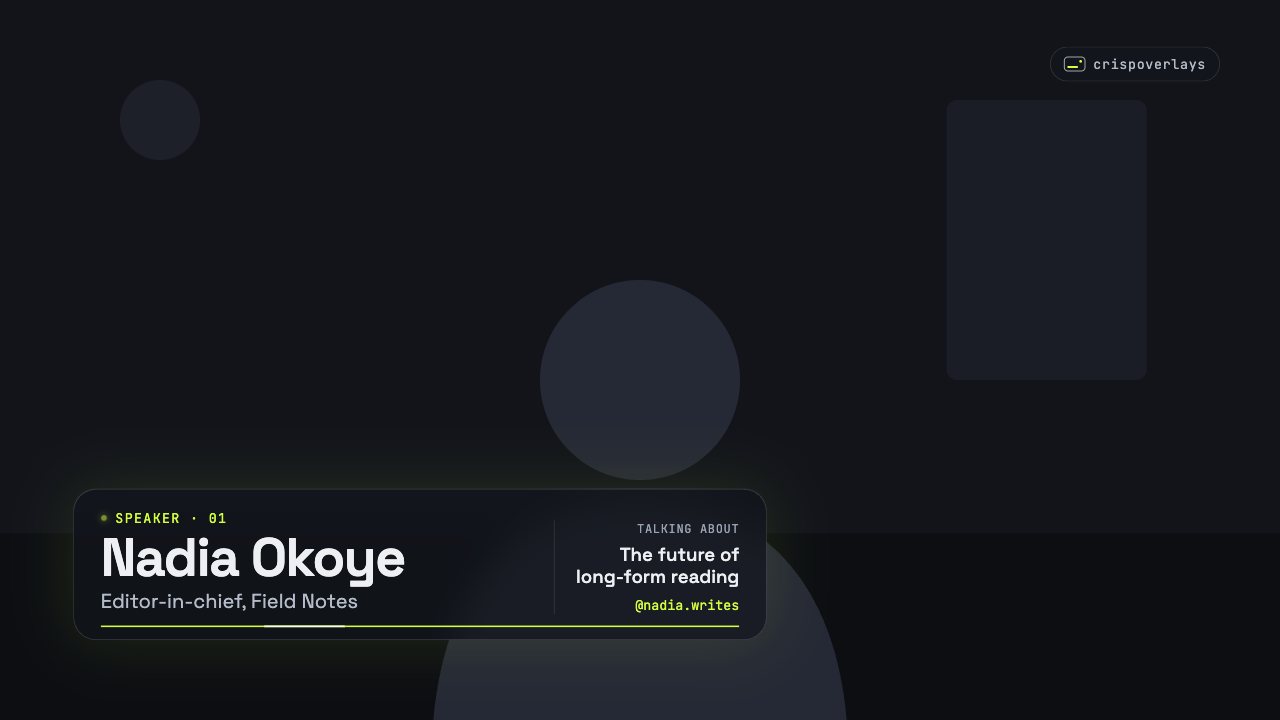
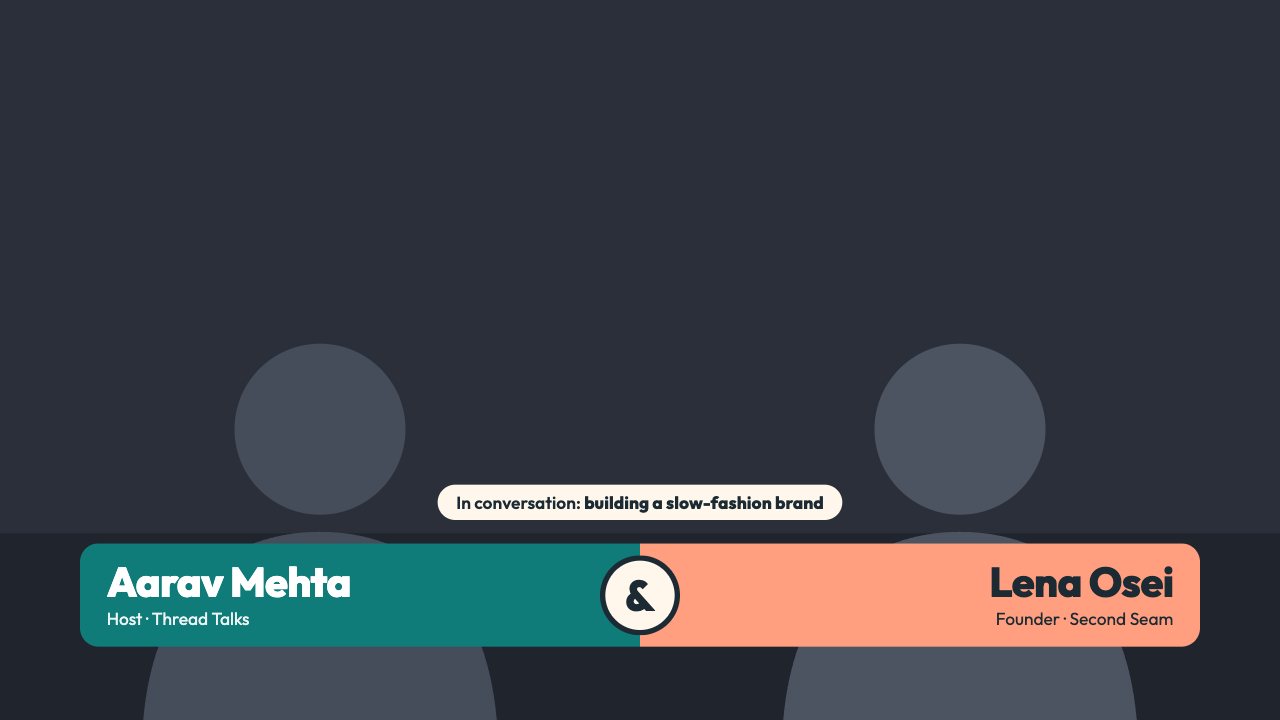
Nightglass is a complete video podcast layout in frosted glass: a show bar with a REC timer, two camera slots with name cards, a topic panel and a viewer question.
Move through segments and update the topic from the remote.
Change the topic, guest names and viewer question from the remote, and track segments and recording time live.
What you can customise
Text & content
- Show name
- Episode
- Live label
- Clock time zone
- Host name
- Host role
- Guest name
- Guest role
- Topic label
- Topic
- Current segment
- Segments
- Show chat question
- Question label
- Question
- Asked by
- Footer
Colours & fonts
- Accent
- Show channel tag
- Channel tag
Live controls on your phone
Every button works from the studio, the phone remote or a producer link — and every screen updates together.
- Show
- Hide
- Next segment
- Previous segment
- Start REC timer
- Pause REC timer
- Reset REC timer