Skip to content
CrispOverlays
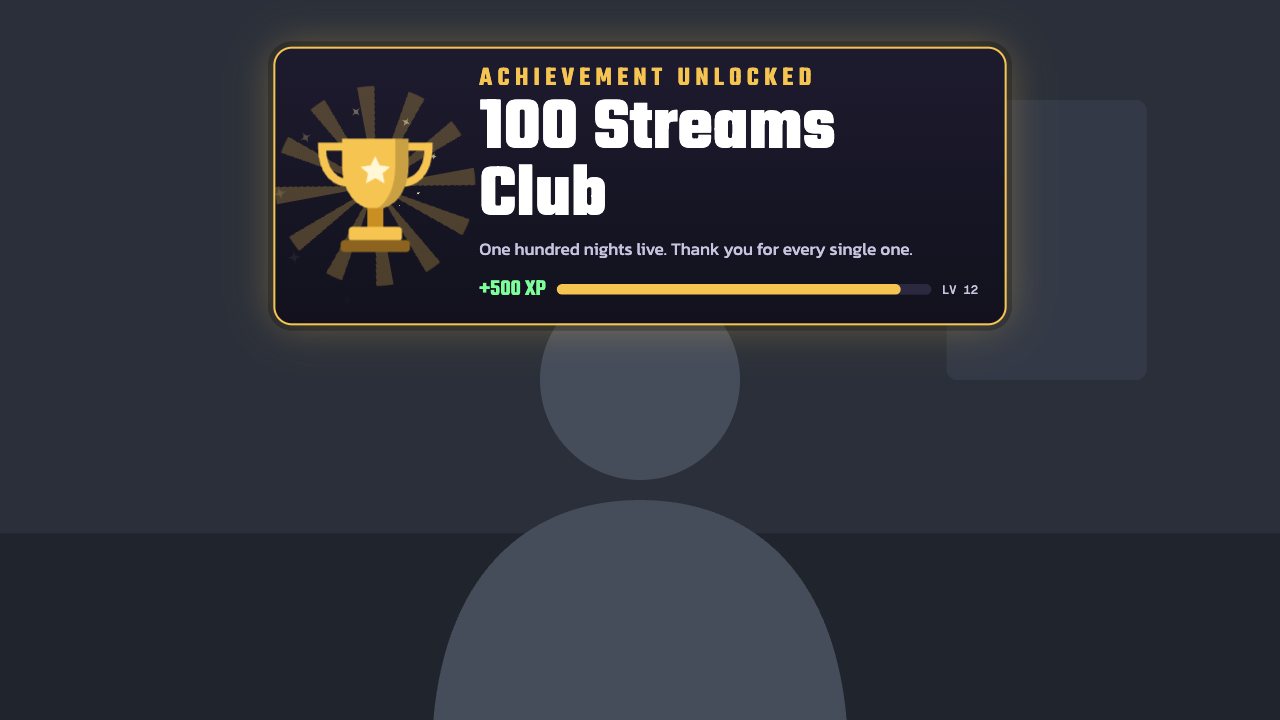
Trophy celebration overlay for OBS and Streamlabs — Achievement unlocked · Trophy
Celebration · Trophy

Trophy celebration overlay for OBS & Streamlabs

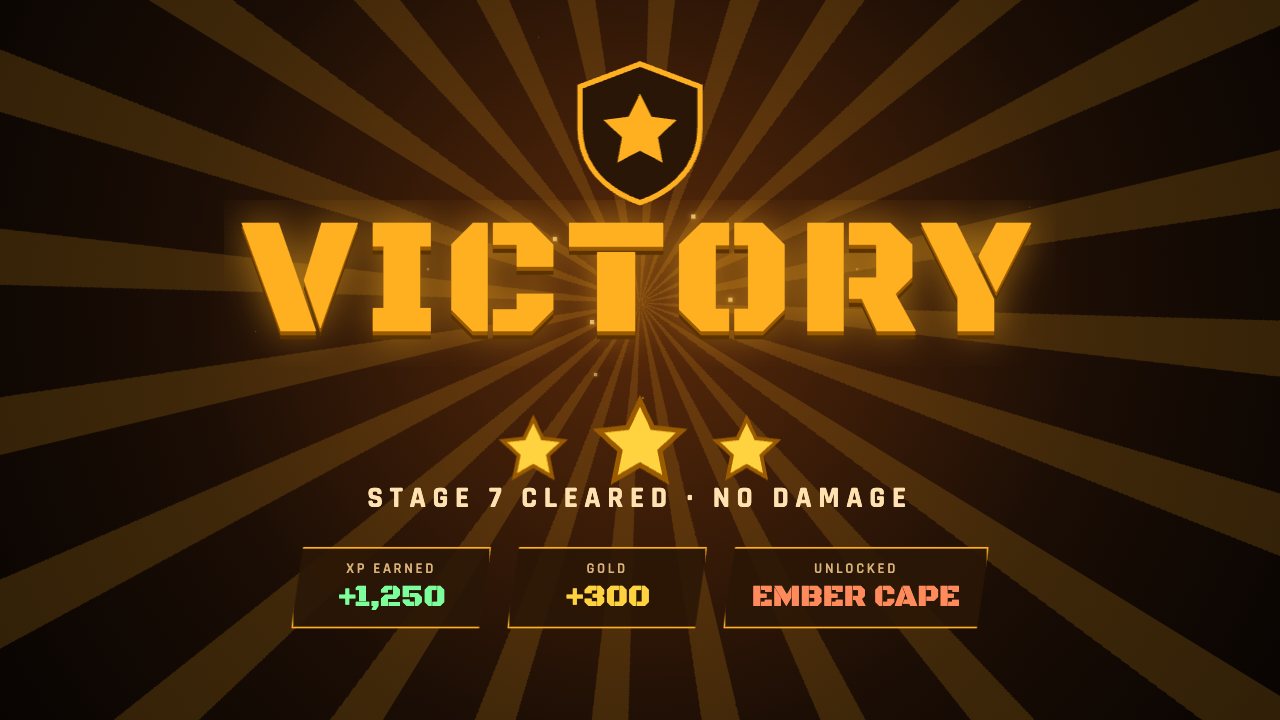
A game-style “achievement unlocked” toast with a shining trophy, XP reward and level bar. Fire it from your phone for any stream milestone.

Included in Creator and up

Editable settings
10
Live controls
3
Resolution
1080p & 4K
Background
Transparent

About this celebration

Turn every milestone into an achievement. A trophy drops in with spinning rays, your achievement name lands in huge type, and an XP bar fills underneath.

Type the achievement on the remote — “100 Streams Club”, “First raid”, “Boss beaten” — and press Unlock. It plays once, then gets out of the way.

Each one sits hidden on stream until you press Celebrate on your phone — type a name or a number and it plays once, then gets out of the way. Or keep a scene like Birthday or Fireworks on screen all night.

What you can customise

Text & content

  • Label
  • Achievement
  • Message
  • Reward
  • Level progress
  • Level

Colours & fonts

  • Accent
  • Reward colour

Behaviour

  • On stream
  • Play for

Live controls on your phone

Every button works from the studio, the phone remote or a producer link — and every screen updates together.

  • Show
  • Hide
  • Unlock achievement

Trophy celebration: questions

How do I add the Trophy celebration to OBS?

Click “Use this overlay” and sign in — it’s added to your first stream. Copy your stream’s browser source URL. In OBS Studio or Streamlabs, add a Browser source, paste the URL and set 1920 × 1080. Edit the overlay in CrispOverlays or on your phone — changes appear live.

Can I change the Trophy celebration while I’m live?

Yes. All 10 settings — label, achievement, message, reward and more — update on stream the moment you change them, from your computer or phone.

Is the Trophy celebration free?

It’s included in creator and up. You can preview it free and upgrade from $2.99/month.

Can it use my brand colours?

Yes. Switch it to “My brand” and its 1 brand colour follow your brand kit. Switch back any time to the original colours.

Will a celebration stay on my stream?

No — by default it plays only when you press Celebrate and hides itself after the time you choose. Switch it to Always on screen to use it as a scene.

Can I put a viewer’s name in it?

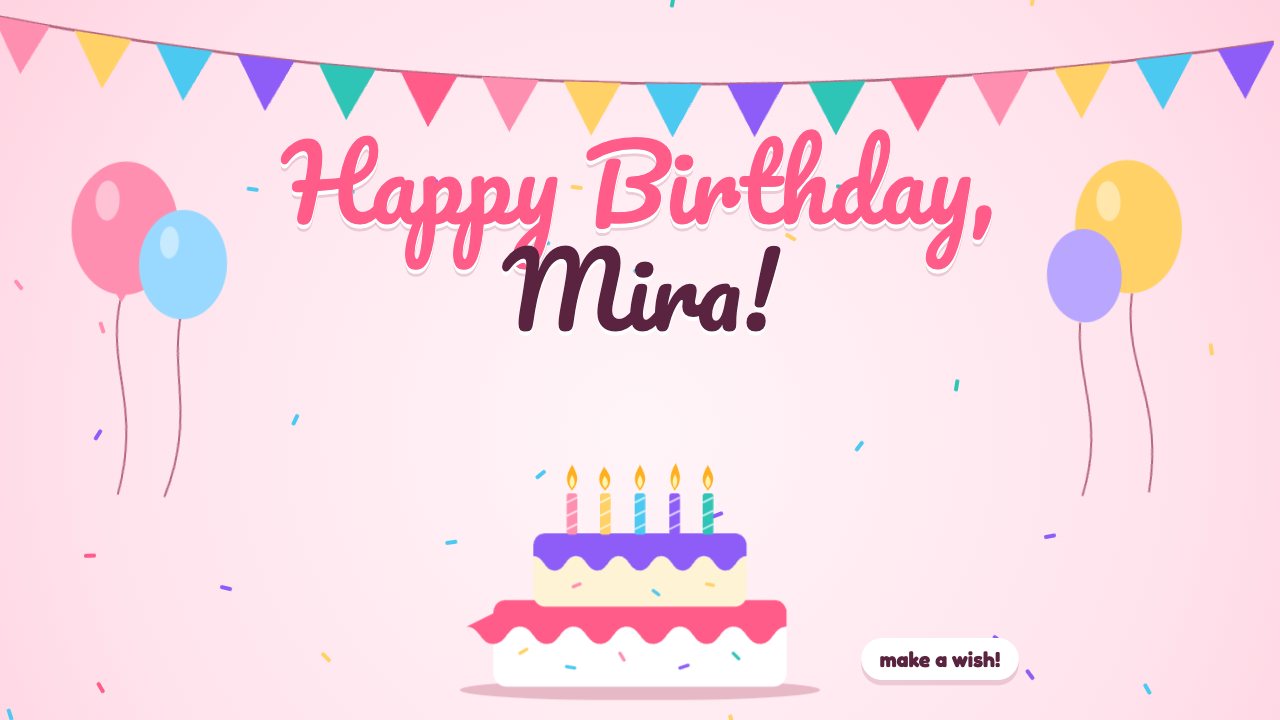
Yes. When you press Celebrate on the remote you can type a name, number or message just for that moment.

Put the Trophy celebration on your stream

Free plan · No download · Works in any app with a browser source.

Create your first overlay — free