Skip to content
CrispOverlays
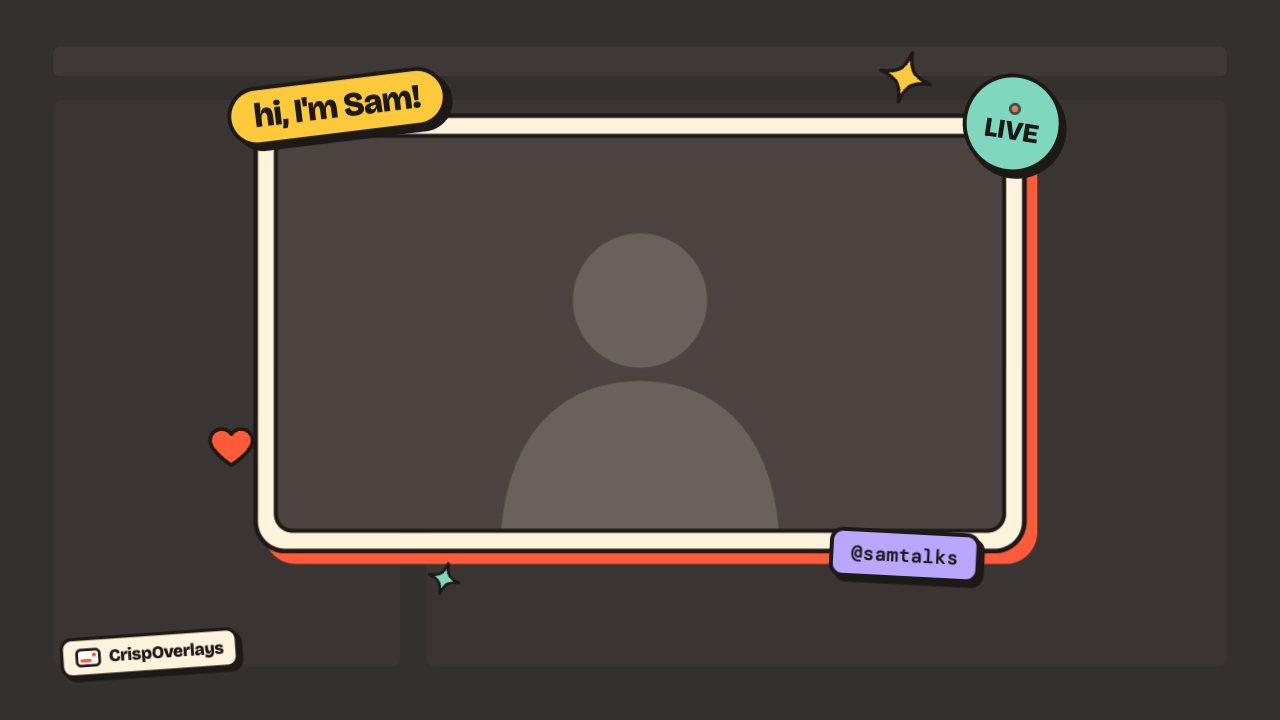
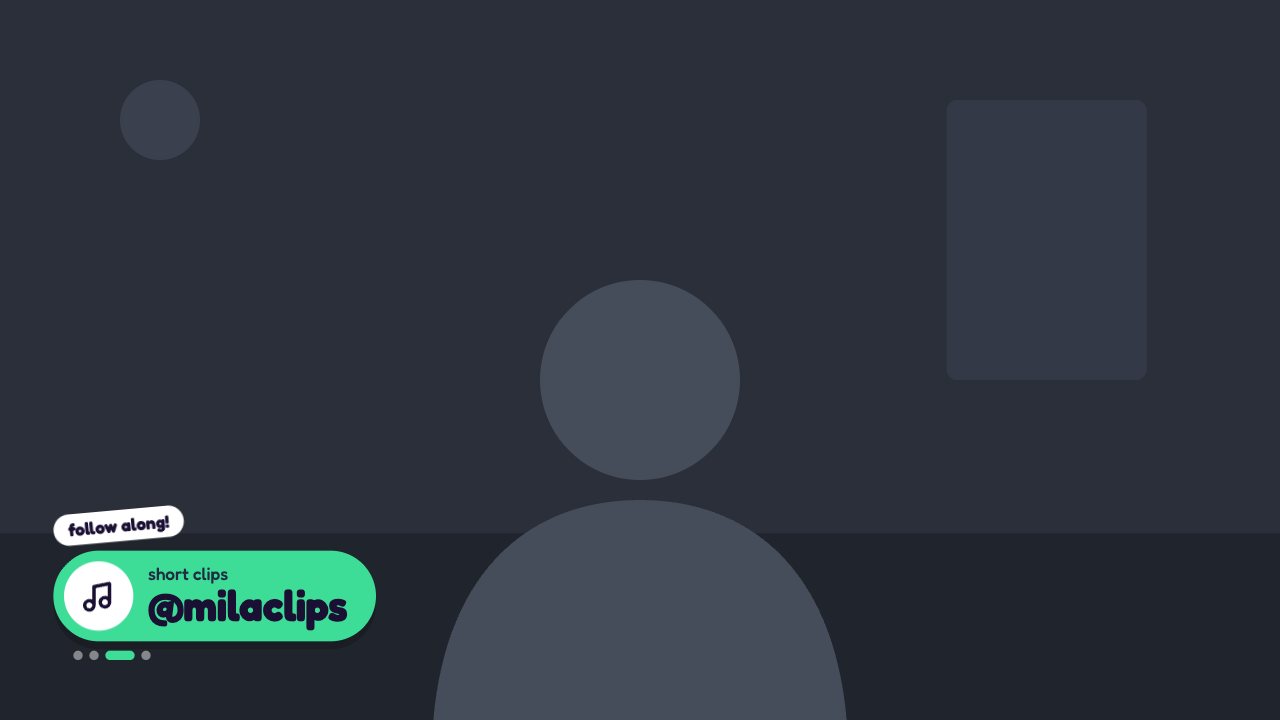
Candy Pop social handle rotator overlay for OBS and Streamlabs — Social looper · Candy Pop
Social handle rotator · Candy Pop

Candy Pop social overlay overlay for OBS & Streamlabs

A bouncy candy-coloured pill that cycles through your social handles automatically.

Free on every plan

Editable settings
3
Live controls
2
Resolution
1080p & 4K
Background
Transparent

About this social overlay

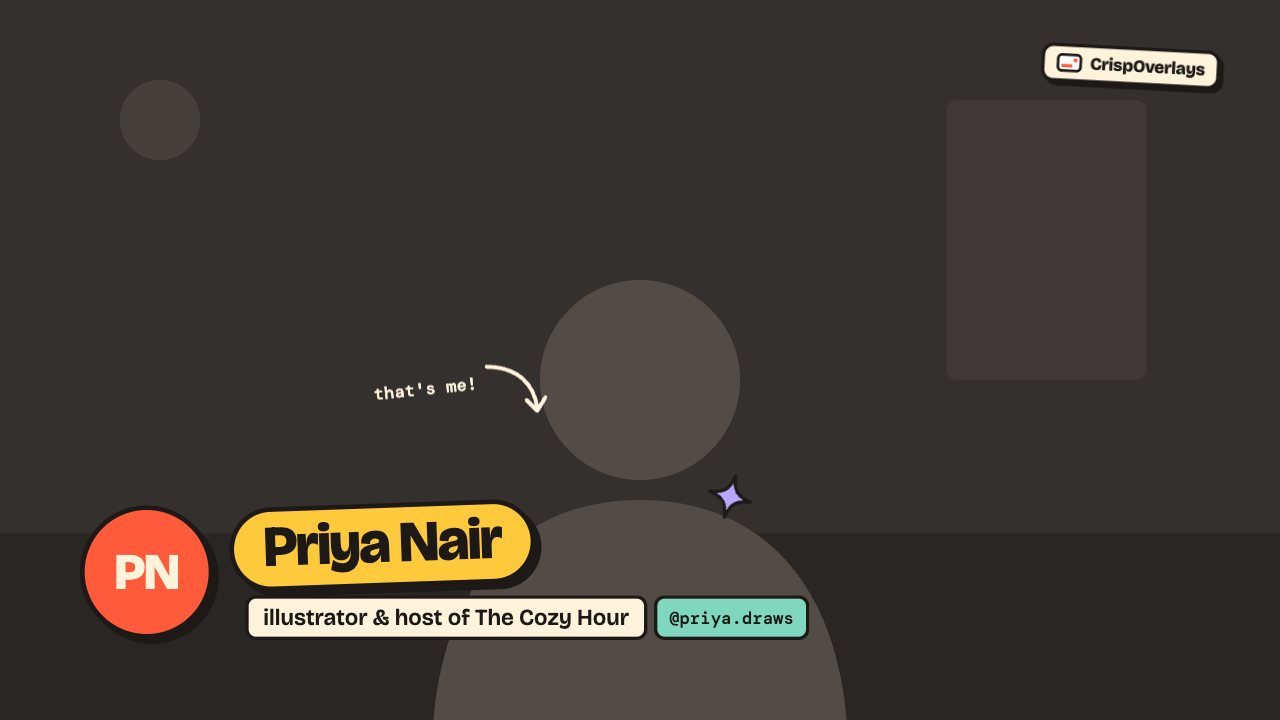
Candy Pop rotates through your YouTube, Instagram, TikTok, Discord and other handles in a bright pill with a matching icon.

Choose colours per platform and how often it switches.

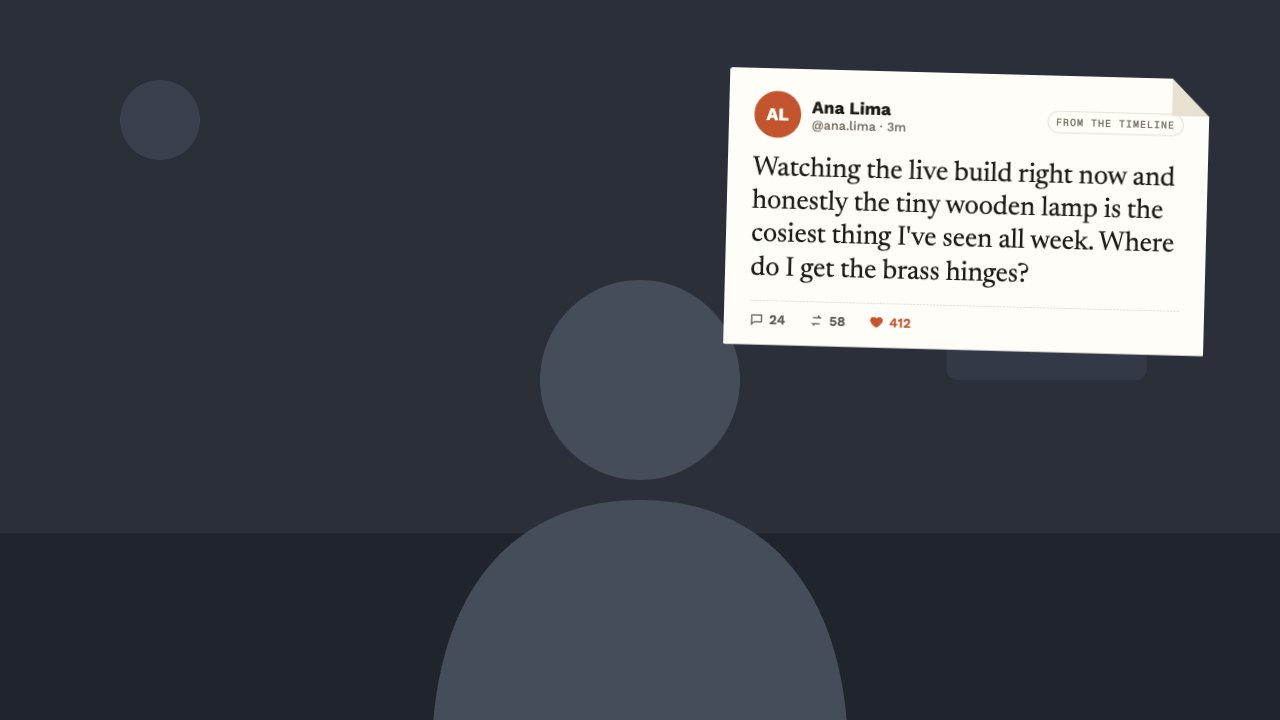
Rotate your handles on a timer or pop up a featured post with likes and replies.

What you can customise

Text & content

  • Prompt
  • Handles

Motion

  • Switch every

Candy Pop social overlay: questions

How do I add the Candy Pop social overlay to OBS?

Click “Use this overlay” and sign in — it’s added to your first stream. Copy your stream’s browser source URL. In OBS Studio or Streamlabs, add a Browser source, paste the URL and set 1920 × 1080. Edit the overlay in CrispOverlays or on your phone — changes appear live.

Can I change the Candy Pop social overlay while I’m live?

Yes. All 3 settings — prompt, handles and more — update on stream the moment you change them, from your computer or phone.

Is the Candy Pop social overlay free?

Yes — it’s included on the Free plan, with a small CrispOverlays watermark. Paid plans remove the watermark and unlock colours and fonts.

Put the Candy Pop social overlay on your stream

Free plan · No download · Works in any app with a browser source.

Create your first overlay — free