Skip to content
CrispOverlays
Hyperlegible captions overlay for OBS and Streamlabs — Captions · Hyperlegible
Captions · Hyperlegible

Hyperlegible captions overlay overlay for OBS & Streamlabs

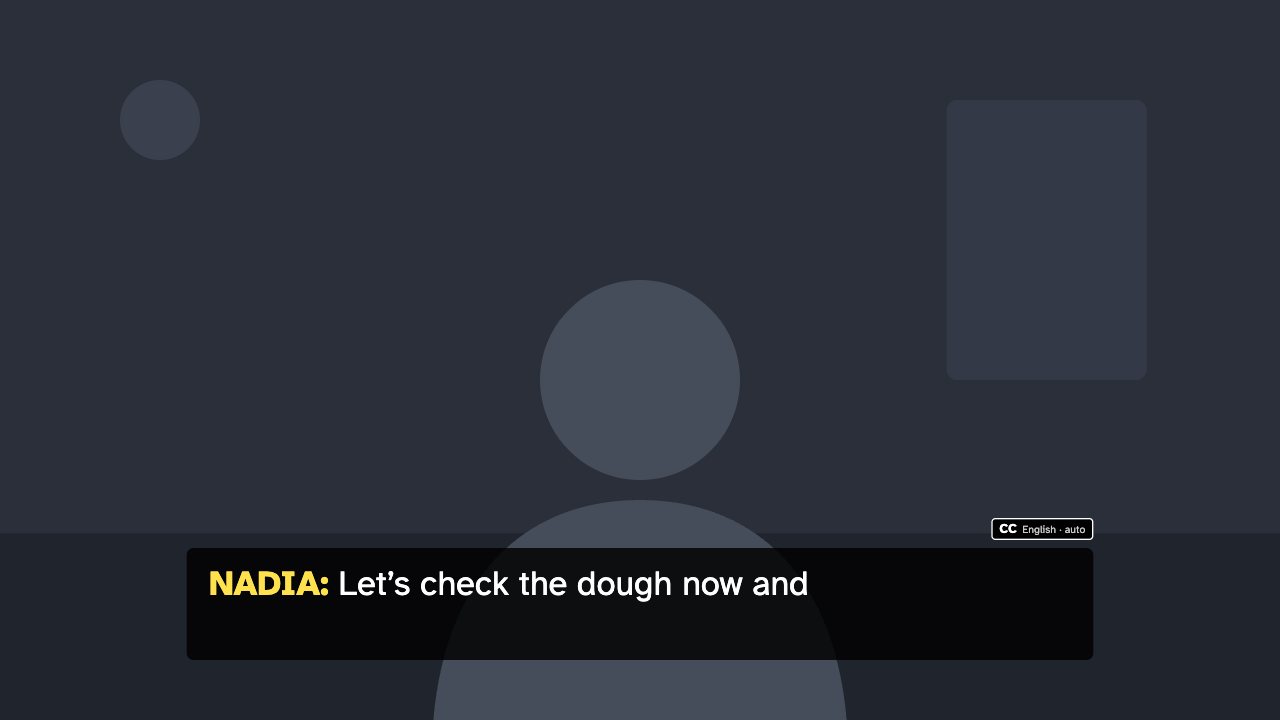
High-contrast live captions in Atkinson Hyperlegible with speaker names and a CC badge. Type captions from the remote as you speak.

Included in Creator and up

Editable settings
8
Live controls
4
Resolution
1080p & 4K
Background
Transparent

About this captions overlay

Hyperlegible uses a typeface designed for low-vision readers, with a dark box, large text and coloured speaker names.

Send each line from the remote and it reveals word by word, then clears itself after a few seconds.

Send captions from the remote and they reveal word by word in a large, readable box.

What you can customise

Colours & fonts

  • Show CC badge
  • Speaker colour
  • Text size

Text & content

  • Badge
  • Language note

Motion

  • Reveal speed

Behaviour

  • Clear after
  • Preview lines

Live controls on your phone

Every button works from the studio, the phone remote or a producer link — and every screen updates together.

  • Show
  • Hide
  • Send caption
  • Clear

Hyperlegible captions overlay: questions

How do I add the Hyperlegible captions overlay to OBS?

Click “Use this overlay” and sign in — it’s added to your first stream. Copy your stream’s browser source URL. In OBS Studio or Streamlabs, add a Browser source, paste the URL and set 1920 × 1080. Edit the overlay in CrispOverlays or on your phone — changes appear live.

Can I change the Hyperlegible captions overlay while I’m live?

Yes. All 8 settings — badge, language note and more — update on stream the moment you change them, from your computer or phone.

Is the Hyperlegible captions overlay free?

It’s included in creator and up. You can preview it free and upgrade from $2.99/month.

Can it use my brand colours?

Yes. Switch it to “My brand” and its 1 brand colour follow your brand kit. Switch back any time to the original colours.

Put the Hyperlegible captions overlay on your stream

Free plan · No download · Works in any app with a browser source.

Create your first overlay — free