Sponsor slot · Code strip
Code strip sponsor slideshow overlay for OBS & Streamlabs
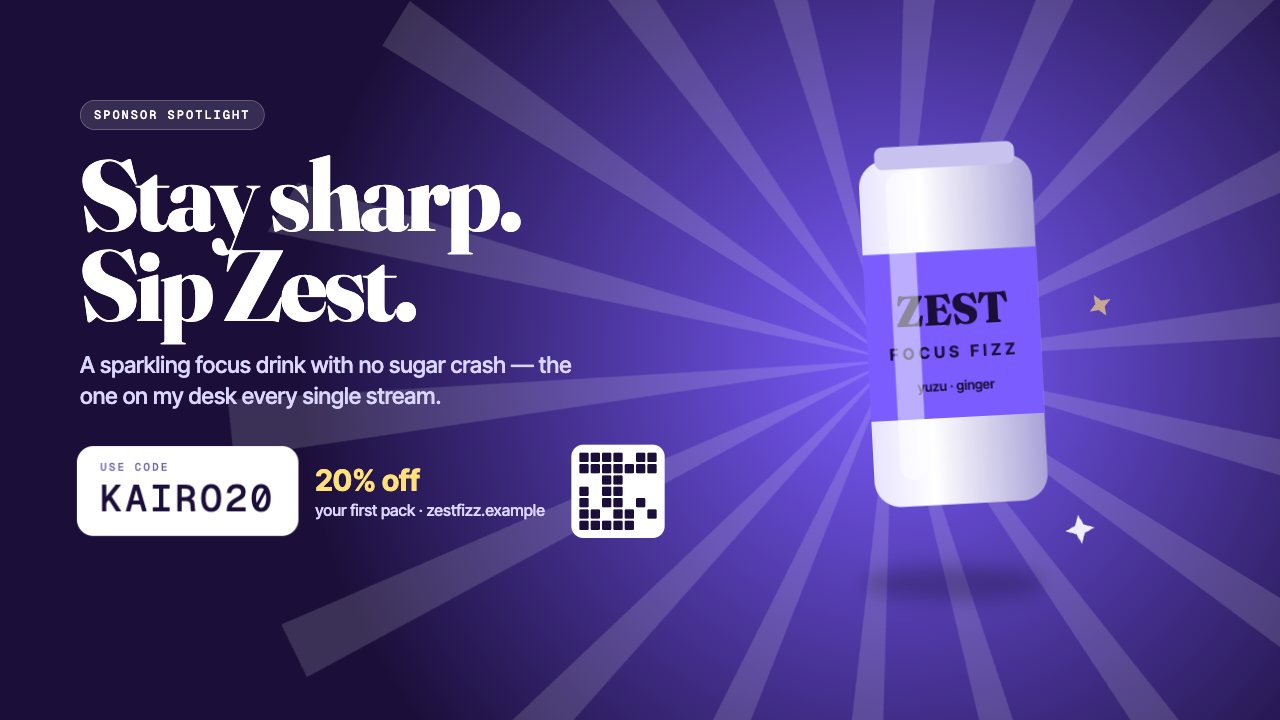
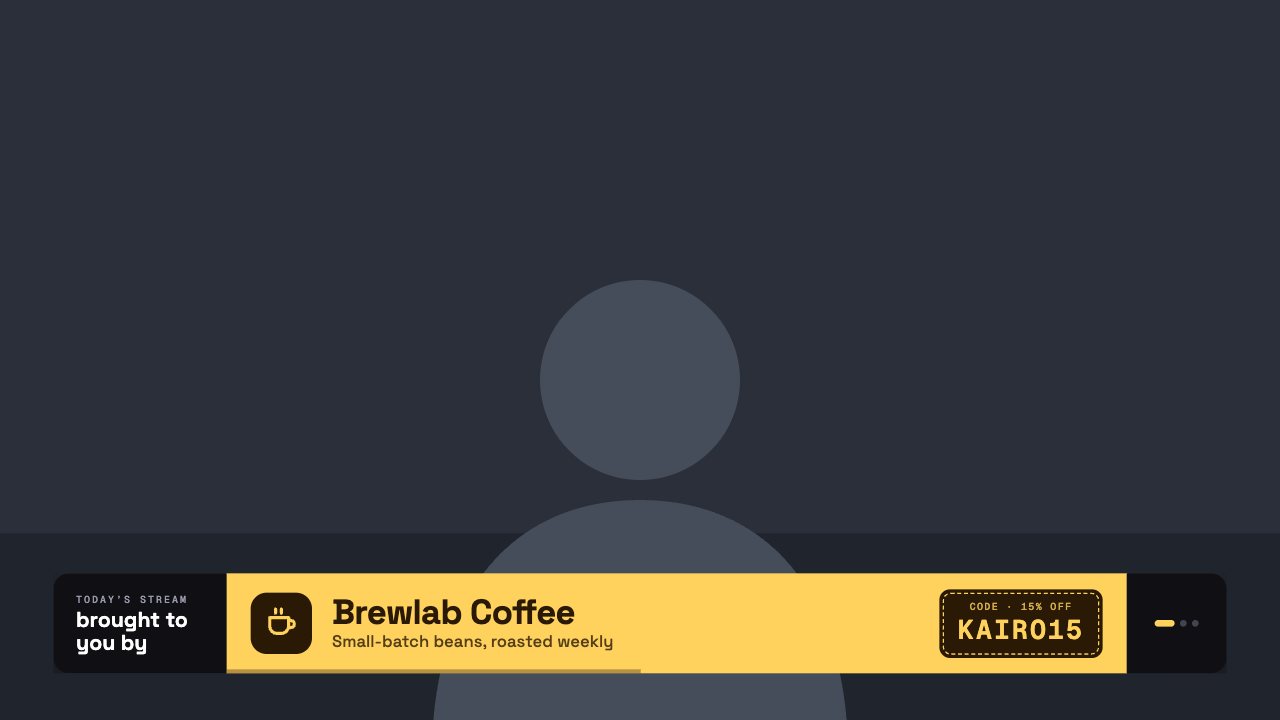
A bottom sponsor strip that rotates through partners, each with its own colours, icon or logo, tagline and a coupon-style discount code.
Included in Creator and up
- Editable settings
- 5
- Live controls
- 4
- Resolution
- 1080p & 4K
- Background
- Transparent
About this sponsor slideshow
Sponsor Strip gives every brand deal its moment: partners rotate along the bottom with their colours, logo, tagline and discount code.
Add as many sponsors as you like, set how long each one shows, or hold one on screen from your phone.
Upload logos, set how long each shows and skip to the next sponsor from the remote.
What you can customise
Text & content
- Small label
- Label
- Sponsors
Behaviour
- Rotate sponsors
- Each sponsor for
Live controls on your phone
Every button works from the studio, the phone remote or a producer link — and every screen updates together.
- Show
- Hide
- Next sponsor
- Rotate automatically