Skip to content
CrispOverlays
Product spotlight sponsor slot overlay for OBS and Streamlabs — Sponsor spotlight · Product
Sponsor slot · Product spotlight

Product spotlight sponsor slideshow overlay for OBS & Streamlabs

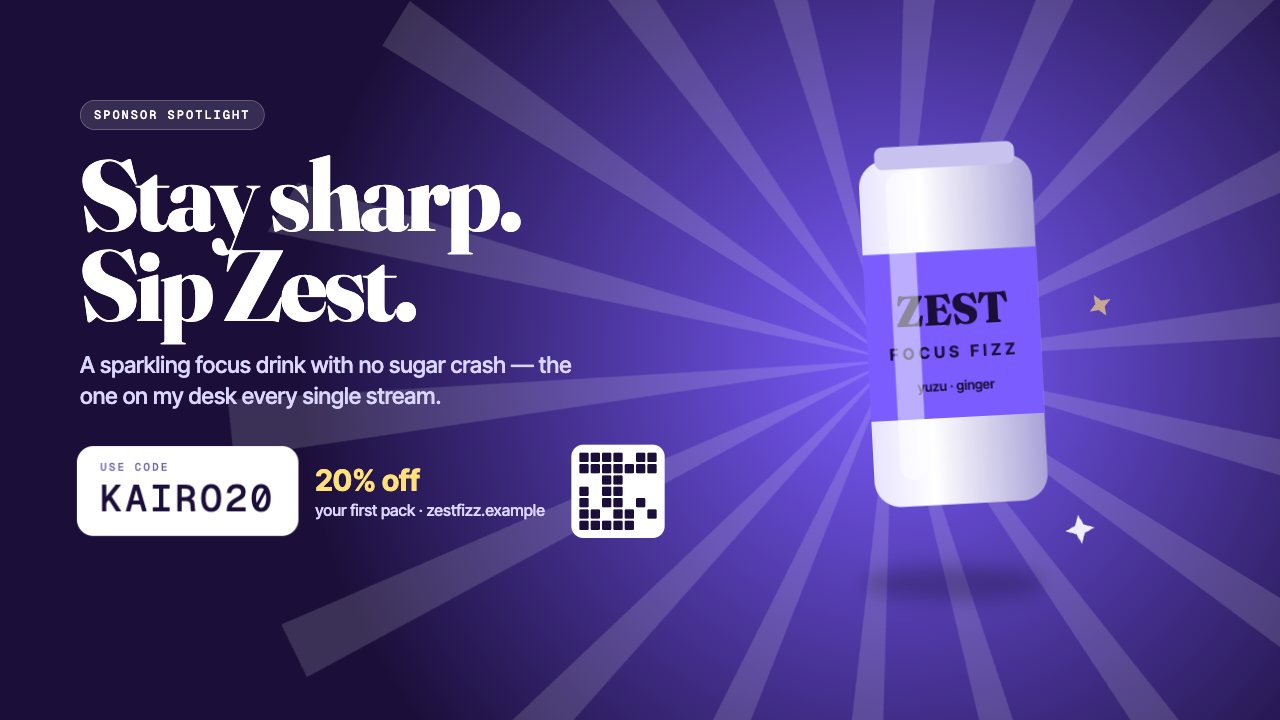
A full-screen sponsor read with a floating product, a bold headline, your pitch, a discount code, an offer and an optional QR code.

Included in Studio

Editable settings
16
Live controls
3
Resolution
1080p & 4K
Background
Transparent

About this sponsor slideshow

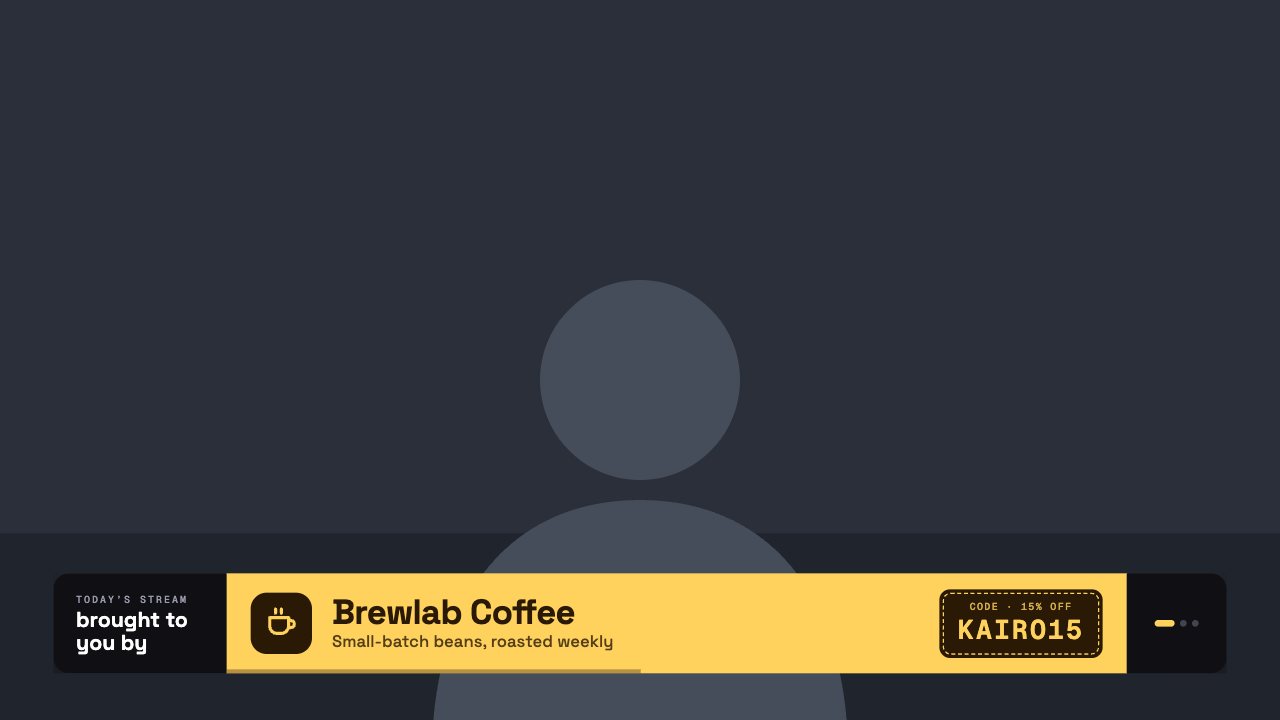
Sponsor Spotlight is built for ad reads: the product floats with sparkles beside a big headline, your pitch, the code and the offer.

Upload the product image and a QR code for the link, and play it as a full-screen moment during your read.

Upload logos, set how long each shows and skip to the next sponsor from the remote.

What you can customise

Text & content

  • Badge
  • Headline line 1
  • Headline line 2
  • Pitch
  • Code
  • Code label
  • Offer
  • Offer detail
  • Product image
  • Can label
  • Can line
  • Can flavour
  • QR code

Colours & fonts

  • Accent

Behaviour

  • On stream
  • Play for

Live controls on your phone

Every button works from the studio, the phone remote or a producer link — and every screen updates together.

  • Show
  • Hide
  • Play spotlight

Product spotlight sponsor slideshow: questions

How do I add the Product spotlight sponsor slideshow to OBS?

Click “Use this overlay” and sign in — it’s added to your first stream. Copy your stream’s browser source URL. In OBS Studio or Streamlabs, add a Browser source, paste the URL and set 1920 × 1080. Edit the overlay in CrispOverlays or on your phone — changes appear live.

Can I change the Product spotlight sponsor slideshow while I’m live?

Yes. All 16 settings — badge, headline line 1, headline line 2, pitch and more — update on stream the moment you change them, from your computer or phone.

Is the Product spotlight sponsor slideshow free?

It’s included in studio. You can preview it free and upgrade from $2.99/month.

Can it use my brand colours?

Yes. Switch it to “My brand” and its 1 brand colour follow your brand kit. Switch back any time to the original colours.

Put the Product spotlight sponsor slideshow on your stream

Free plan · No download · Works in any app with a browser source.

Create your first overlay — free