Holiday · Diwali
Diwali holiday overlay overlay for OBS & Streamlabs
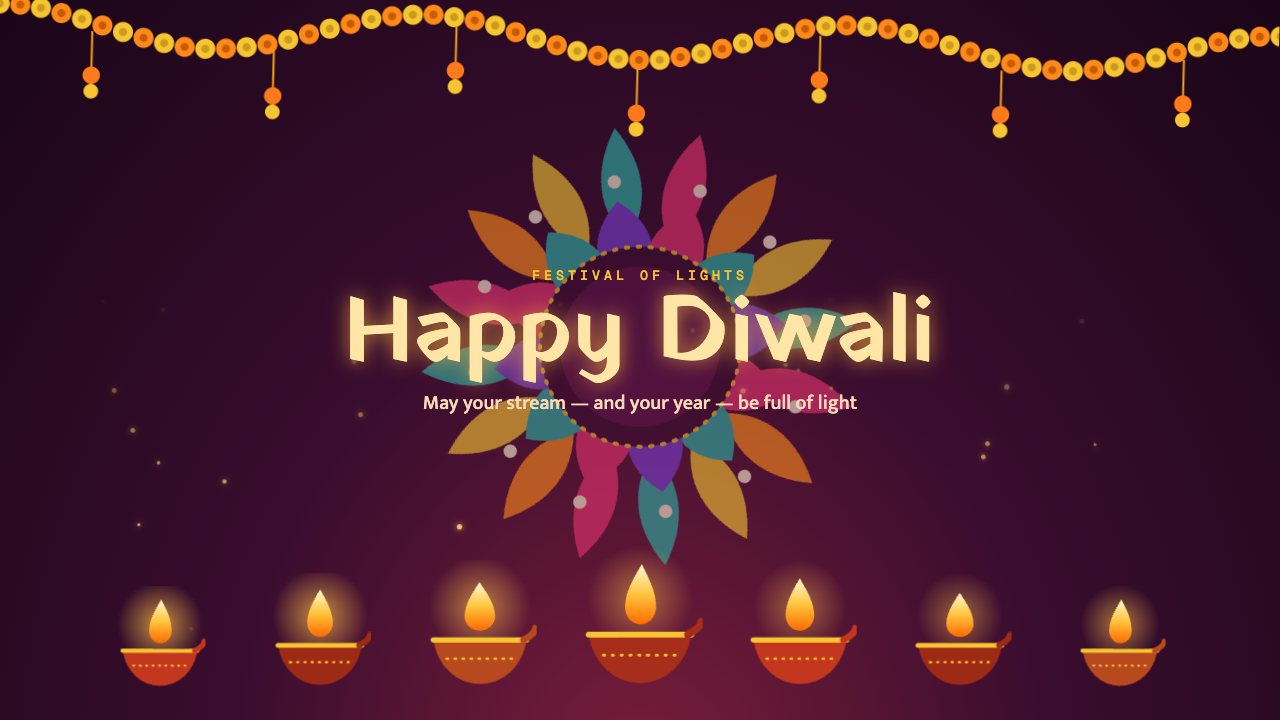
A warm Diwali scene with a marigold garland, a turning rangoli, rising sparks and a row of flickering diyas under a glowing greeting.
Free on every plan
- Editable settings
- 7
- Live controls
- 3
- Resolution
- 1080p & 4K
- Background
- Transparent
About this holiday overlay
Happy Diwali fills the screen with light: a marigold garland, a slowly turning rangoli and diyas whose flames flicker along the bottom.
Change the greeting and message, toggle the rangoli and sparks, and play it as your Diwali scene.
Change the greeting and message from your phone, keep them on as a scene or play them as a short moment.
What you can customise
Text & content
- Top line
- Greeting
- Message
Layout
- Rangoli
Motion
- Rising sparks
Behaviour
- On stream
- Play for
Live controls on your phone
Every button works from the studio, the phone remote or a producer link — and every screen updates together.
- Show
- Hide
- Play greeting