Skip to content
CrispOverlays
Fireworks celebration overlay for OBS and Streamlabs — Fireworks · New Year
Celebration · Fireworks

Fireworks celebration overlay for OBS & Streamlabs

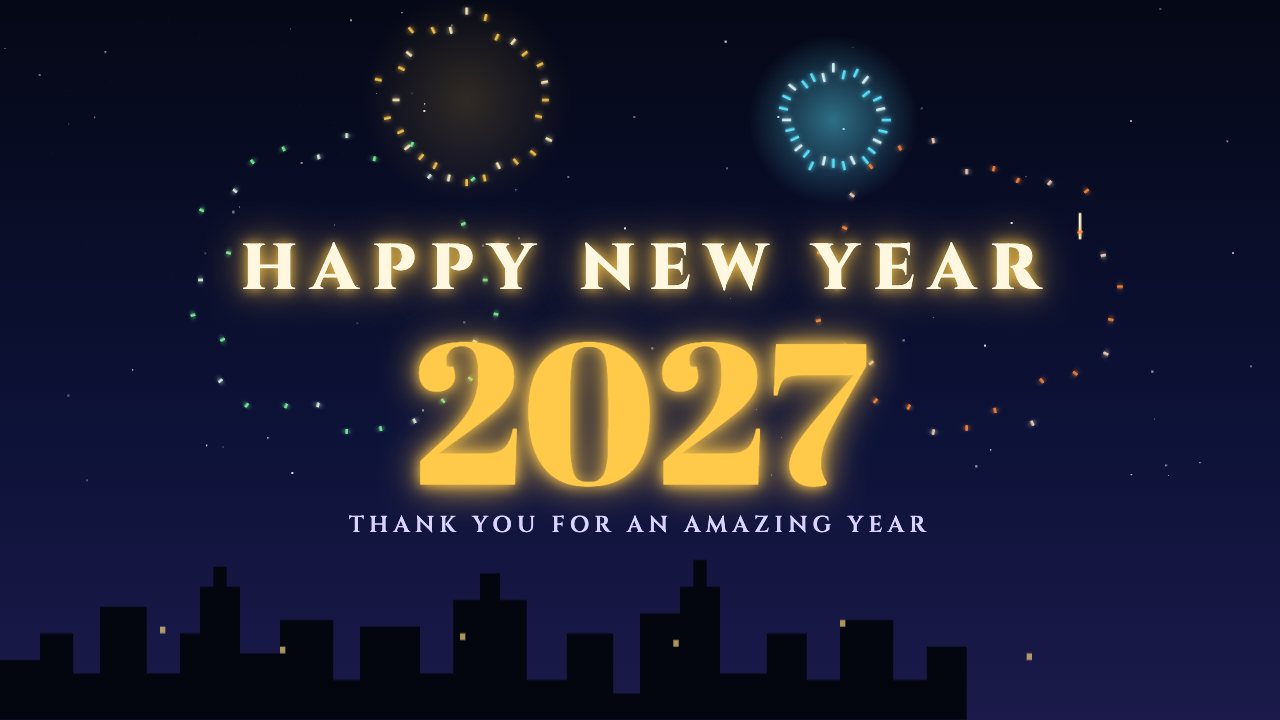
Rockets burst over a city skyline under a glowing “Happy New Year”. Change the year and message for your countdown party stream.

Free on every plan

Editable settings
6
Live controls
3
Resolution
1080p & 4K
Background
Transparent

About this celebration

Fireworks is a full-screen New Year scene: rockets rise and burst in six colours over a twinkling skyline, with your year in huge glowing type.

Set the year and your thank-you line, then keep it on through midnight or play it as the clock strikes.

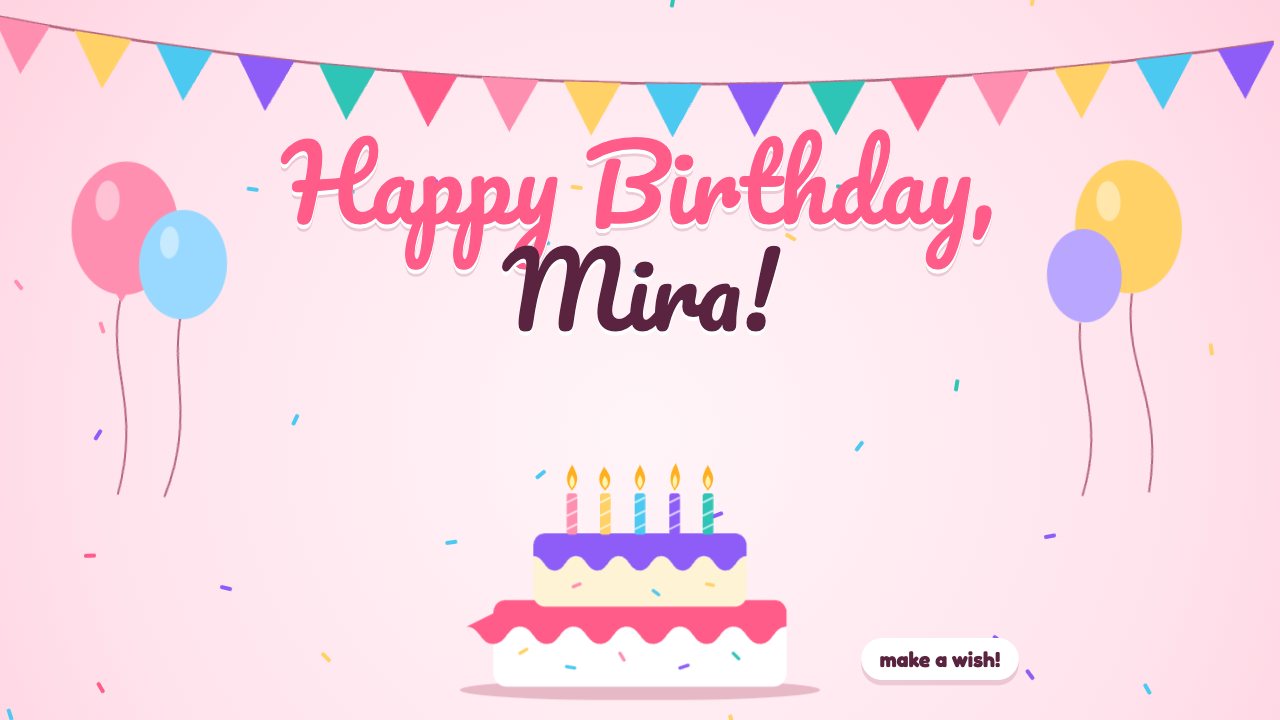
Each one sits hidden on stream until you press Celebrate on your phone — type a name or a number and it plays once, then gets out of the way. Or keep a scene like Birthday or Fireworks on screen all night.

What you can customise

Text & content

  • Top line
  • Big text
  • Line below

Colours & fonts

  • Accent

Behaviour

  • On stream
  • Play for

Live controls on your phone

Every button works from the studio, the phone remote or a producer link — and every screen updates together.

  • Show
  • Hide
  • Launch fireworks

Fireworks celebration: questions

How do I add the Fireworks celebration to OBS?

Click “Use this overlay” and sign in — it’s added to your first stream. Copy your stream’s browser source URL. In OBS Studio or Streamlabs, add a Browser source, paste the URL and set 1920 × 1080. Edit the overlay in CrispOverlays or on your phone — changes appear live.

Can I change the Fireworks celebration while I’m live?

Yes. All 6 settings — top line, big text, line below and more — update on stream the moment you change them, from your computer or phone.

Is the Fireworks celebration free?

Yes — it’s included on the Free plan, with a small CrispOverlays watermark. Paid plans remove the watermark and unlock colours and fonts.

Can it use my brand colours?

Yes. Switch it to “My brand” and its 1 brand colour follow your brand kit. Switch back any time to the original colours.

Will a celebration stay on my stream?

No — by default it plays only when you press Celebrate and hides itself after the time you choose. Switch it to Always on screen to use it as a scene.

Can I put a viewer’s name in it?

Yes. When you press Celebrate on the remote you can type a name, number or message just for that moment.

Put the Fireworks celebration on your stream

Free plan · No download · Works in any app with a browser source.

Create your first overlay — free