Skip to content
CrispOverlays
Bubbles chat box overlay for OBS and Streamlabs — Chat box · Bubbles
Chat box · Bubbles

Bubbles chat box overlay for OBS & Streamlabs

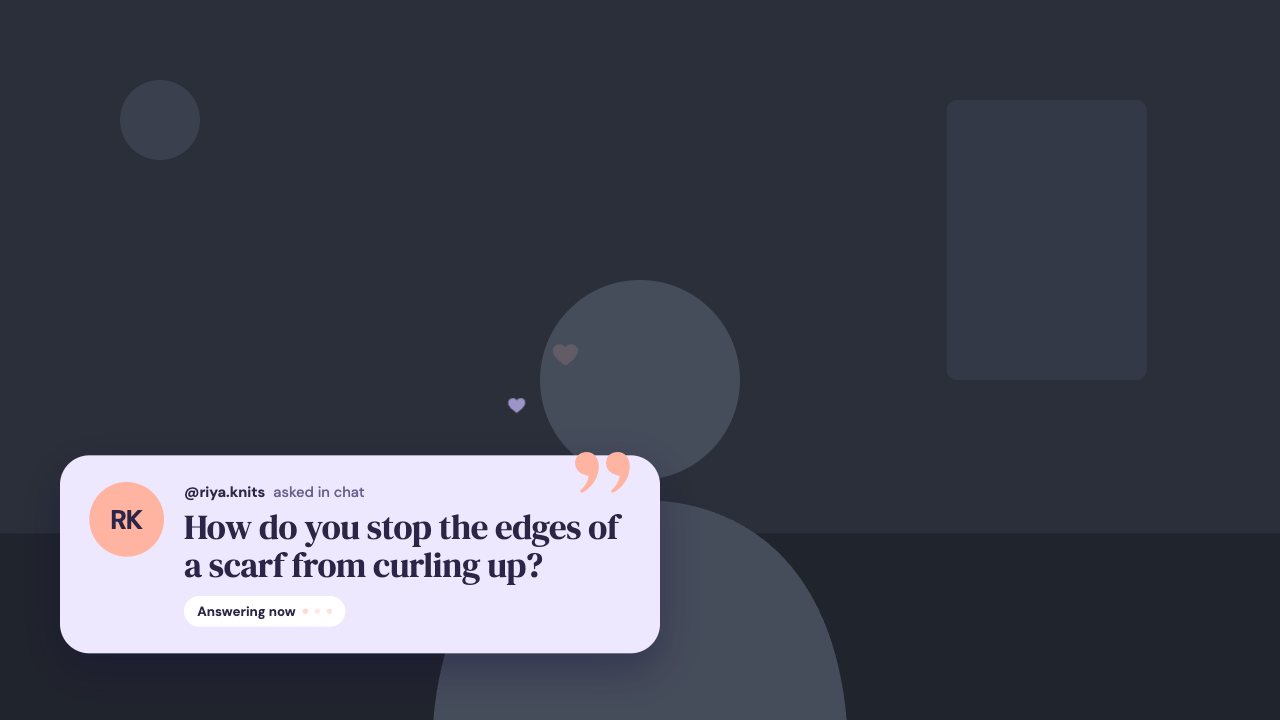
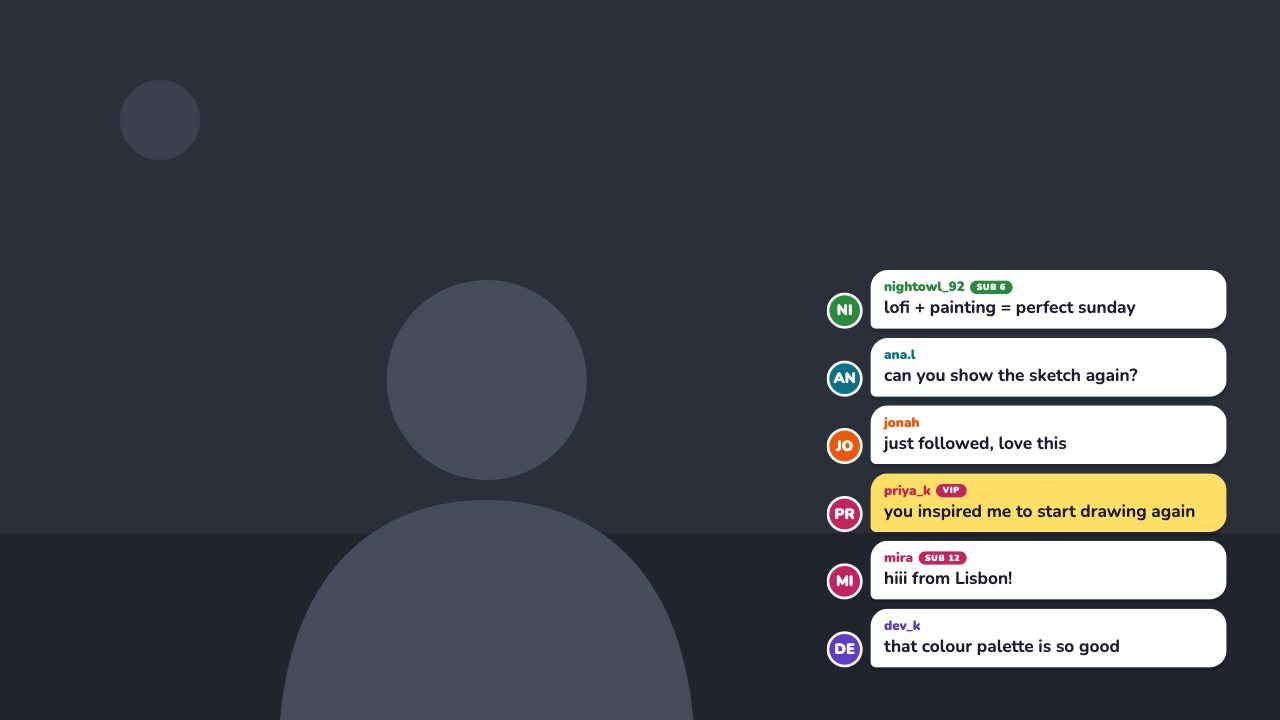
A bubbly chat stack with avatars, role badges and highlighted messages. Post and pin messages from the remote.

Included in Creator and up

Editable settings
5
Live controls
4
Resolution
1080p & 4K
Background
Transparent

About this chat box

Bubbles shows messages as rounded chat bubbles with coloured avatars and SUB, MOD and VIP badges.

Highlight a message to make it pop in your accent colour.

Post and highlight messages from the remote. Platform chat connections are coming soon.

What you can customise

Colours & fonts

  • Messages shown
  • Highlight colour
  • Bubble colour

Behaviour

  • Show sample messages on stream

Text & content

  • Sample messages

Live controls on your phone

Every button works from the studio, the phone remote or a producer link — and every screen updates together.

  • Show
  • Hide
  • Post message
  • Clear chat

Bubbles chat box: questions

How do I add the Bubbles chat box to OBS?

Click “Use this overlay” and sign in — it’s added to your first stream. Copy your stream’s browser source URL. In OBS Studio or Streamlabs, add a Browser source, paste the URL and set 1920 × 1080. Edit the overlay in CrispOverlays or on your phone — changes appear live.

Can I change the Bubbles chat box while I’m live?

Yes. All 5 settings — sample messages and more — update on stream the moment you change them, from your computer or phone.

Is the Bubbles chat box free?

It’s included in creator and up. You can preview it free and upgrade from $2.99/month.

Can it use my brand colours?

Yes. Switch it to “My brand” and its 2 brand colours follow your brand kit. Switch back any time to the original colours.

Does it connect to Twitch or YouTube chat?

Platform connections are on the way. Today you can post and highlight messages from the remote.

Put the Bubbles chat box on your stream

Free plan · No download · Works in any app with a browser source.

Create your first overlay — free