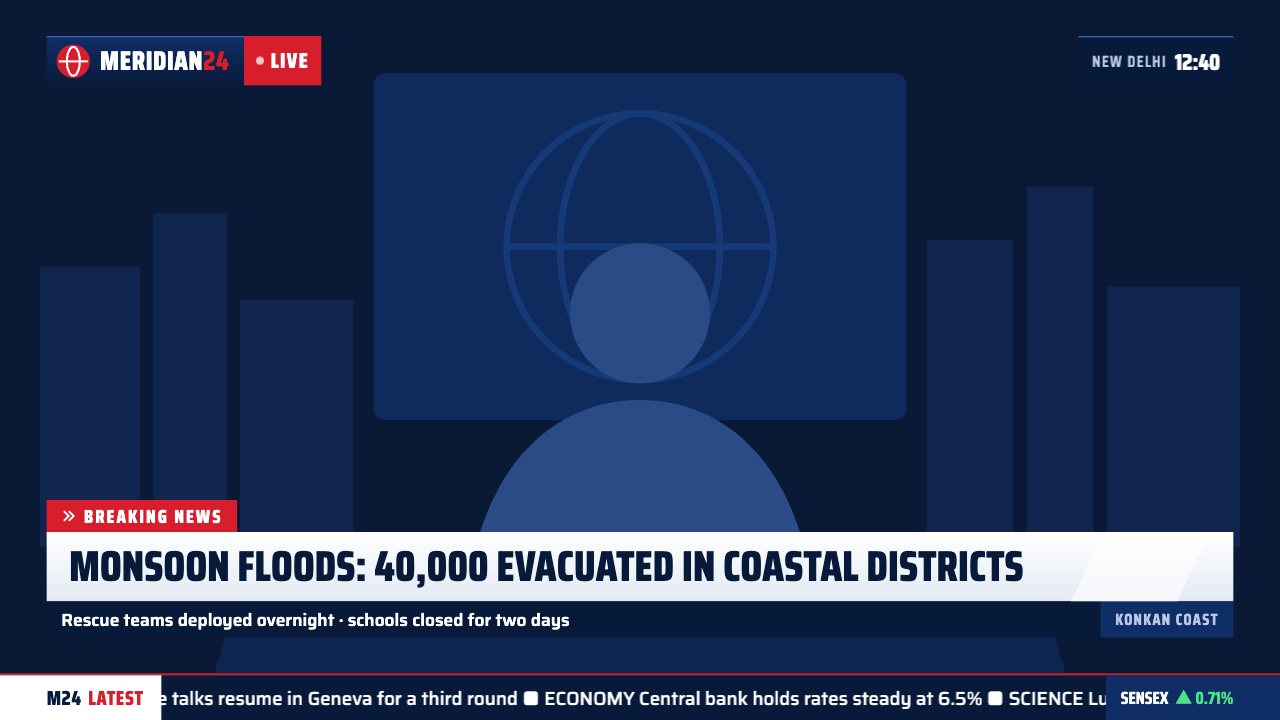
News package · On-air
On-air news graphic overlay for OBS & Streamlabs
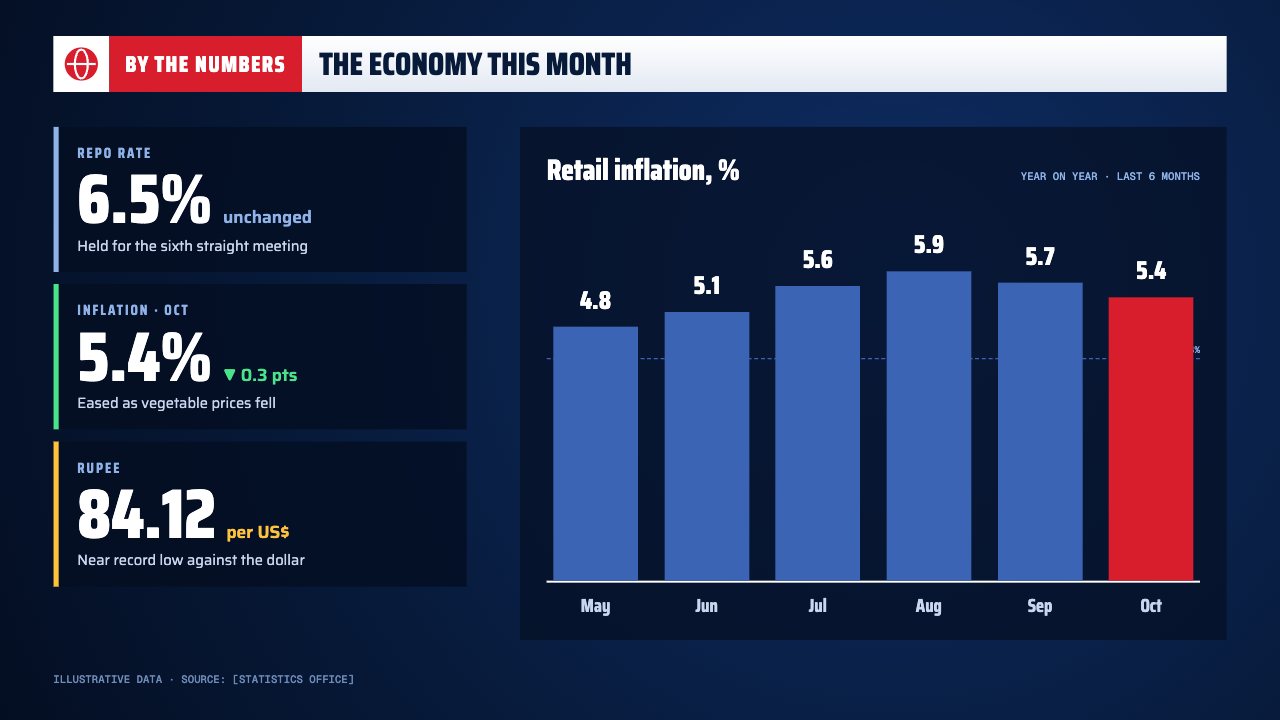
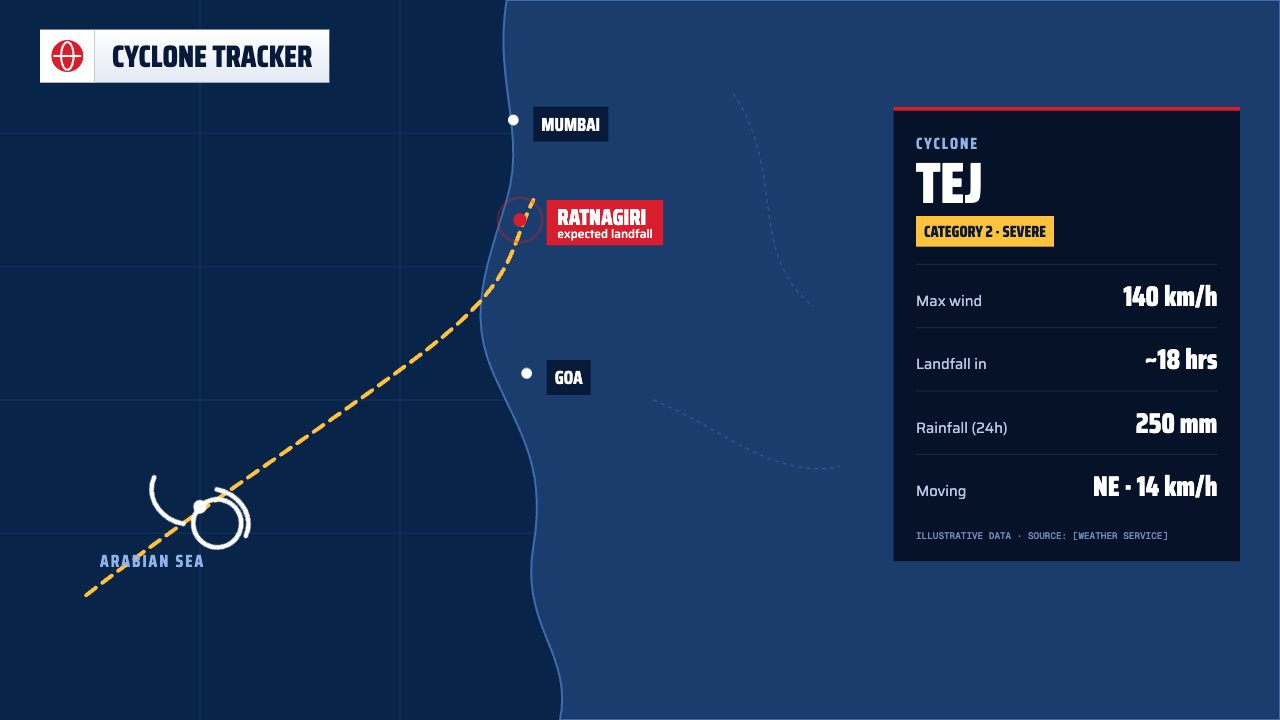
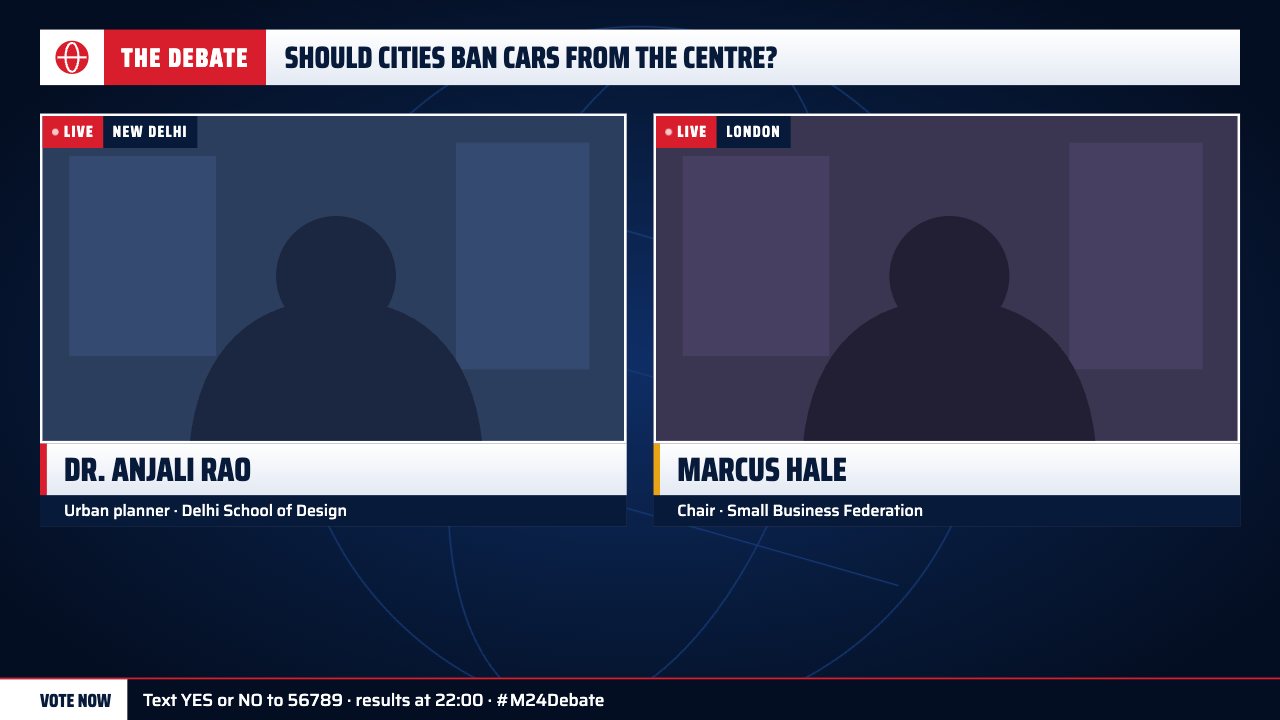
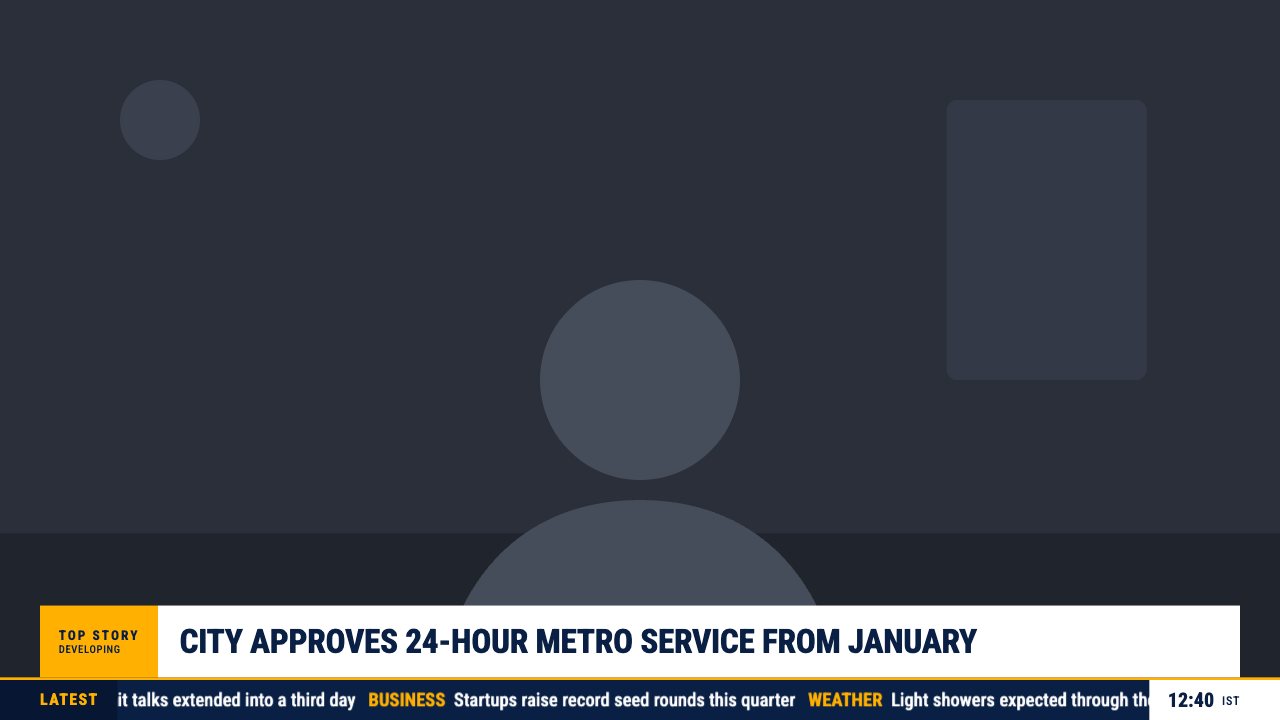
A complete TV news package: network bug with LIVE tag, rotating world clocks, a breaking lower third, location strap, crawling ticker and a market box.
Included in Studio
- Editable settings
- 21
- Live controls
- 5
- Resolution
- 1080p & 4K
- Background
- Transparent
About this news graphic
On-Air is everything a news stream needs in one overlay: your network bug, a LIVE tag, world clocks that rotate through three cities, and a breaking-news lower third.
The crawling ticker, location strap and market box are all editable from your phone — add a story to the ticker mid-bulletin and it joins the crawl.
Every headline, number and name is editable from your phone while you’re live, and your network name and logo carry across the whole set.
What you can customise
Colours & fonts
- Network name
- Network number
- Network logo
- Accent
Layout
- Show LIVE tag
- Show world clocks
- Show lower third
- Show ticker
- Show market box
Text & content
- LIVE tag
- World clocks
- Tag
- Headline
- Detail line
- Location
- Ticker tag
- Ticker label
- Ticker stories
- Market
- Change
- Direction
Live controls on your phone
Every button works from the studio, the phone remote or a producer link — and every screen updates together.
- Show
- Hide
- Lower third on/off
- LIVE tag on/off
- Add ticker story